No CSV exports, no manual data entry. Every payment in Weel lands coded, reconciled, and synced to your accounting system or ERP automatically.





Connect Weel to your accounting software and every transaction lands coded, reconciled and ready, automatically.
Every approved transaction flows straight into your accounting software, with no CSV uploads or manual entry.
Weel maps your chart of accounts and tracking categories, then codes each transaction the moment it happens.
Receipts and tax invoices import with every transaction, so the source document is always one click away.
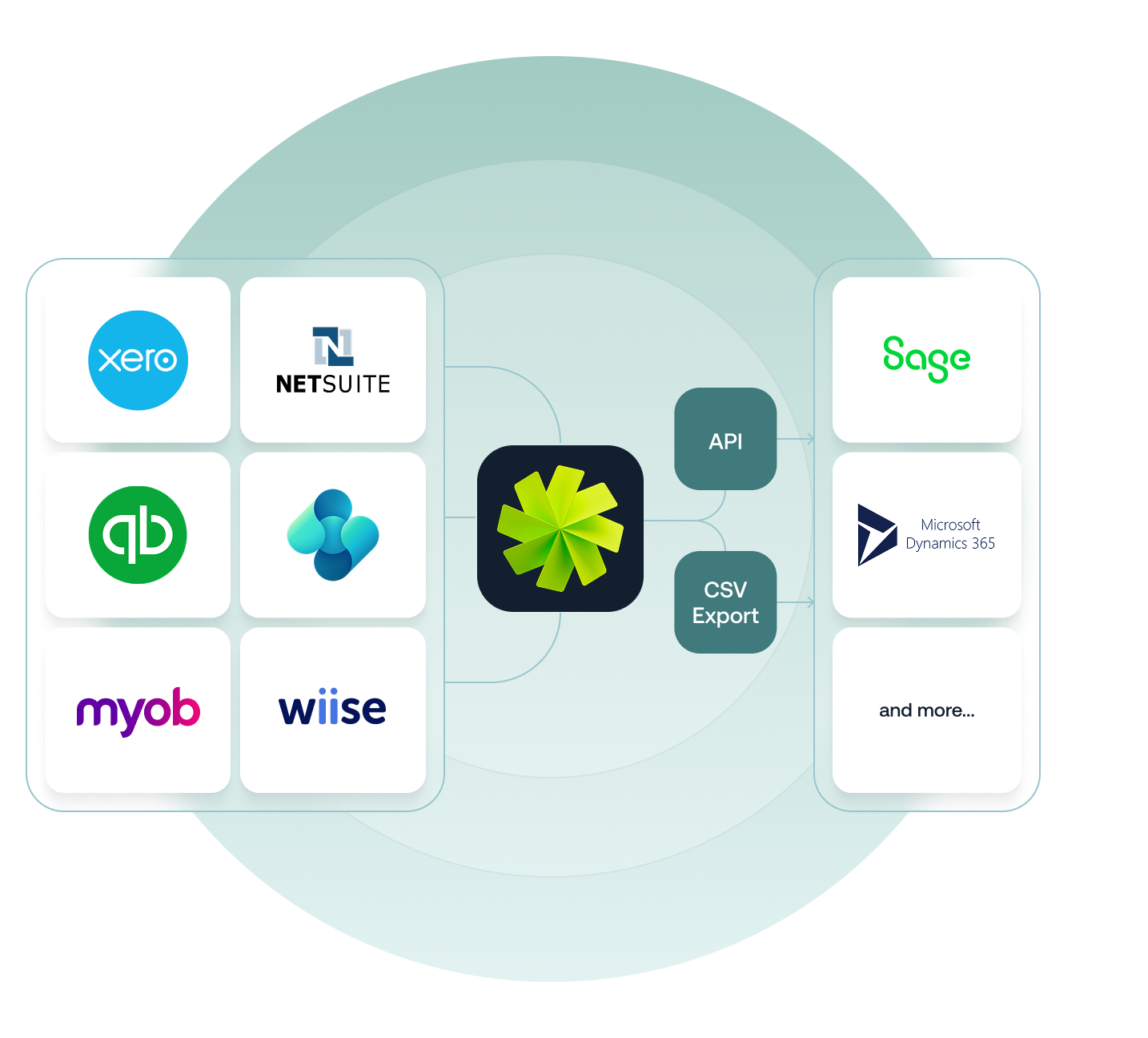
Native sync for Xero, MYOB and QuickBooks, plus NetSuite, Business Central and Wiise for finance teams on an ERP.
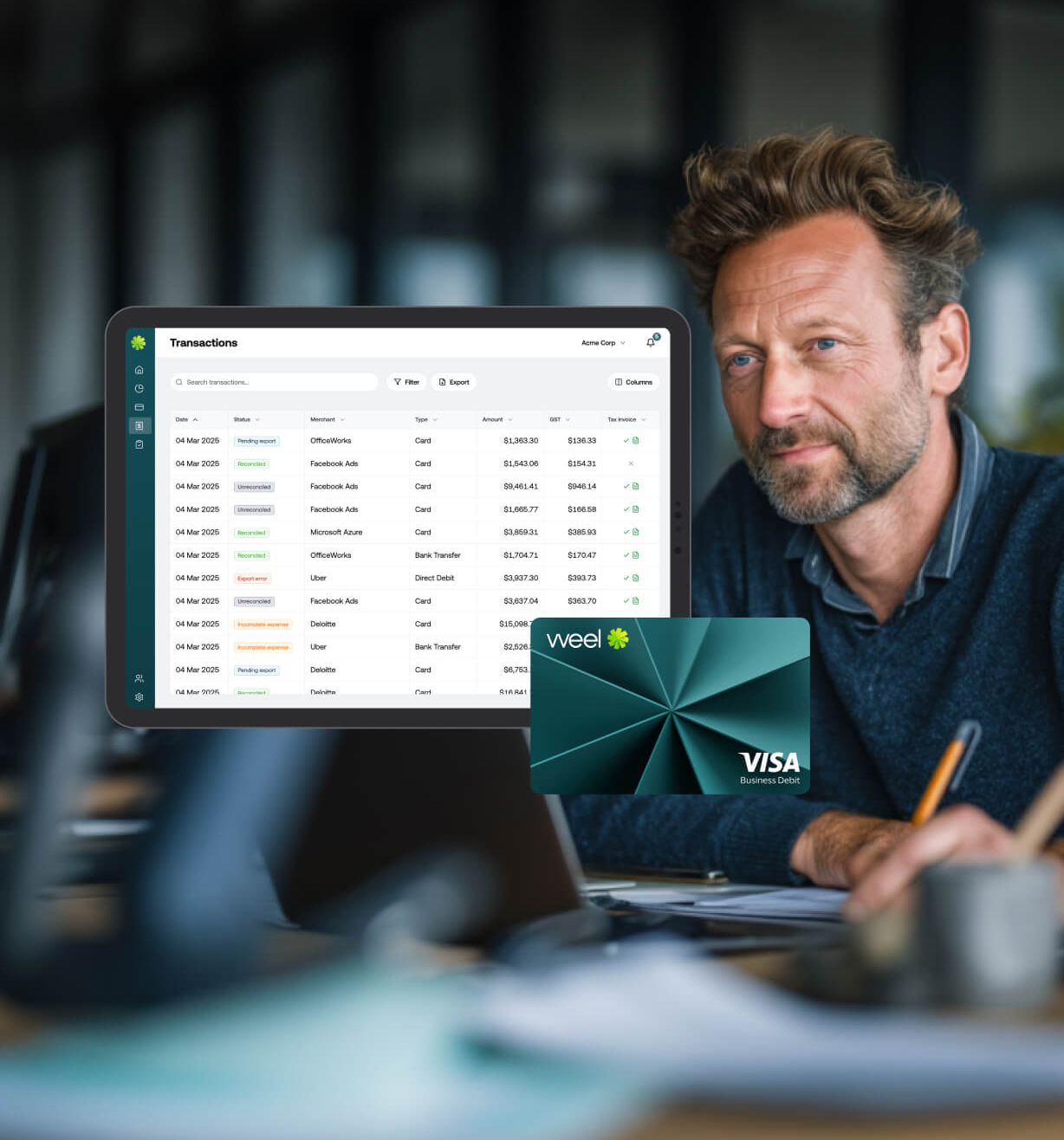
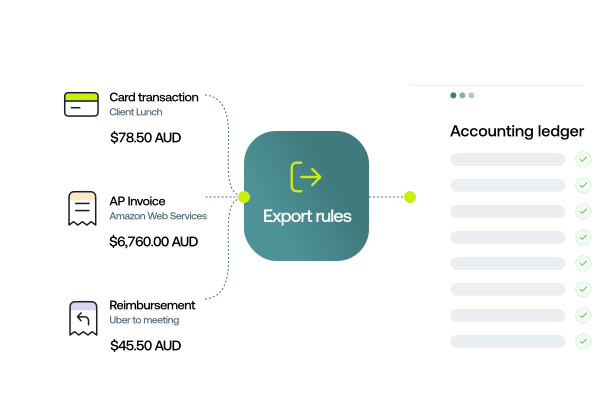
Set export rules to control exactly when spend moves from Weel into your accounting software. Every transaction lands coded, reconciled and ready, so your books stay up to date with no manual work.
Connect Weel to your accounting software and let the data flow. Every transaction is auto-coded, receipts attached, and pushed straight into your books the moment spend is approved.
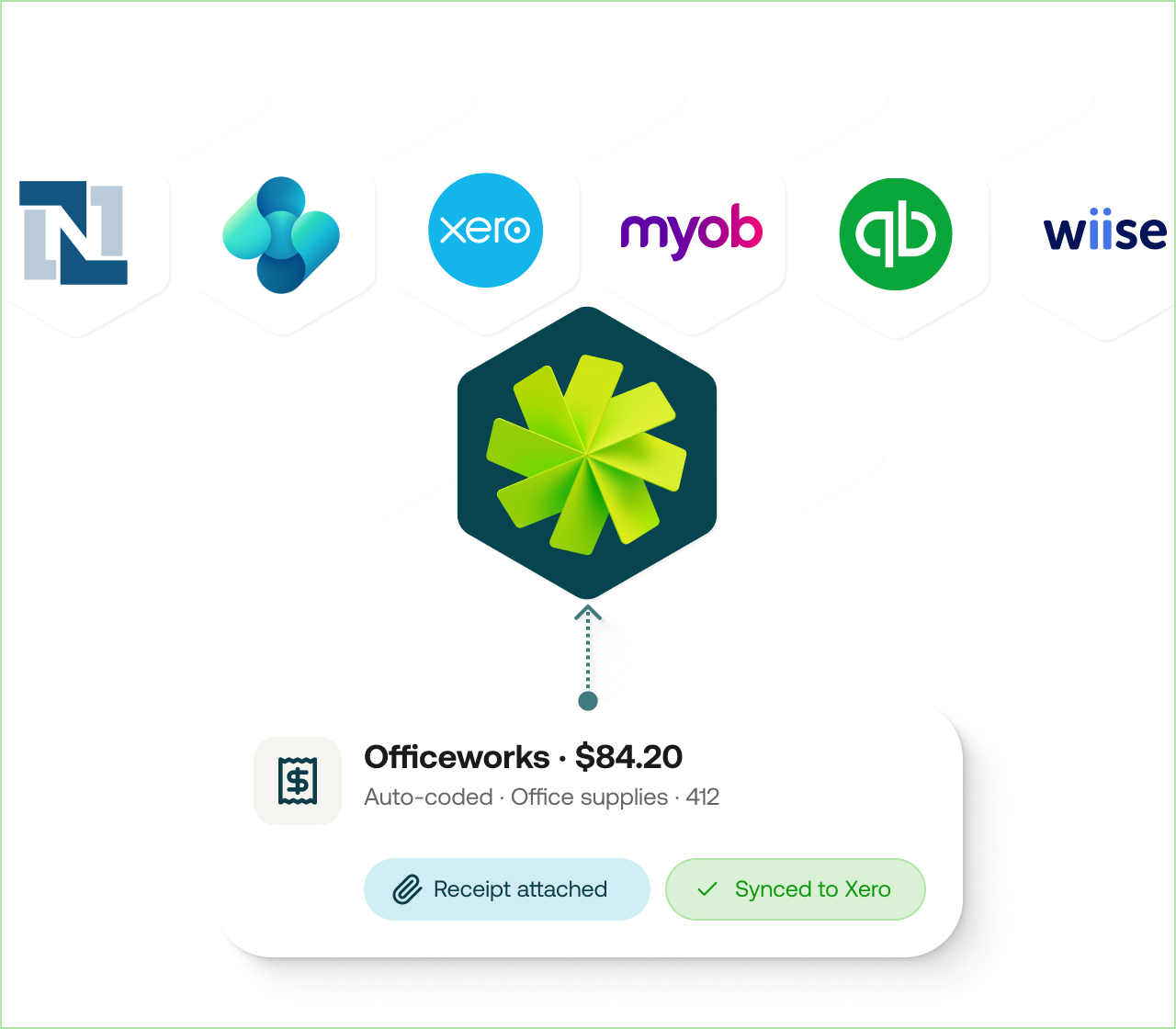
Integrate your accounting software in just a few clicks.

Your GL codes and categories map straight into Weel.
Approved transactions sync to your accounting system with receipts.
View the status of every transaction in real time.
Native, two-way sync for the systems you run, plus an openAPI for everything else.

Real-time, two-way sync to Xero (including reimbursements and AP), auto-coded to your chart of accounts and tracking categories.

Push every transaction (including reimbursements and AP) into MYOB on approval, with receipts attached and no CSV exports.

Sync to NetSuite automatically, allocated to the right project, cost code, and category. No CSV exports, no manual entry.

Export to Microsoft Dynamics 365 Business Central on approval, with unlimited Dimensions.

Native sync with Wiise. Every transaction coded, reconciled, and closed, with no manual entry.

Sync every transaction to QuickBooks automatically, coded and reconciled, with no CSV exports or manual entry.
Build your own integration with the Weel API. Sync GL codes, custom fields, users and budgets from any system, including Sage, TechOne, MYOB Exo and Certinia.
Feature
Weel
Manual / CSV process
Direct sync with Xero, MYOB and QuickBooks
ERP support - NetSuite, Wiise and Business Central
Auto-coded transactions (chart of accounts + tracking categories)
Receipts & tax invoices attached automatically
Real-time transaction feed
Approval-based export rules
Two-way chart of accounts & category mapping
Smart CSV export for any other accounting system
"Weel's ability to communicate with Xero has greatly reduced the need for us to spend time entering any data for payments."


Yes - integrating Weel with your accounting software takes just a couple of clicks from the start.
Yes, receipts and tax invoices will automatically import into your accounting software so you can reference the source document in your own system.
Because Weel's virtual cards work like a debit expense card you will need to top-up your Weel account balance before spending. If your bank is NPP (New Payments Platform) enabled, your transfers will be almost immediate, otherwise, any funds transferred into your account balance before 4pm will settle on the same day. Direct debited funds will usually take between 3-5 working days to settle in your account balance.
Yes, Weel works with every major accounting system. If you use Xero, MYOB Account Right, or QuickBooks, Weel will automatically import all transactions into your accounting software for you. For any other accounting software, you can use Weel's smart filters and exports to generate a custom CSV ready for import into your system.
Yes, any changes made in Weel will be automatically reflected in your accounting system ensuring that both systems are kept up-to-date. The only exception to this is when a transaction has been reconciled or an accounting period has been locked.
Yes, your chart of accounts and tracking categories will import into Weel automatically so that they can be coded against each transaction.


©2017 - 2026 Weel Holdings Pty Ltd
All rights reserved