


Upload a receipt and Weel AI fills in your reimbursement for you. It works on web, the Weel mobile app, for PDF invoices and photos of receipts. It's now available on all plans.
Learn more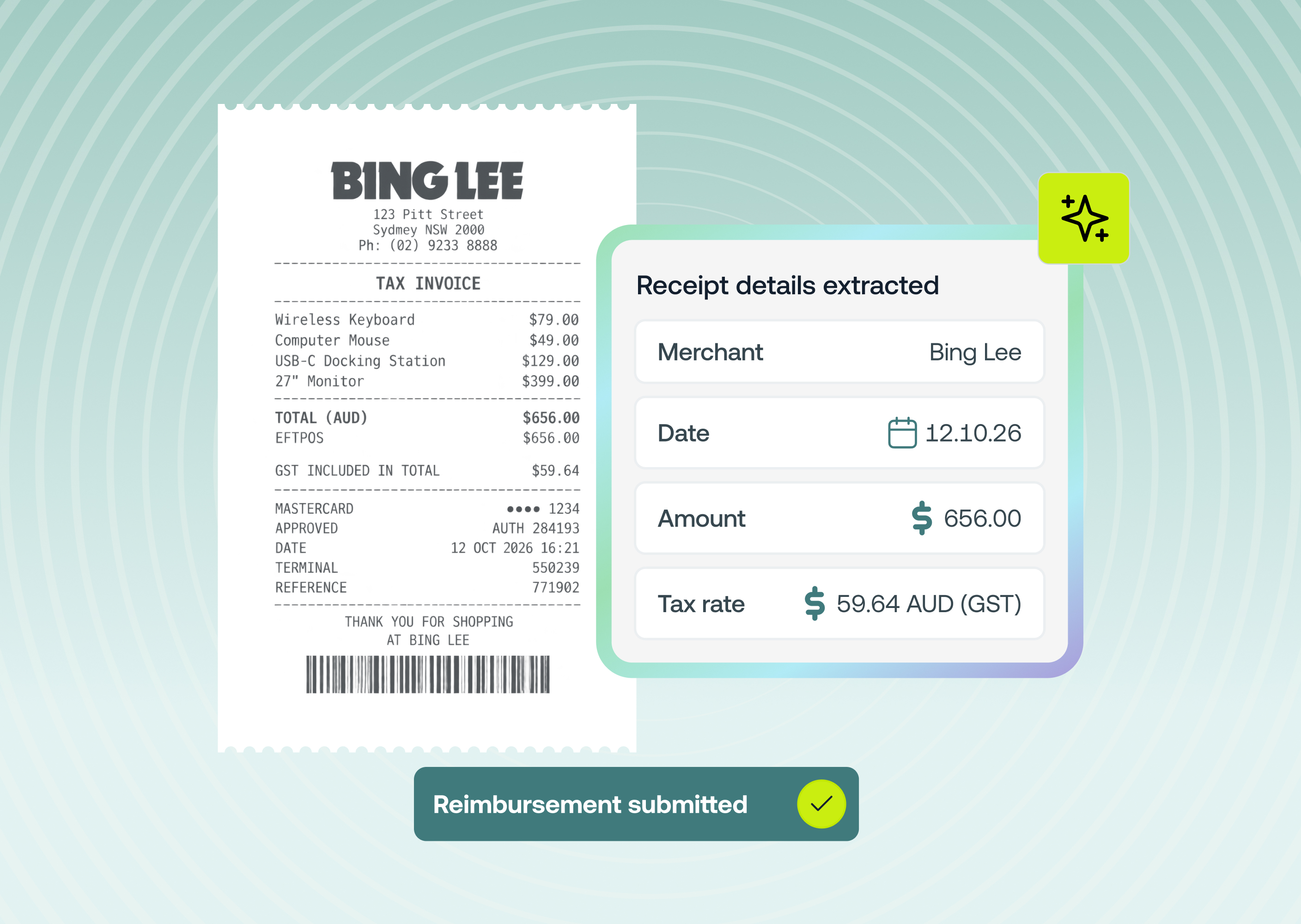
Record supplier credit notes in Accounts Payable and apply them to your invoices, so you only pay the balance you owe.
Learn more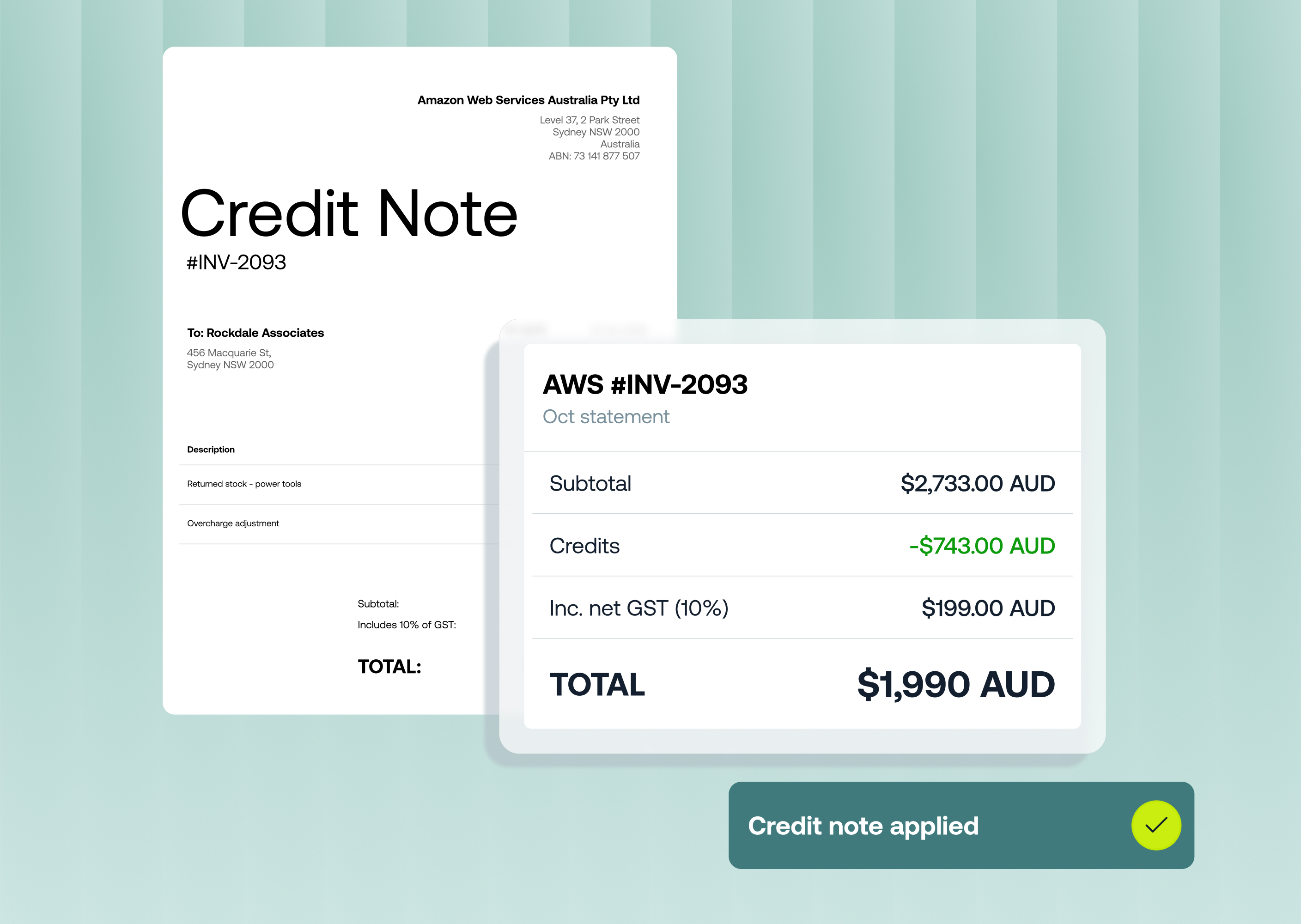
Weel now handles tax the way your accounting software does. Pick from structured tax rates synced from your accounting software or created in Weel and let Weel AI select the right rate and split partially taxable purchases for you.
Learn more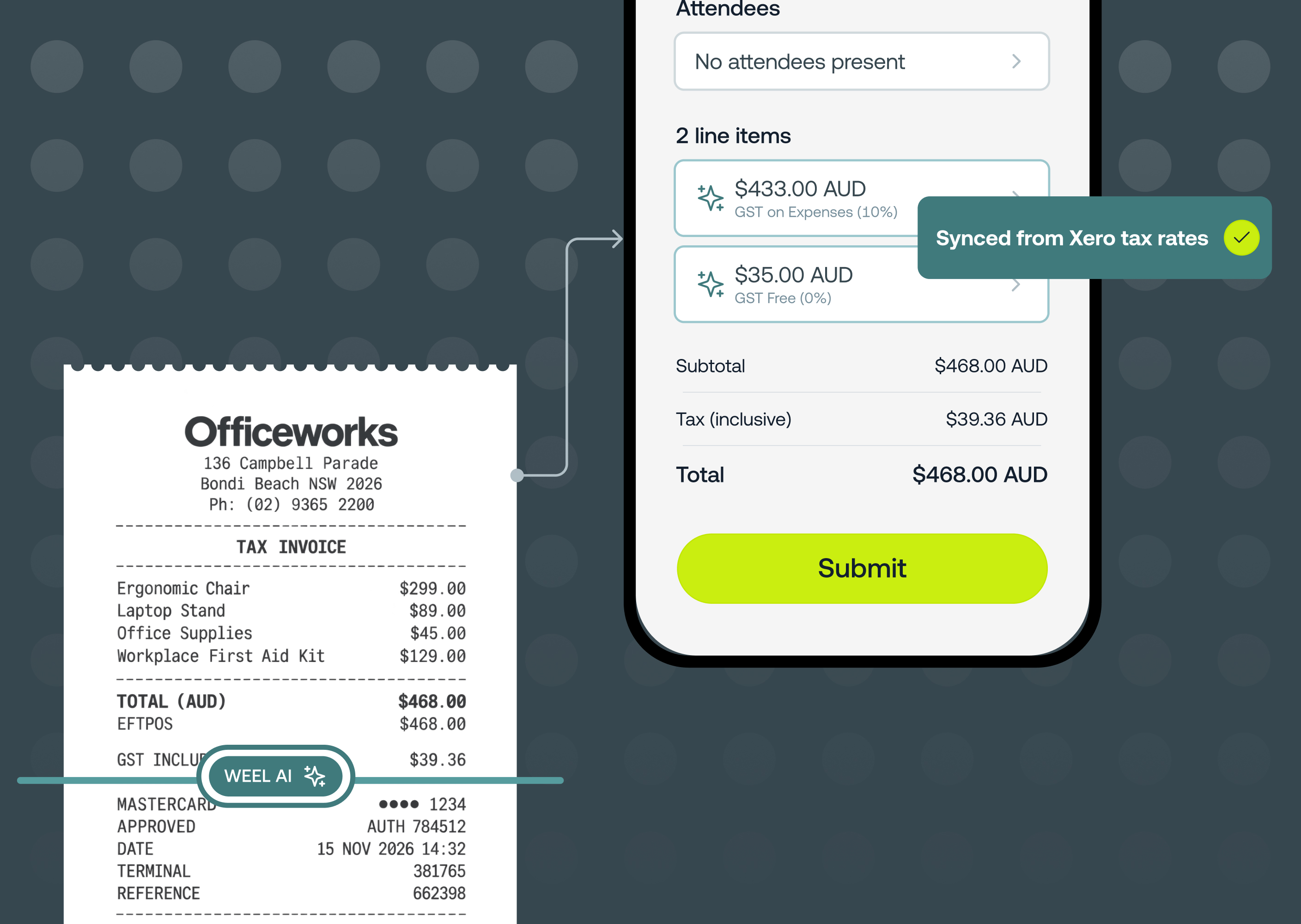
Admins with the new override approvals permission can unblock any pending approval and approve, decline or request changes on it directly, no matter who it's assigned to.
Learn more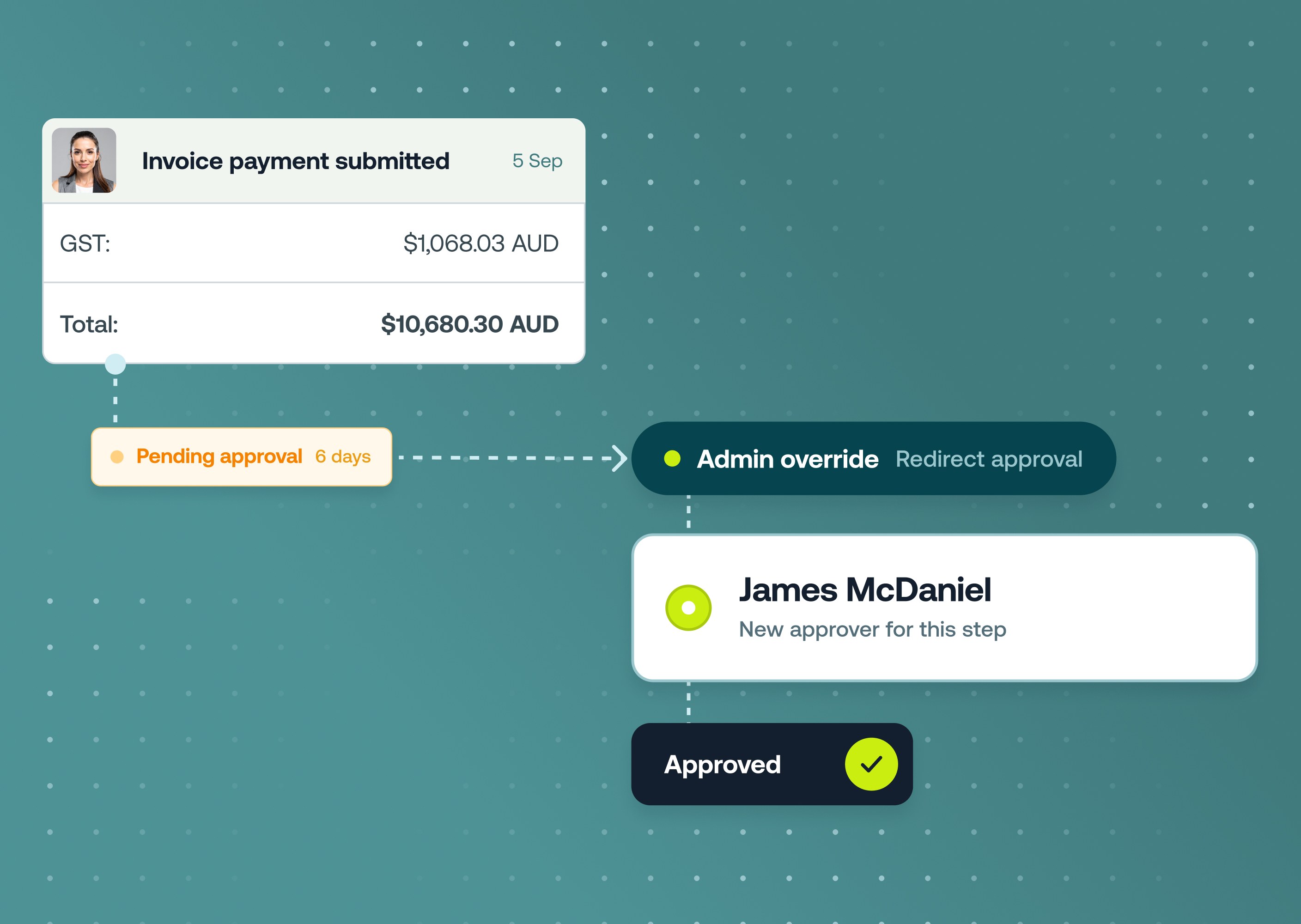
Budgets can now be given a start date and end date so they open, run and close themselves without anyone needing to remember.
Learn more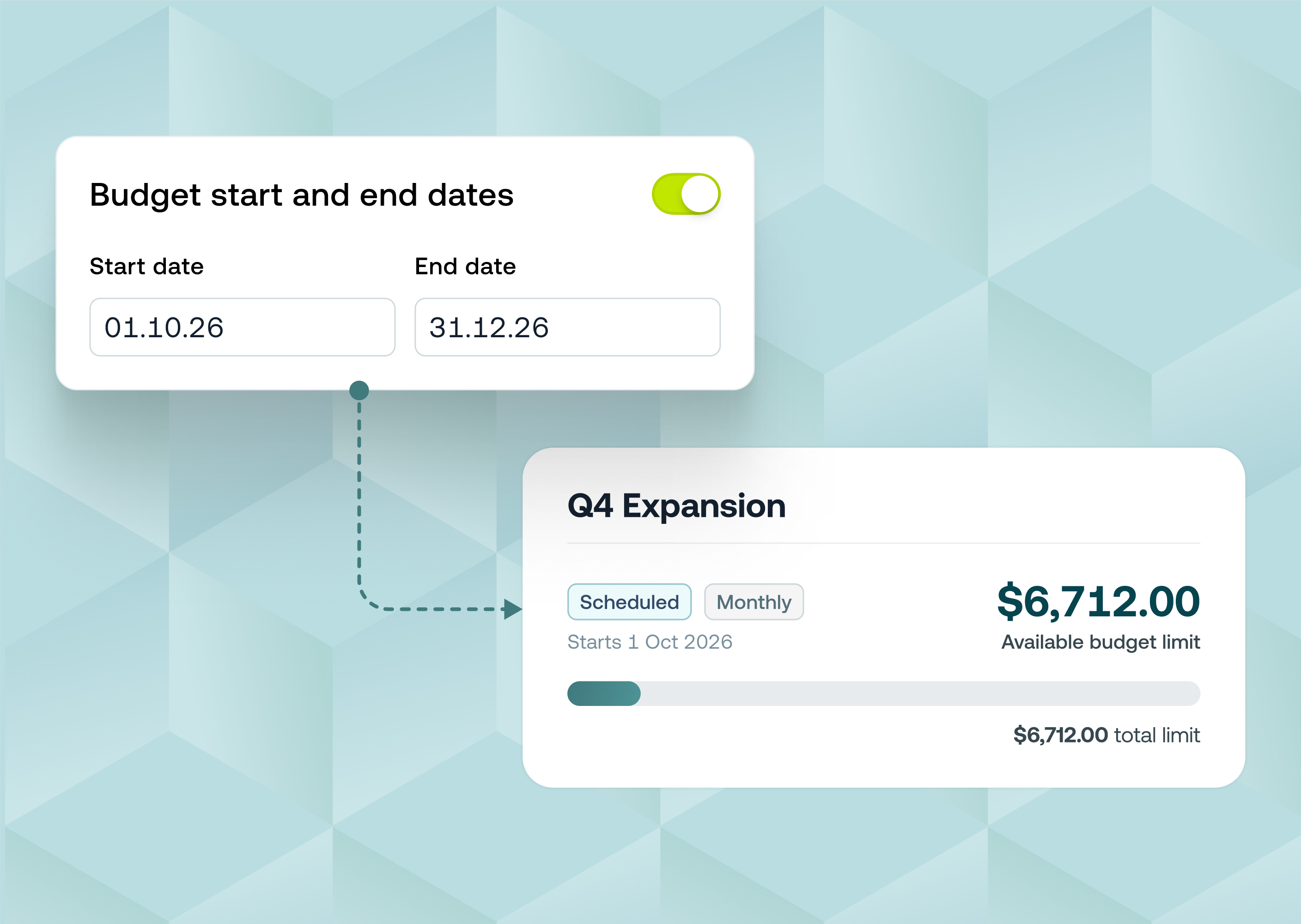
Instead of issuing physical cards one at a time you can now order them for your whole team in one go.
Learn more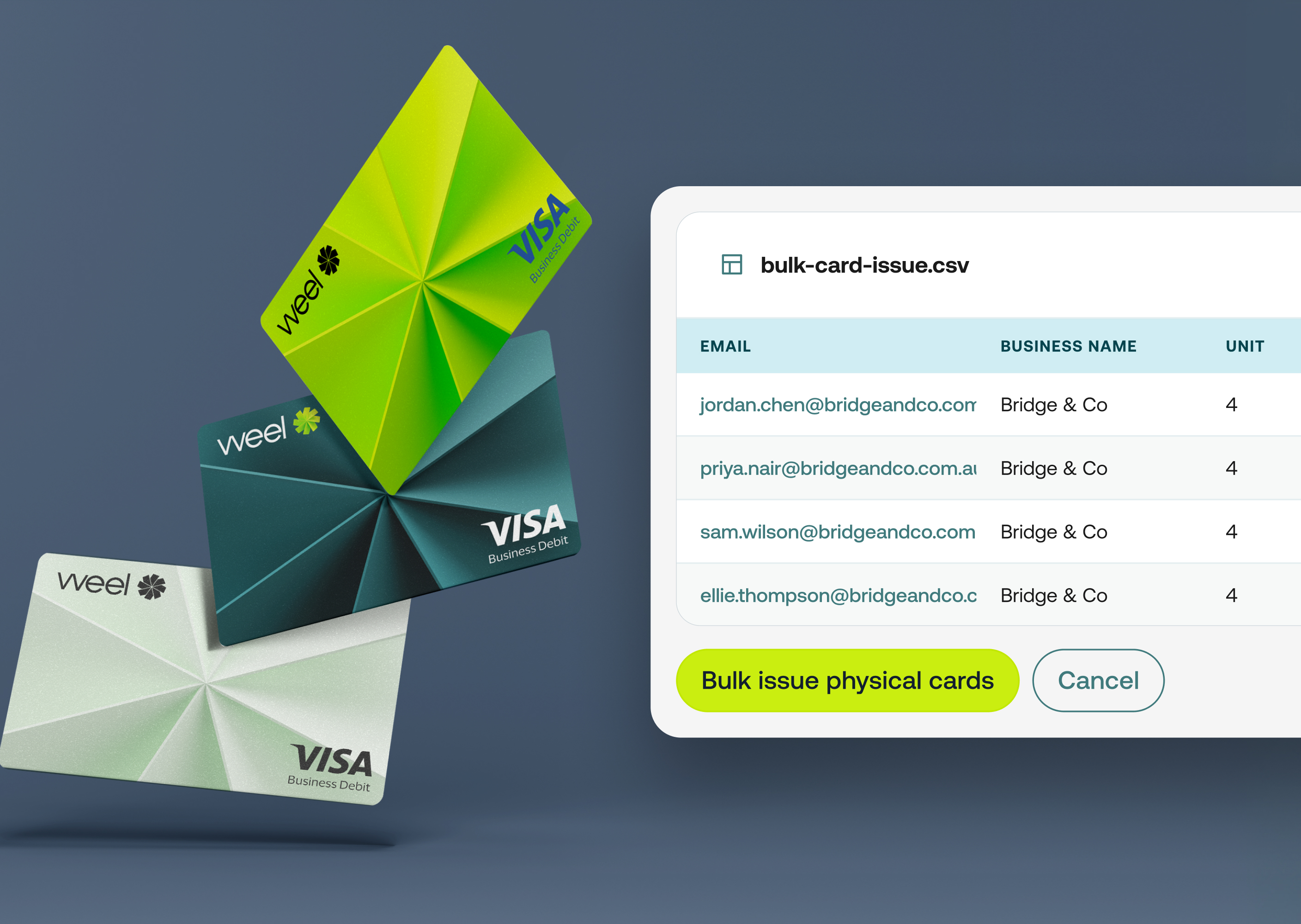
You now set a maximum amount for any single card transaction, at the business level and on each budget and subscription.
Learn more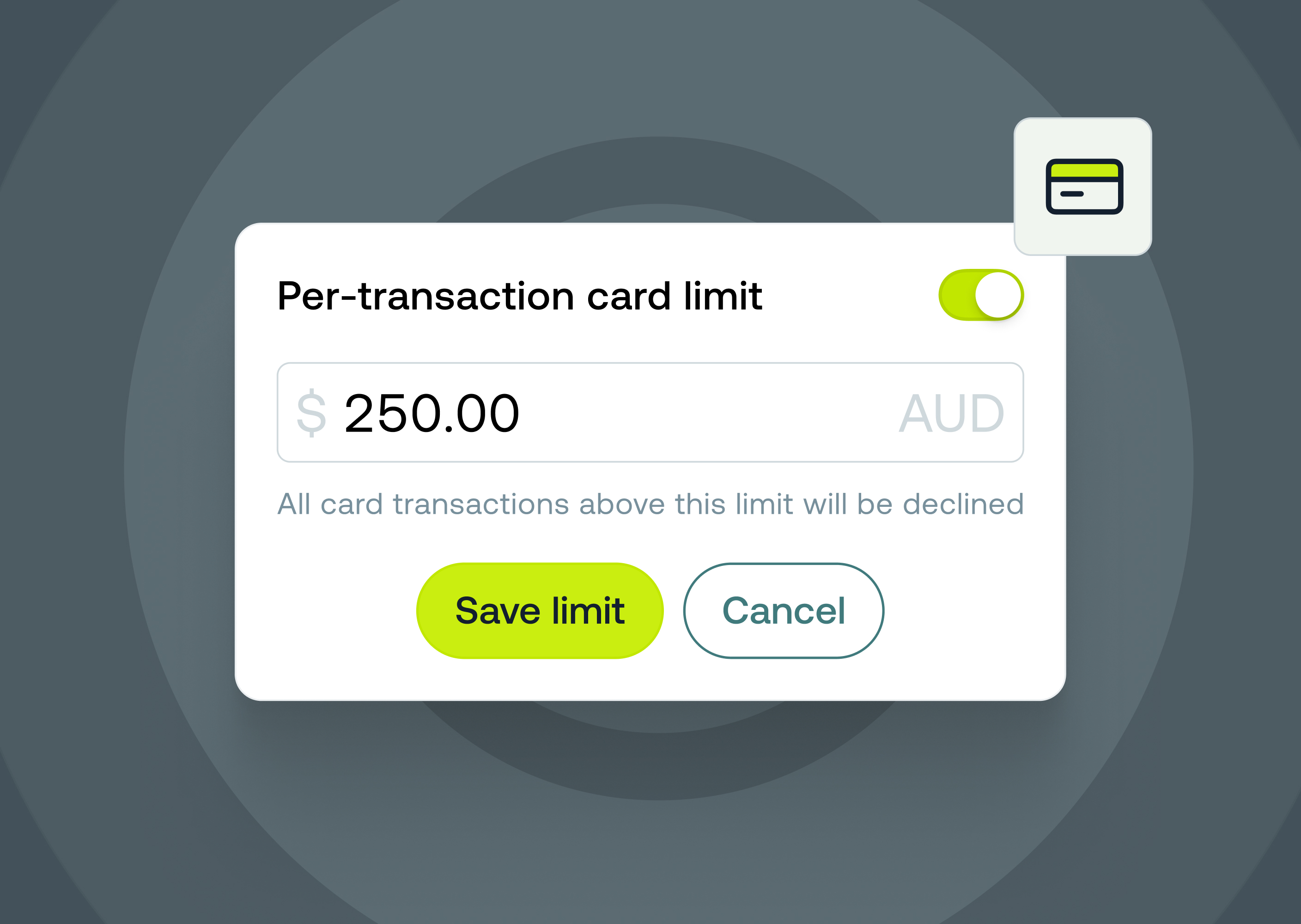
Executives and busy team members can now be assigned a trusted expense delegate (like an EA) to prepare and submit their card expenses on their behalf.
Learn more
You can now review and approve an entire payment run in Accounts Payable, before any money leaves the account.
Learn more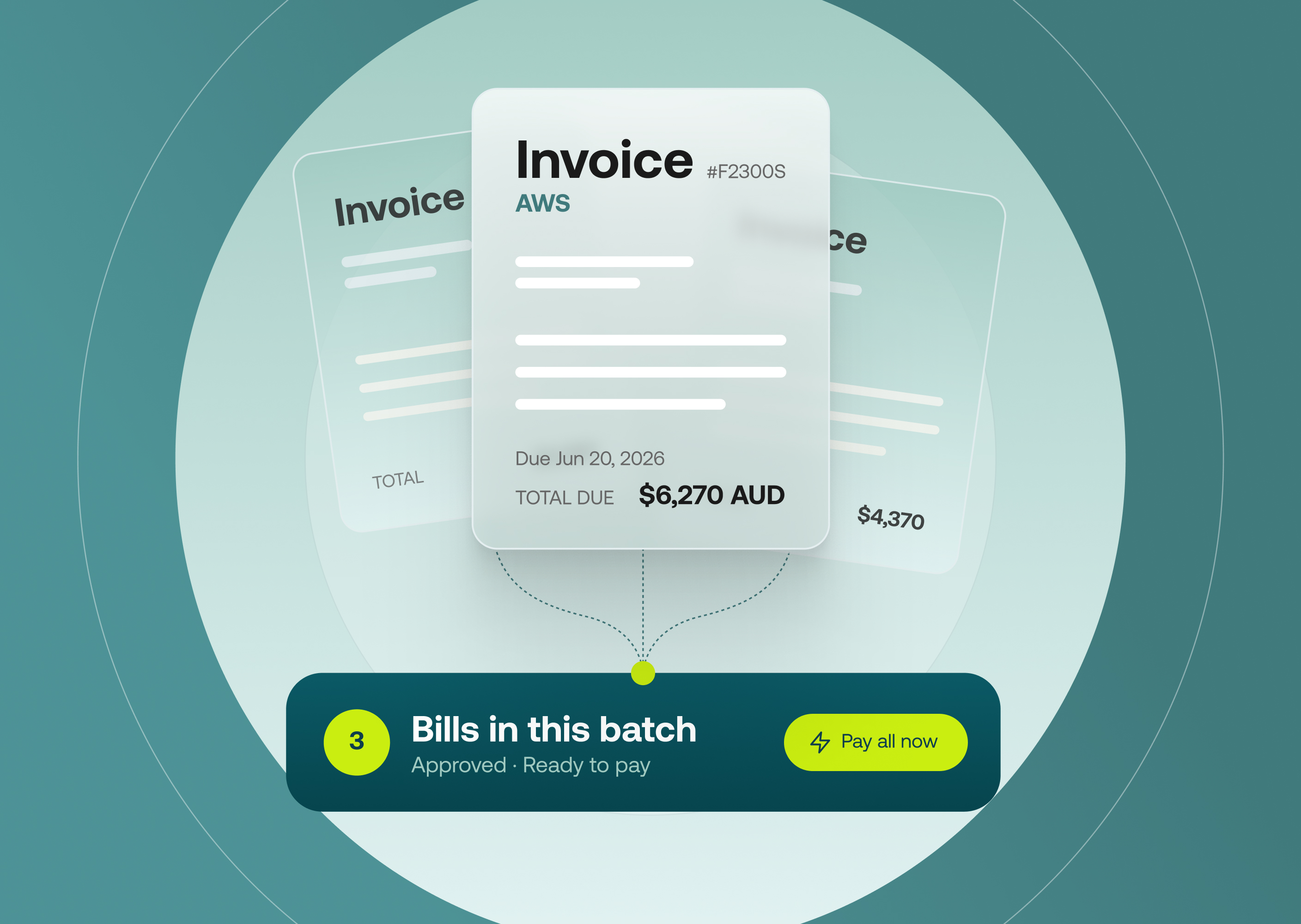
When you decline an approval in the Weel mobile app, you can now leave a comment explaining why, or request changes so the submitter can fix and resubmit.
Learn more



©2017 - 2026 Weel Holdings Pty Ltd
All rights reserved

