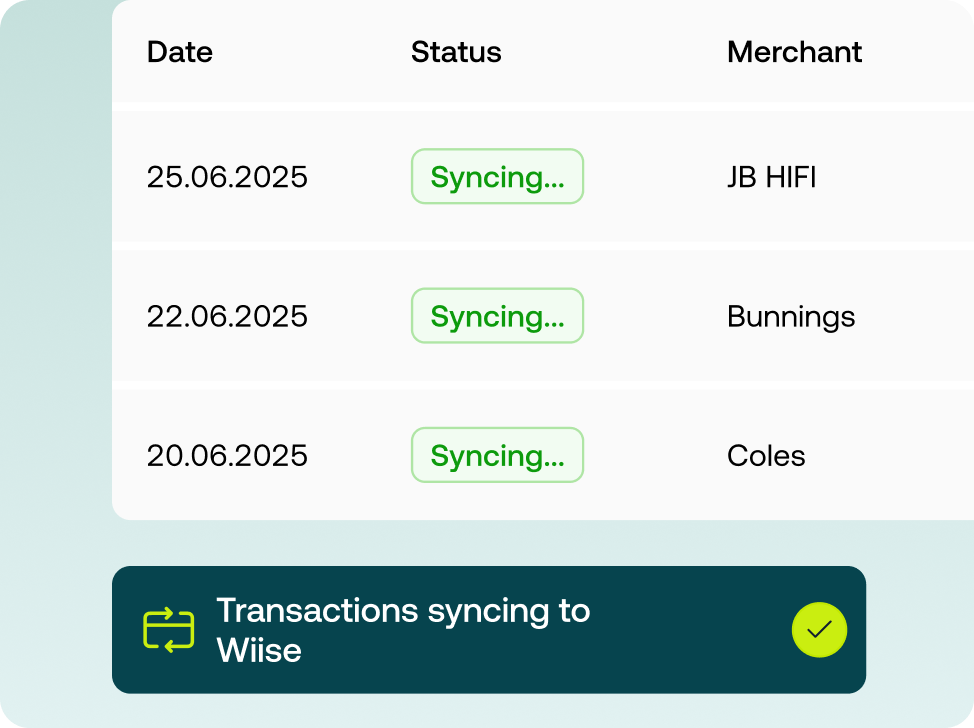
Weel syncs directly with Wiise. Every transaction coded, reconciled, and closed - no CSV exports, no manual entry.


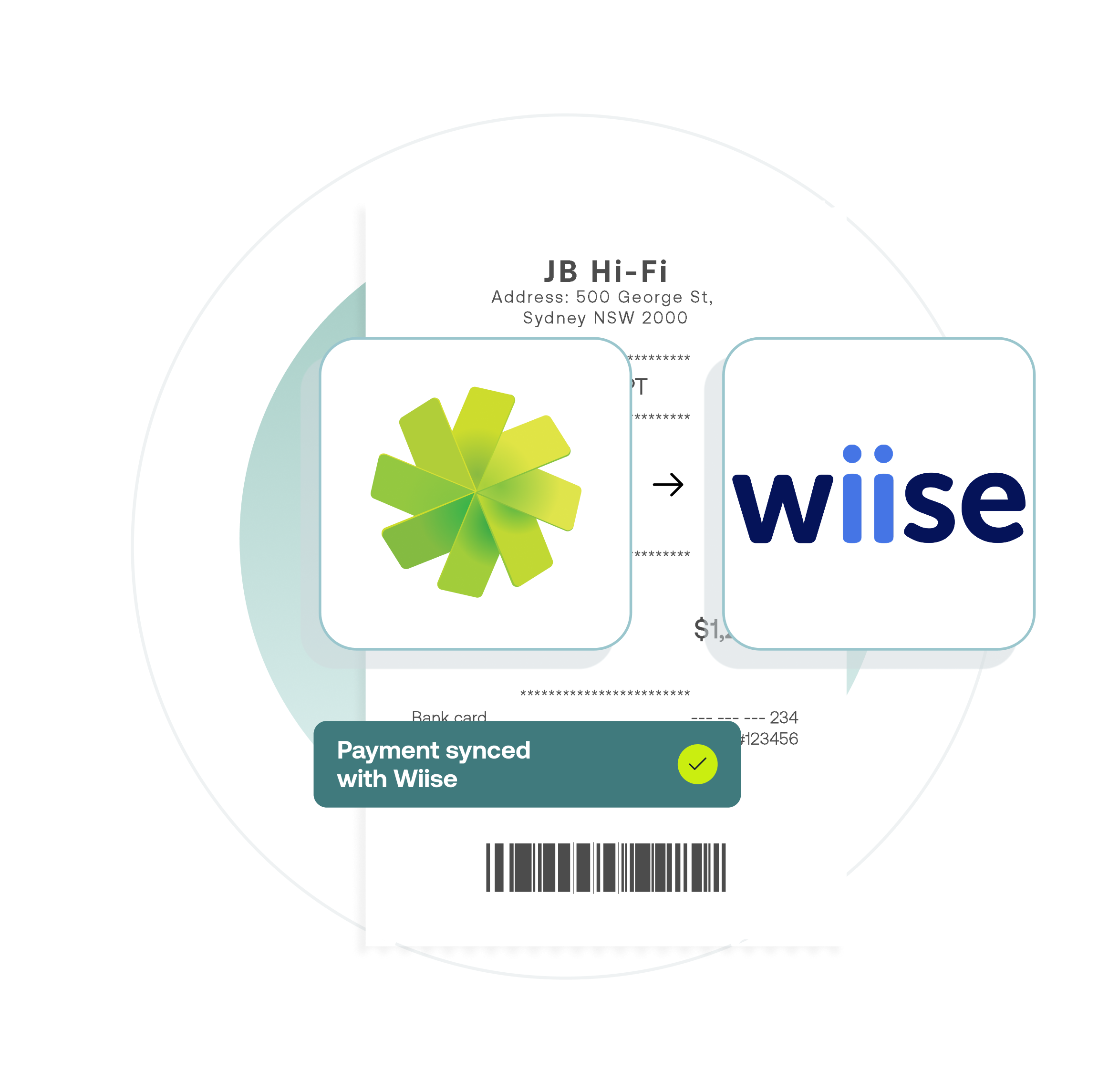



Weel's live Wiise integration gives your finance team complete visibility. Card transactions, reimbursements and invoices coded and synced automatically. Approvals enforced, data accurate, reconciliation done.
Instant access to live Weel data for fast, accurate management reporting.
Monitor all spending in real-time, automatically allocated to the right Dimension and category.
Continuous data flow from Weel eliminates manual entry and reduces error risk.
Weel exports match your Wiise format – no extra manipulation needed.
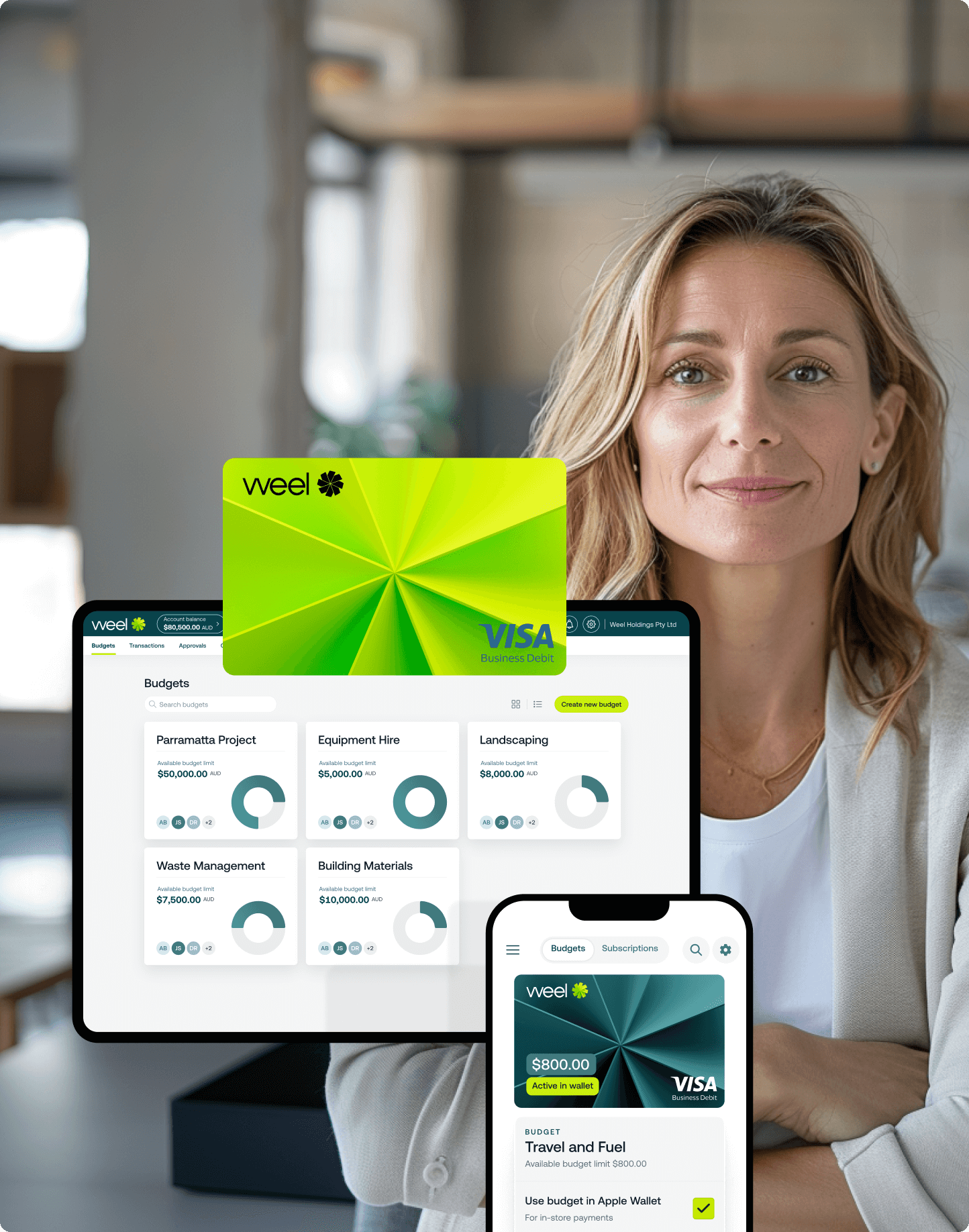




Features
Weel Wiise integration
CSV Export
Card data feeds
Chart of accounts, tax codes, supplier contacts sync
Dimensions (unlimited)
Multi-subsidiary support
Reimbursements data feeds
Accounts Payable data feeds
Receipt attachments
Custom vendor handling
Coming soon

"With Weel, we save 870 hours a month on expense admin and cut processing time by 70%"


Weel integrates with Microsoft Dynamics 365 Wiise (cloud).
Setup requires your IT team to register Weel as an app in Microsoft Entra ID (Azure Portal) and grant the right permissions. Once that's done, connecting in Weel takes just a few minutes.
When you integrate Weel with Wiise, the following data syncs into Weel so your team can code against transactions:
• Chart of accounts
• Tax Groups
• Vendor contacts
• Dimensions
Card transactions and reimbursements export as a General Journal once the expense is has been submitted and approved.
AP invoices export as a Purchase Invoice and update status automatically throughout the approval lifecycle.
For chart of accounts and Dimensions, you can also trigger a manual sync at any time from your Weel Settings.
Yes, you can create multi-step approval rules for transactions in Weel. Transactions must be approved before they export into Wiise – so you control exactly when data flows through.
All payments processed in Weel export into Wiise, including card transactions, reimbursements and AP invoices.
Weel currently supports single-entity Wiise connections. If you have multiple companies in Wiise, each company requires its own Weel account.
Dimensions from Wiise map directly to custom fields in Weel. Your team codes expenses against the same Dimensions they already use in Wiise - no re-entering, no mismatches. Weel supports an unlimited number of Dimensions.
Yes, Weel's Wiise integration is available now.


©2017 - 2026 Weel Holdings Pty Ltd
All rights reserved