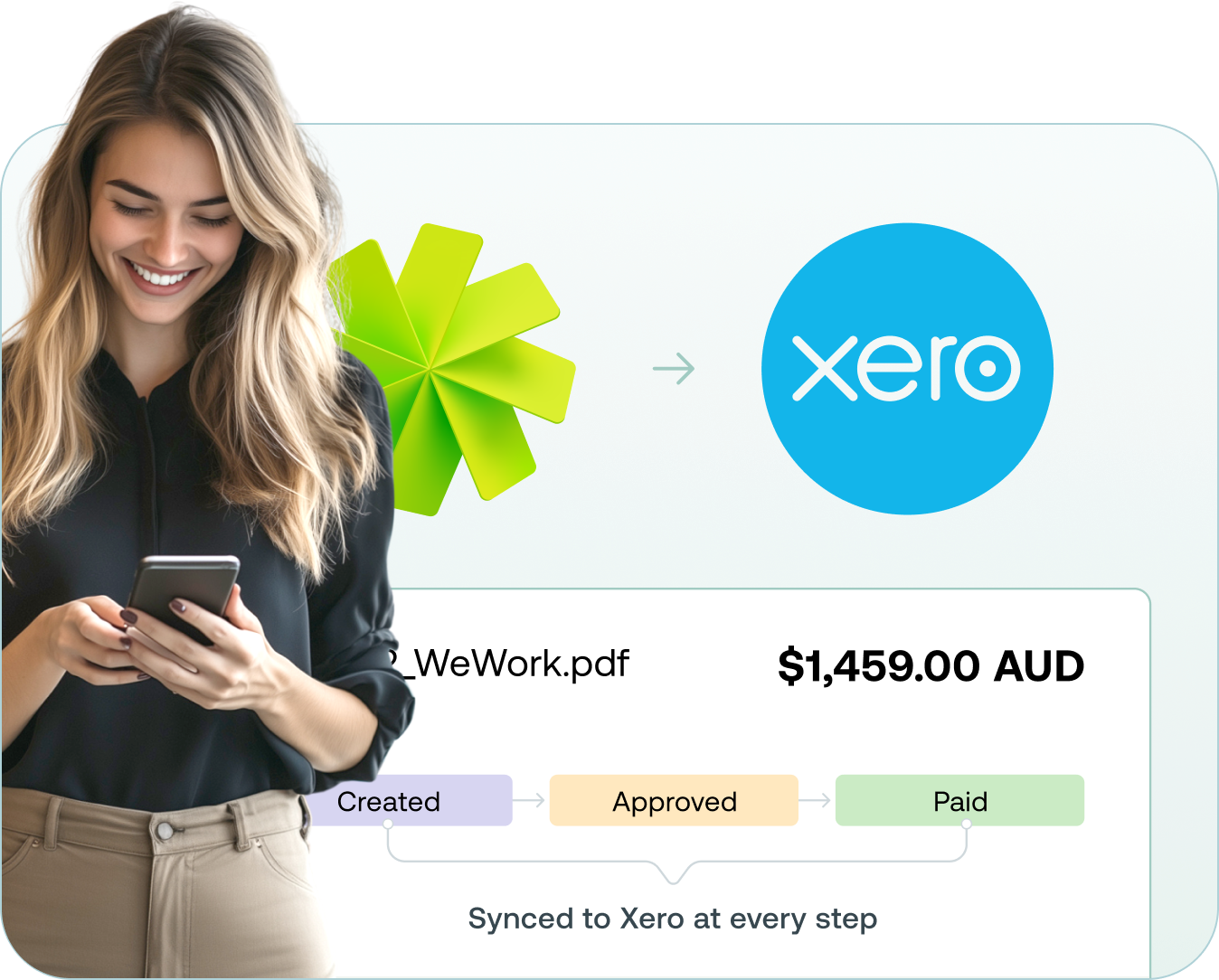
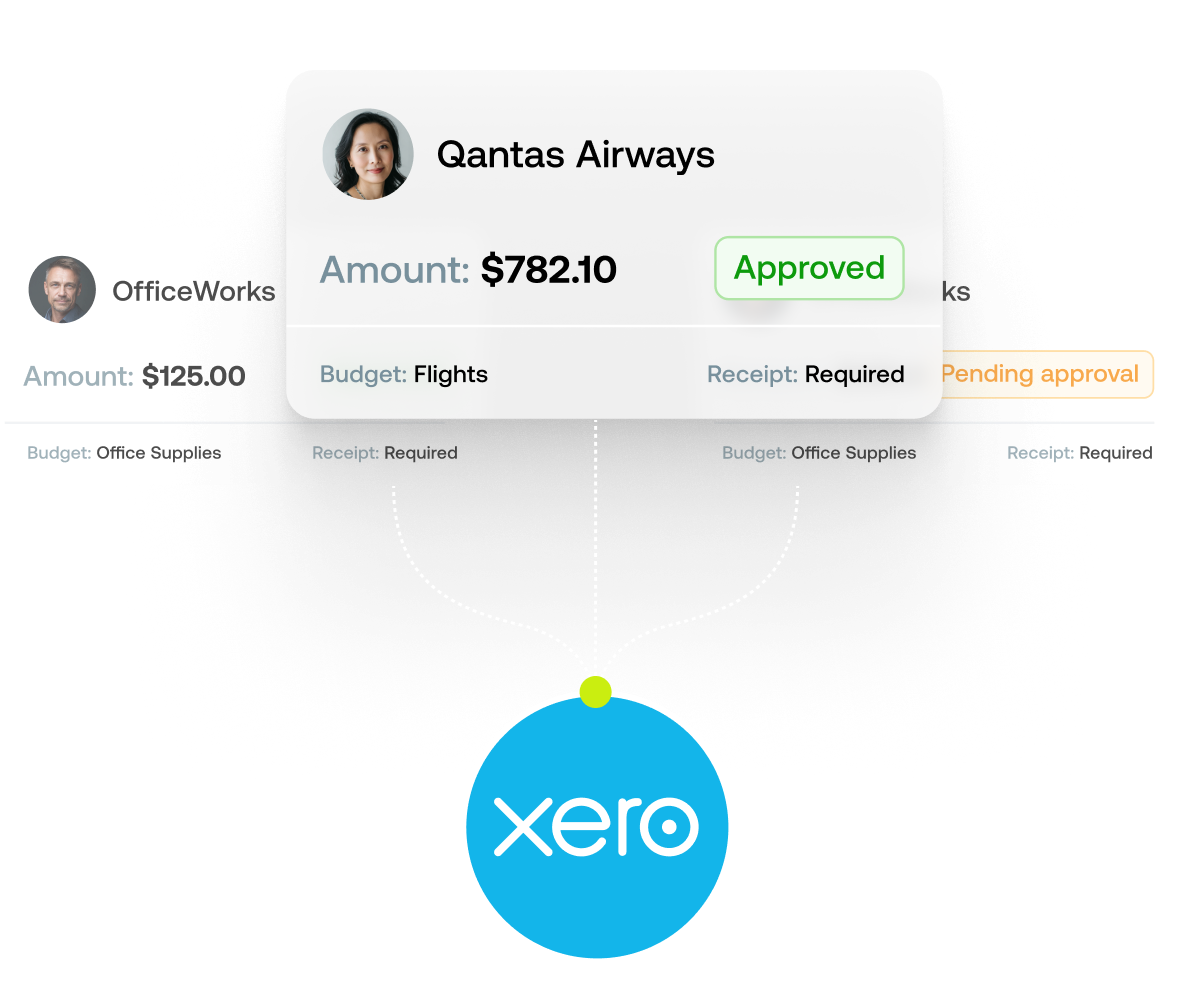
Send expenses to Xero. No more data entry.

Weel automatically syncs your transactions, receipts and categories to Xero, cutting median time from spend to accounting sync to 2 days.

4.5 stars
Based on reviews from
A row of logos, including Apple App Store, Google App store, Xero App Store, G2

Join 4,000+ finance teams in Australia and New Zealand completing every expense with Weel.

From hours of data entry, to reconciling in seconds

Weel captures every purchase, codes it, and syncs it straight to Xero - so reconciliation is done before you sit down to it.

Compliance as you go

Capture receipts and expense categories at the moment of payment, so expense reporting takes care of itself.

An error-free zone

Say goodbye to scattered spreadsheets and manual mistakes. Every purchase syncs straight to Xero.

Effortless reconciliation

Review, categorise and reconcile in one place, with a direct feed to Xero every hour.

You set the rules

With Custom Workflows, you decide which data flows into Xero and when.
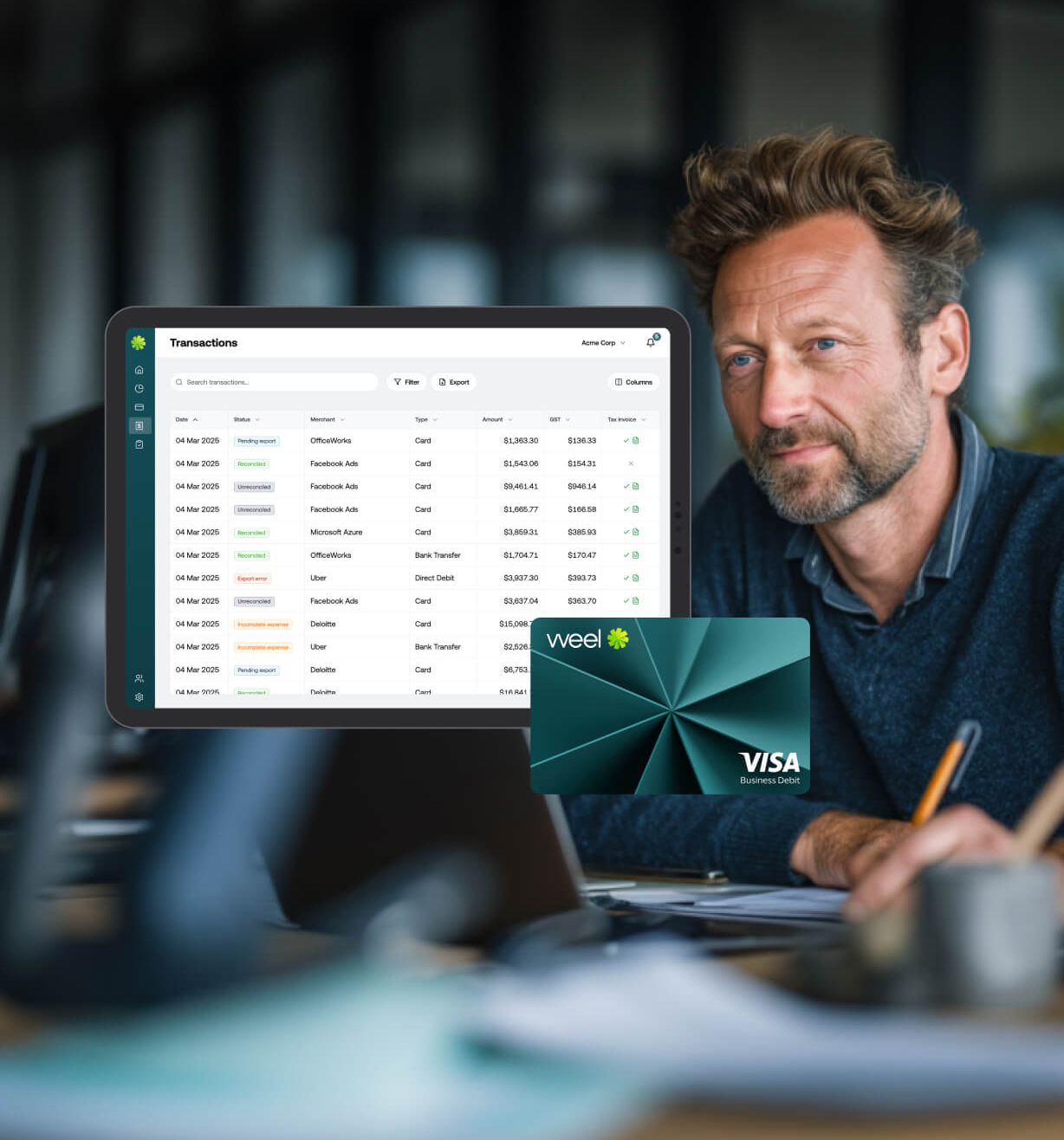
Dashboard and Weel Card

Skip the back and forth

Capture every payment within a single tool and send completed expense reports straight to Xero.

Xero syncs automatically once a transaction is approved.
No manual exports, no CSV uploads, no double entry.

Optimise your expense management process

Custom Workflows decide exactly when an expense flows into Xero, so nothing incomplete reaches your books.

Set rules for when expense data flows through to Xero.
Route approvals automatically before data reaches Xero.

How it works

01

Connect

Integrate Weel with Xero in just a few clicks.

02

Map

General Ledger codes and categories are mapped into Weel, ready for coding.
03

Sync

Once a transaction is approved, it's sent from Weel into Xero, receipts and all.
04

How it works

Know exactly when every transaction has reached Xero with Weel's status updates.
Join 4,000+ finance teams in Australia and New Zealand completing every expense with Weel.

How Weel compares

Feature

Weel

Manual / CSV process

Direct sync with Xero

Auto-coded transactions (chart of accounts + tracking categories)

Receipts & tax invoices attached automatically

Direct transaction feed to Xero (overnight)

Custom Workflows - control when data flows to Xero

Virtual corporate cards with built-in spend controls

Real-time transaction feed

Changes in Weel auto-update in Xero

Request a demo

A Weel expert will reach out to discuss your needs
Over 60,000+ cardholders in Australia and New Zealand.
4,000+ finance teams trust Weel to close every expense.
The top-rated corporate card platform in the region.
Weel Dashboard

Frequently asked questions

Will receipts and tax invoices from Weel sync into Xero?
Yes. Receipts and tax invoices import into Xero automatically, so you can always reference the source document. With Custom Workflows, you choose when they're sent.
Can I import my chart of accounts and tracking categories into Weel's expense software?
Yes. Your chart of accounts and tracking categories import into Weel, ready to code against every transaction.
I use Xero Expenses for expense claims, how is Weel different?
Weel issues every team member their own virtual corporate card instantly, so no one pays out of pocket and files a claim through Xero Expenses. Card transactions are categorised the moment they happen and sync through to Xero automatically, ready to reconcile.
Is it easy to integrate Weel's expense software with Xero?
Yes. Connect your Xero account, map your chart of accounts, and Weel handles the sync from there.
Will changes made to expense data in Weel automatically update in Xero?
Yes. Changes made in Weel automatically update in Xero, keeping both systems aligned. The only exception is a transaction that's already been reconciled or falls in a locked accounting period.
Can I choose when the data flows into Xero?
Yes. Custom Workflows let you decide exactly which data flows into Xero, and when.