What's new?
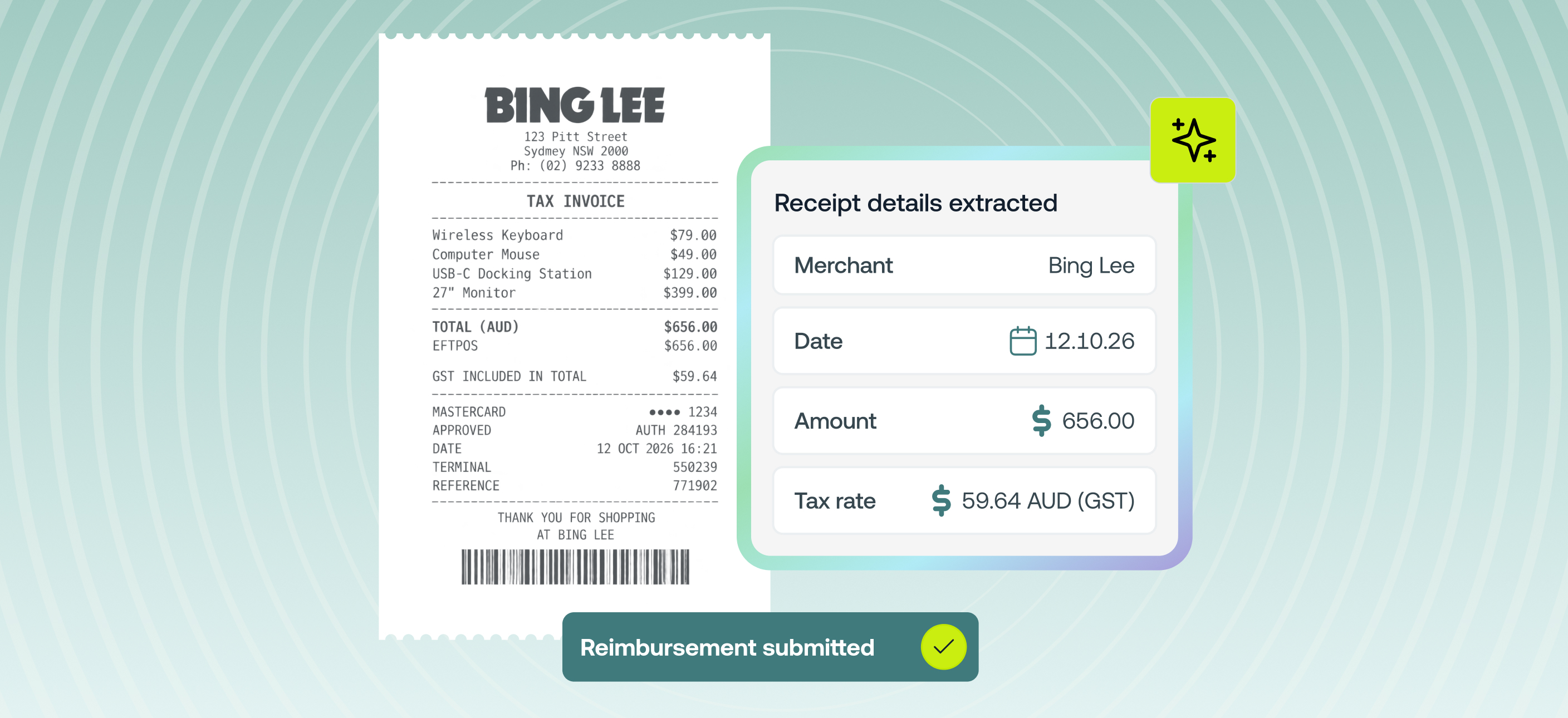
When you upload a receipt or tax invoice to a reimbursement, Weel now reads it and fills in the reimbursement form for you:
- Merchant name
- Date of expense (and payment date, if you're an admin)
- Expense amount
- Tax rate
All that's left are any subjective expense fields like description, category and any custom fields your business uses. It works on web and in the Weel mobile app, for PDF invoices and photos of receipts. It's switched on automatically and available on all plans.
Why it matters
- Claims take seconds, not minutes. No more retyping what's already printed on the receipt. Snap a photo in the app and most of the reimbursement is done.
- Cleaner data for finance. Amounts, dates and merchant names come straight from the receipt, so you'll see fewer typos, wrong totals and claims sent back for corrections.
- You stay in control. Every pre-filled field can be edited. If you've already typed something in before uploading, Weel won't overwrite it.
- Smarter tax coding. The tax Weel reads from the receipt is what AI tax rates uses to pick the right tax rate. Reimbursements now get the same AI help that card expenses already have.
How to get started
- Start a new reimbursement on web or in the Weel app
- Upload your receipt or tax invoice, or take a photo in the app
- Weel fills in the merchant, date, amount and tax
- Check the pre-filled details and add your description, category and any custom fields
- Submit for approval as usual