2026 ANZ CFO Summit returns on March 3 - 1 day event, 6 CPD points - Free & Virtual | Register Now

Automatic handling for Xero locked periods

What’s New?

Weel can now automatically help you move invoices and reimbursements out of locked accounting periods in Xero—so they can be approved and exported successfully without your team needing to reopen closed months. Locked periods are essential for strong financial controls—but they’ve also been a common cause of frustrating export failures when an invoice or reimbursement is approved after month-end close.

With this update, you can:

  • Avoid export errors caused by locked periods
  • Protect your month-end close process (no need to unlock periods in Xero)
  • Keep everything inside the Weel workflow (less manual work and fewer exceptions to chase)

Key Features

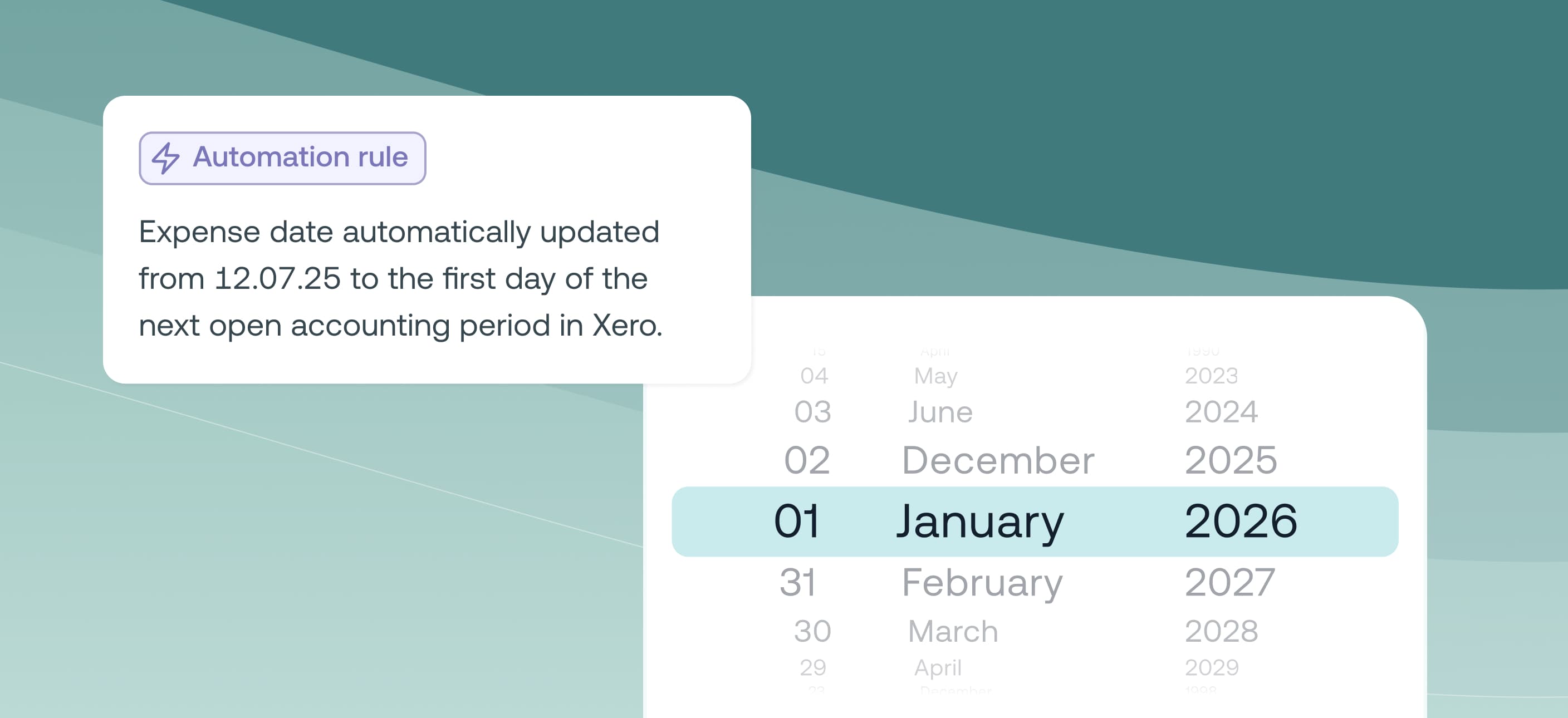
  • Automatic expense date updates: If an invoice or reimbursement is dated in a locked Xero period, Weel will automatically update to the first day of the next open period.
  • Clear confirmation before approval: Approvers are prompted to acknowledge the date change before they can approve (so it’s never hidden or accidental).
  • Keeps you in control: You can still choose another date—so long as it’s in an open period.
  • Visible, transparent adjustments: Weel clearly highlights when a date has been adjusted due to a locked period, so reviewers understand what changed and why.
  • Works for both Web and Mobile: The experience is supported across platforms, including guidance when selecting dates.

Who It’s For

This is designed for finance teams and accountants who:

  • Use Xero + Weel for invoices and reimbursements
  • Operate a structured month-end close with locked periods
  • Want fewer exceptions and less time spent troubleshooting export errors

How to Get Started

1. Confirm you’re connected to Xero in Weel.

2. Go to Settings > AI and automations and look for Locked accounting periods (available to Xero-connected businesses).

3. Ensure this setting is enabled (it’s on by default for most customers).

4. Next time you code or approve an invoice/reimbursement dated in a locked period, Weel will automatically update the expense date to the first day of the next open period.

Note: If an invoice/reimbursement was already approved before the setting was enabled, dates will not automatically update.