What's new?
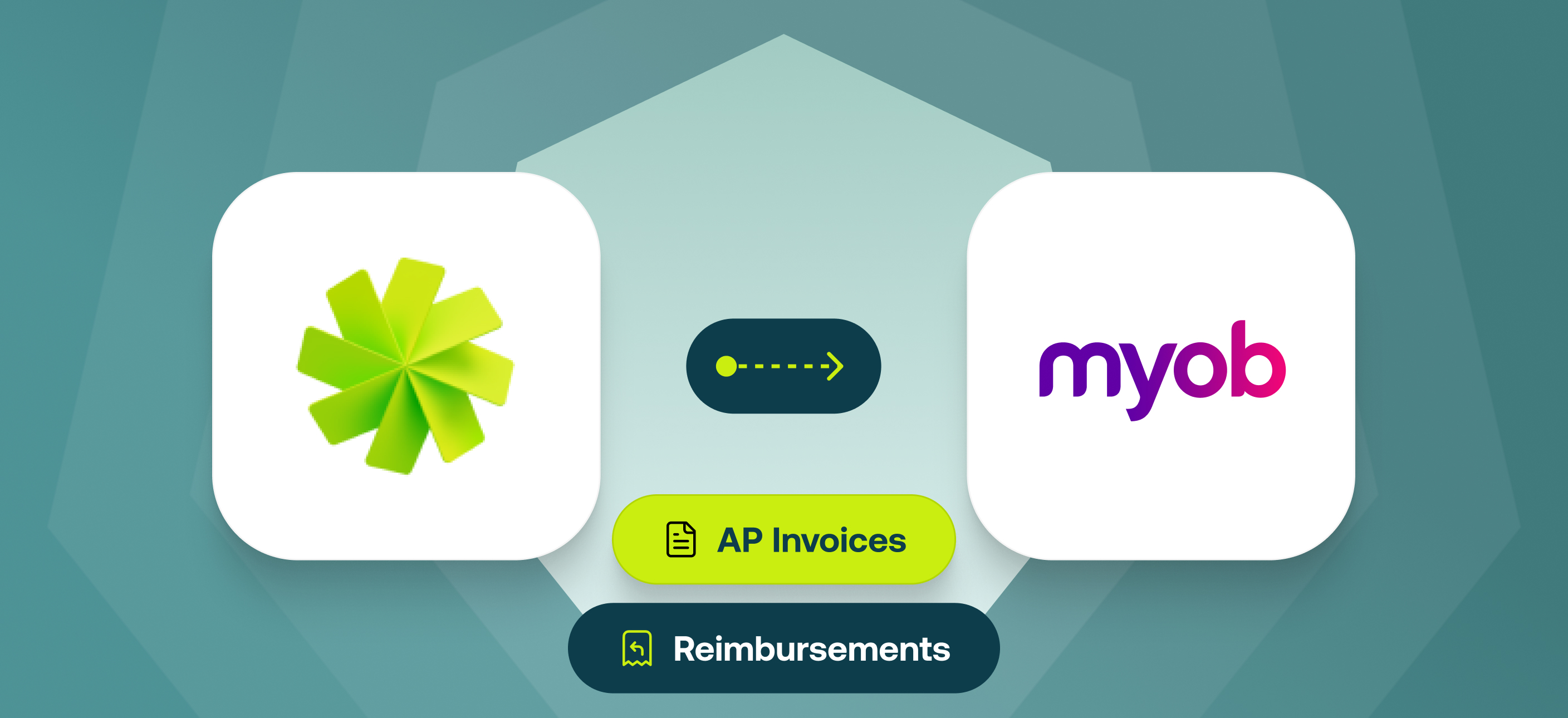
Accounts Payable Invoices and Reimbursements now export automatically to MYOB Account Right with the right expense data on every line item. Once the Invoice or Reimbursement is paid in Weel the payment is recorded in MYOB automatically.
Weel's MYOB AccountRight integration previously covered card expenses only. This update closes that gap. Card expenses, invoices, and reimbursements all sync directly to MYOB AccountRight, giving finance managers and bookkeepers a complete, accurate record of every transaction.
This is available on our Basic, Premium, and Enterprise plans.
Why it matters
- Your books stay complete: Card expenses, invoices, and reimbursements all in MYOB AccountRight. Every transaction type Weel manages now has a matching record in your accounting software.
- Fewer reconciliation errors: What goes into Weel matches what lands in MYOB AccountRight. No re-keying, no discrepancies to chase down at month-end.
- Less work at month-end close: Invoices and reimbursements that once required manual input now flow directly to MYOB AccountRight without intervention.
How it works
Accounts Payable Invoices (beta)
- Create an Invoice in Weel — as soon as you enter a supplier and at least one date (invoice date or due date), Weel automatically exports it to MYOB AccountRight as a Purchase Bill.
- Approve it in Weel as you normally do.
- Pay it in Weel and the payment is recorded against the MYOB Bill automatically — no manual mark-as-paid.
Reimbursements
- Approve and pay a Reimbursement in Weel as you normally do.
- Weel auto-exports it to MYOB AccountRight — once paid, it exports to MYOB as a Spend Money transaction with full line-item detail.
Get started
- Already on MYOB AccountRight? Reimbursements will start flowing through automatically. Accounts Payable for MYOB AccountRight is currently available to a limited group of customers as part of our closed beta. To join the early access program, contact help@letsweel.com.
- Not connected yet? Connect MYOB AccountRight to your Weel account today.