What's new?
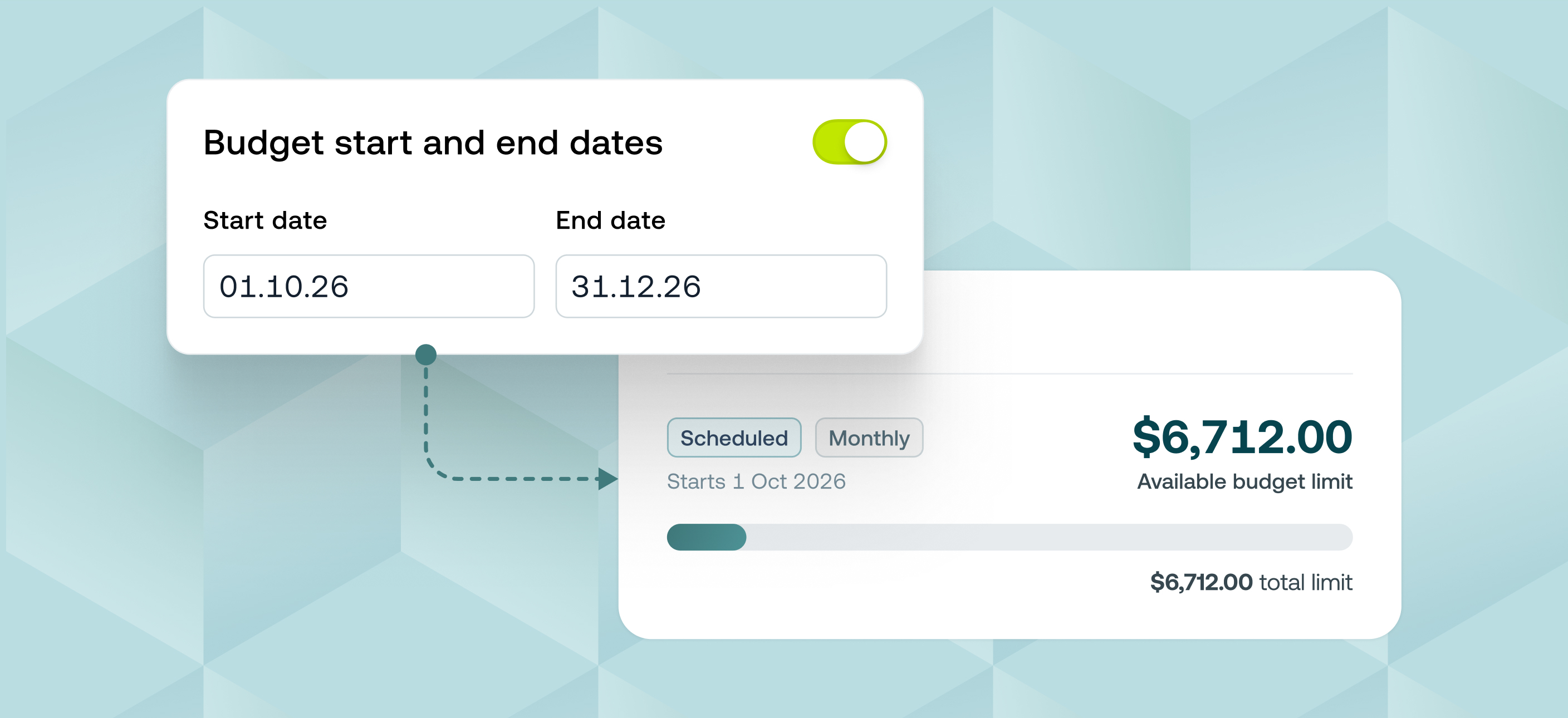
Budgets can now be given a start date and end date so they open, run and close themselves without anyone needing to remember. A budget now moves through three states automatically: scheduled, active and archived, with cards issued and revoked right on schedule.
This is available on all Weel plans.
Why it matters
- Seasonal limits actually end on time. Set a start and end date once and the budget takes care of the rest. No more limits that quietly stay live long after a program has finished.
- Nothing goes live before it should. Give a budget a future start date and it stays dormant with no spending or cards issued until that date arrives.
- Your team gets fair warning. Members and owners get a reminder before a budget expires, plus a notification if the end date ever changes.
- History stays intact. Archived budgets disappear from day-to-day views but stay visible to admins for reporting and audit.
How to get started
- Go to Budgets and open a new or existing budget
- Under Budget details, set a start date, an end date, or both
- Save the budget — its status updates automatically to scheduled, active or archived
- On the start date, cards are issued to members automatically
- On the end date, the budget archives itself and cards are revoked