What's new?
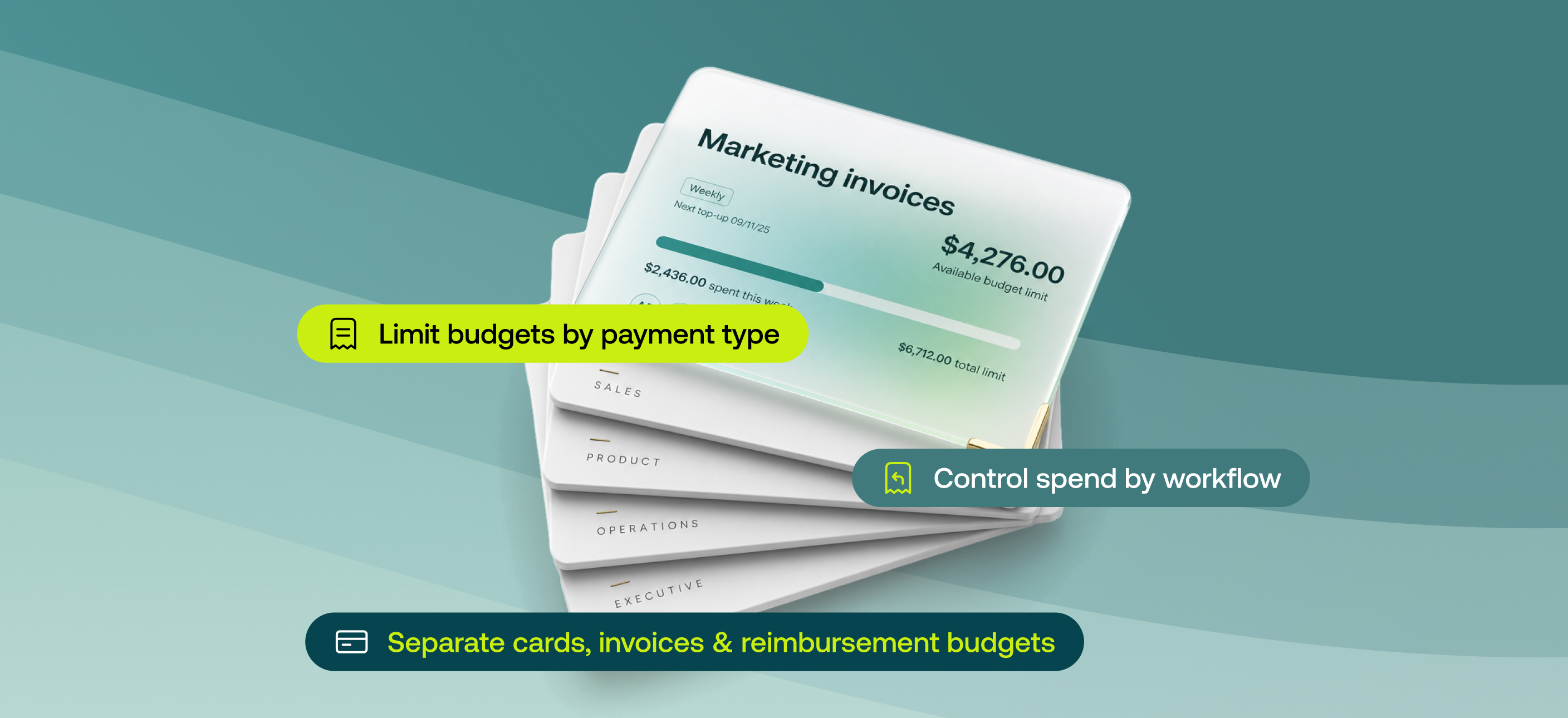
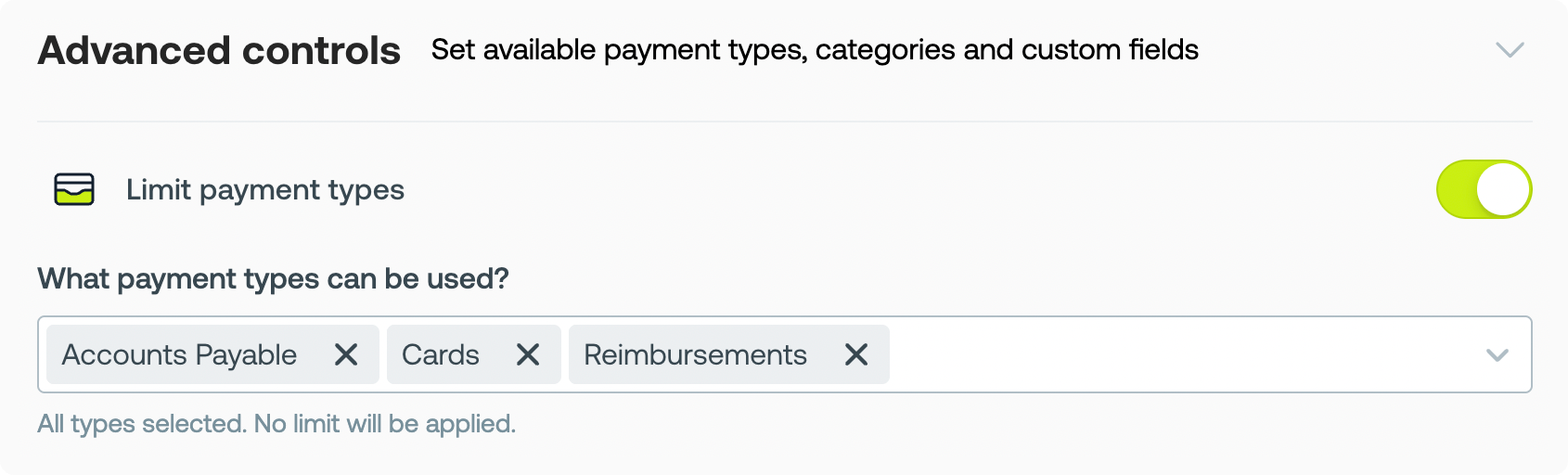
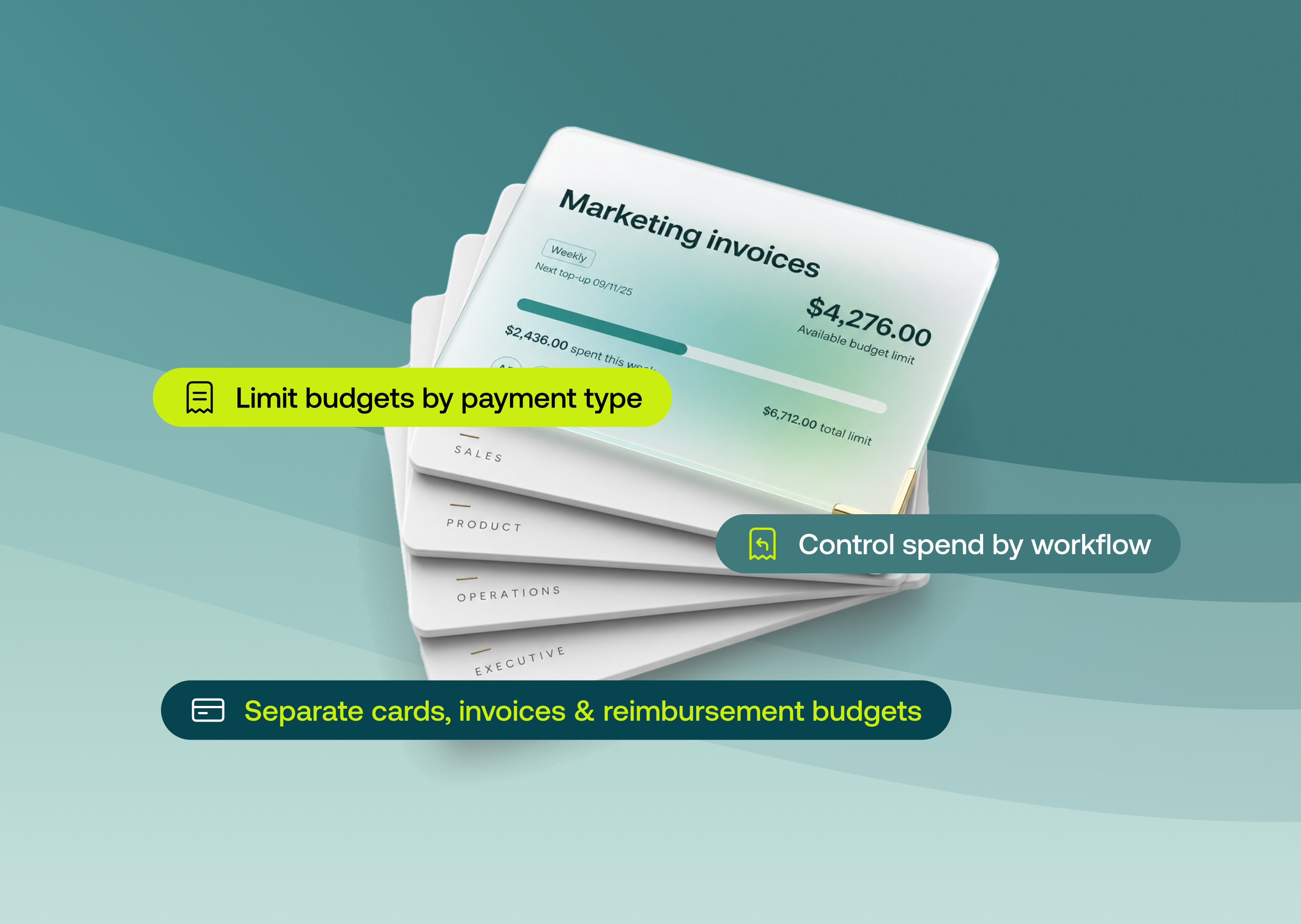
Admins can now control which payment types are permitted on individual budgets. A new Limit payment types control on the budget form designates any budget as cards-only, AP-only, reimbursements-only, or any combination.
Until now, payment-type permissions lived on the user. Anyone with card access saw a card balance against every budget they were added to, including AP budgets set aside for invoices.
This is available to all customers on our Basic, Premium and Enterprise plans.
Why it matters
- Open AP budgets safely: Allocate the full amount your bills need without exposing a card balance against it. No more freezing cards by hand or building duplicate budgets to keep spend apart.
- Spend stays where you intend it: Each budget allows only the payment types you choose, so card spend can't land against an AP budget and your funds go where they're meant to.
- Your team sees only what they can use: Less confusion about what's actually available to them.
How to get started
- Go to Budgets and open an existing budget or create a new one.
- In the budget form, open Advanced controls and find the Limit payment types setting.
- Select which payment types to permit: Cards, Accounts payable, or Reimbursements (any combination).