What's new?
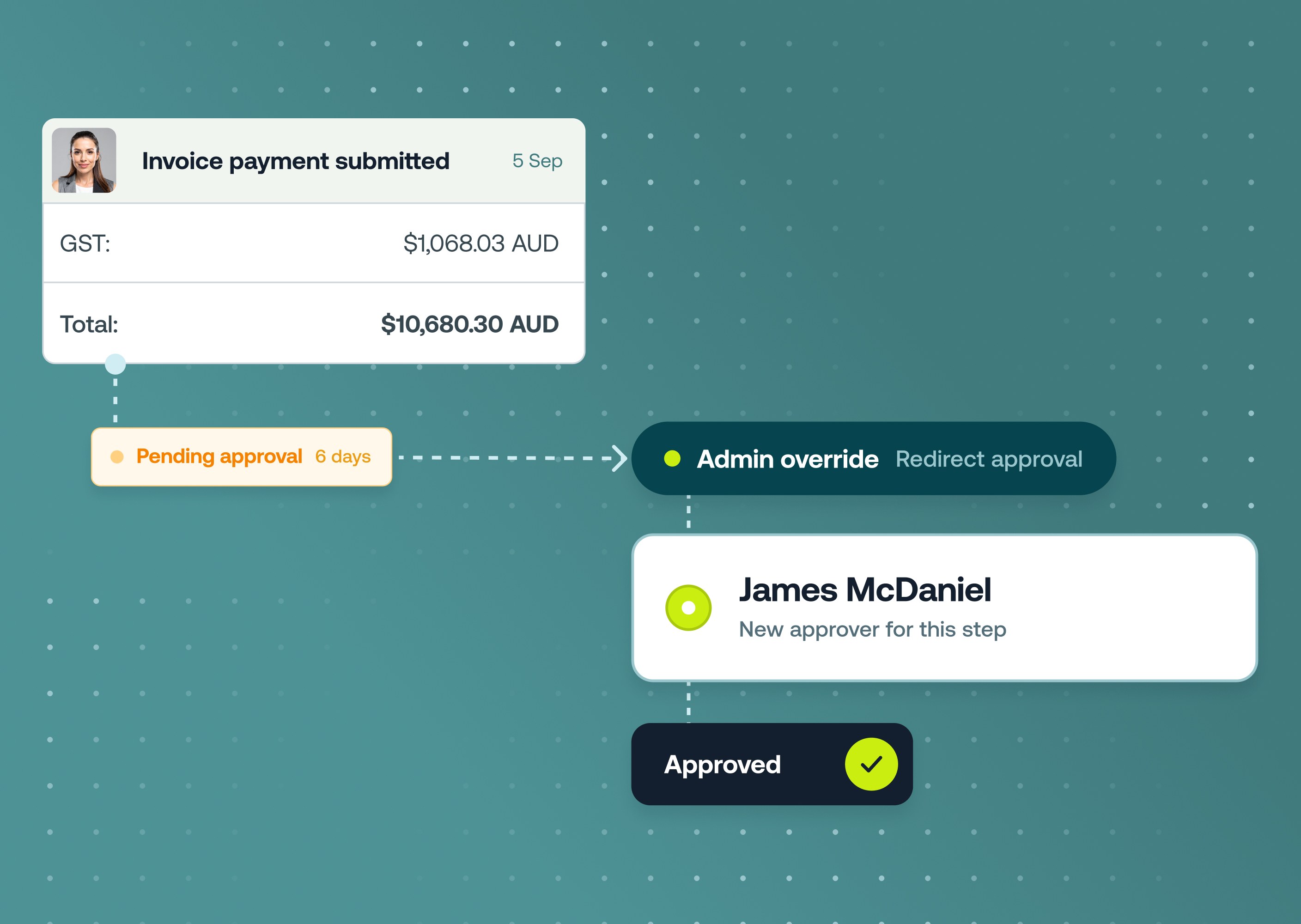
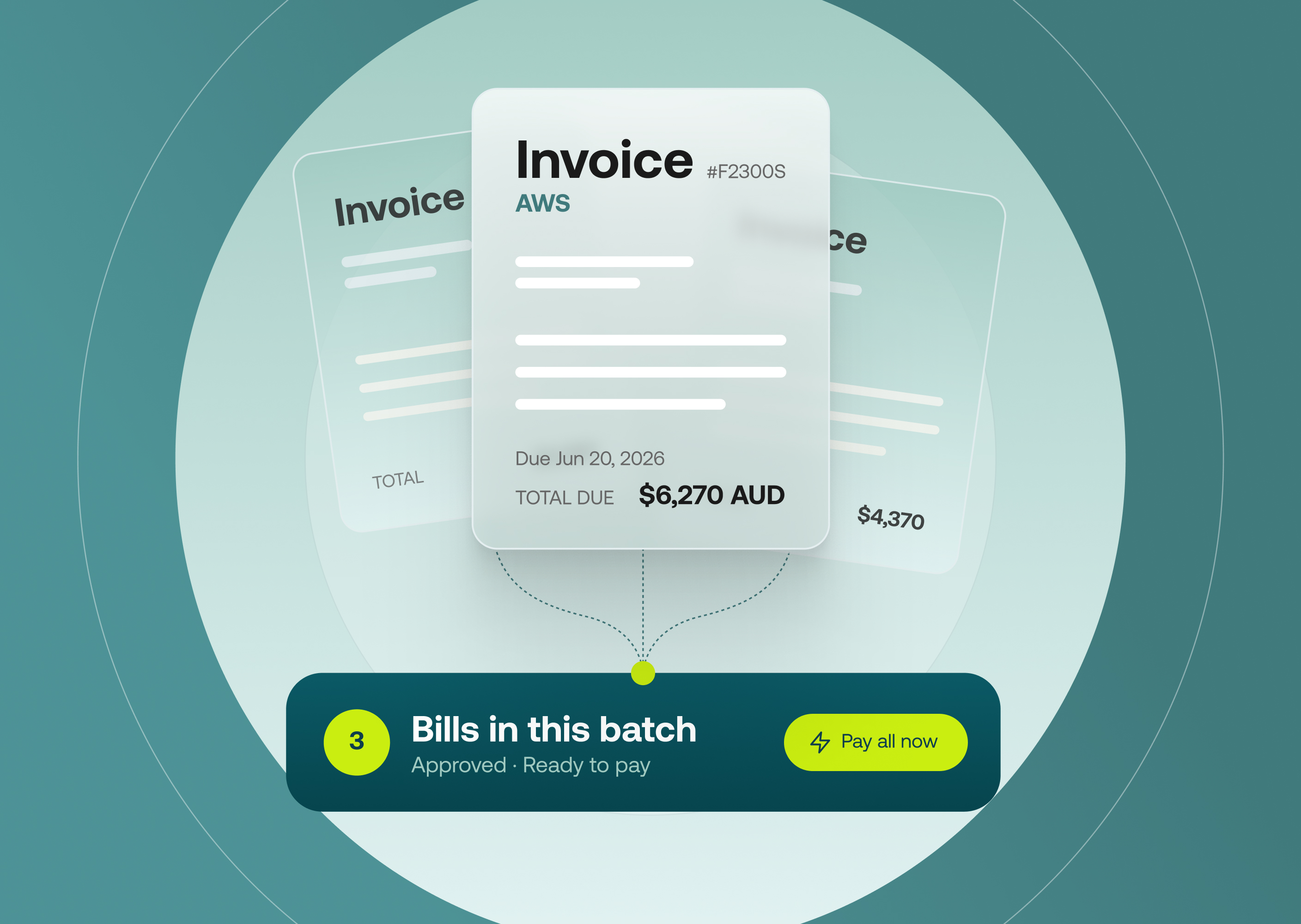
Accounts Payable invoice approvals are now available in the Weel mobile app. Approvers view invoice details, review tax invoice attachments, complete any required line-item fields, and approve or decline invoices directly from their phone.
This completes the mobile approvals suite. Cards, reimbursements, top-ups, and AP invoices are all in the mobile app.
This is available to all customers on our Basic, Premium and Enterprise plans.
Why it matters
- Approve on the go: Your approval queue moves whether you're at a desk or not.
- Faster payment cycles: Invoices reach payment sooner when approvers don't have to wait until they're at their computer.
- Nothing slips through: Push notifications deliver a direct link to the invoice the moment someone requests your approval.
How to get started
- Update to the latest Weel mobile app.
- Tap Approvals to see pending AP invoices alongside your other approvals.
- Open an invoice to review supplier details, line items, the attached tax invoice, and any required fields.
- Tap Approve or Decline to action it from your phone.
- Enable push notifications in Settings to be notified the moment an AP invoice needs your attention.
Read more