What's new?
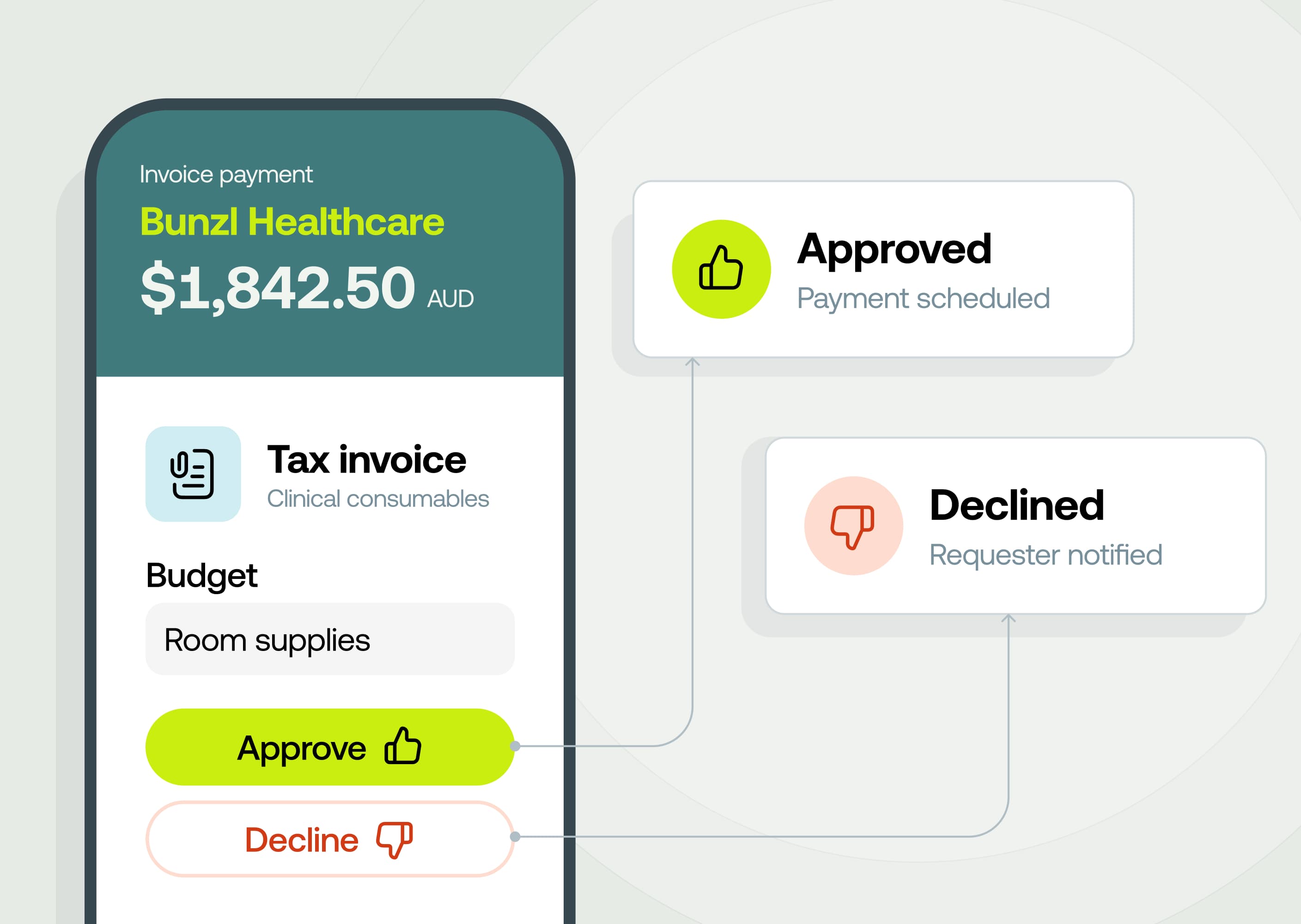
Our new override approvals permission allows Admins to unblock pending approval sfor any payment type (invoices, reimbursements, card transactions, budget top-ups or purchase orders) and approve, decline or request changes on it directly, no matter who it's assigned to. Admins can re-assign a step in the approval workflow to someone else as well as completely forcing approval.
This is available on our Premium and Enterprise plans.
Why it matters
- Nothing sits stuck because one person is away. An approver on leave, out sick, or gone from the business no longer holds up a payment until someone reassigns their approvals.
- Re-assign the approval step or clear the whole workflow. Re-assigning approval replaces the approver in a single step of the workflow whilst overriding completely clears the workflow.
- You control exactly who can do it. Override approvals is a standalone permission which means you can decide exactly who has access.
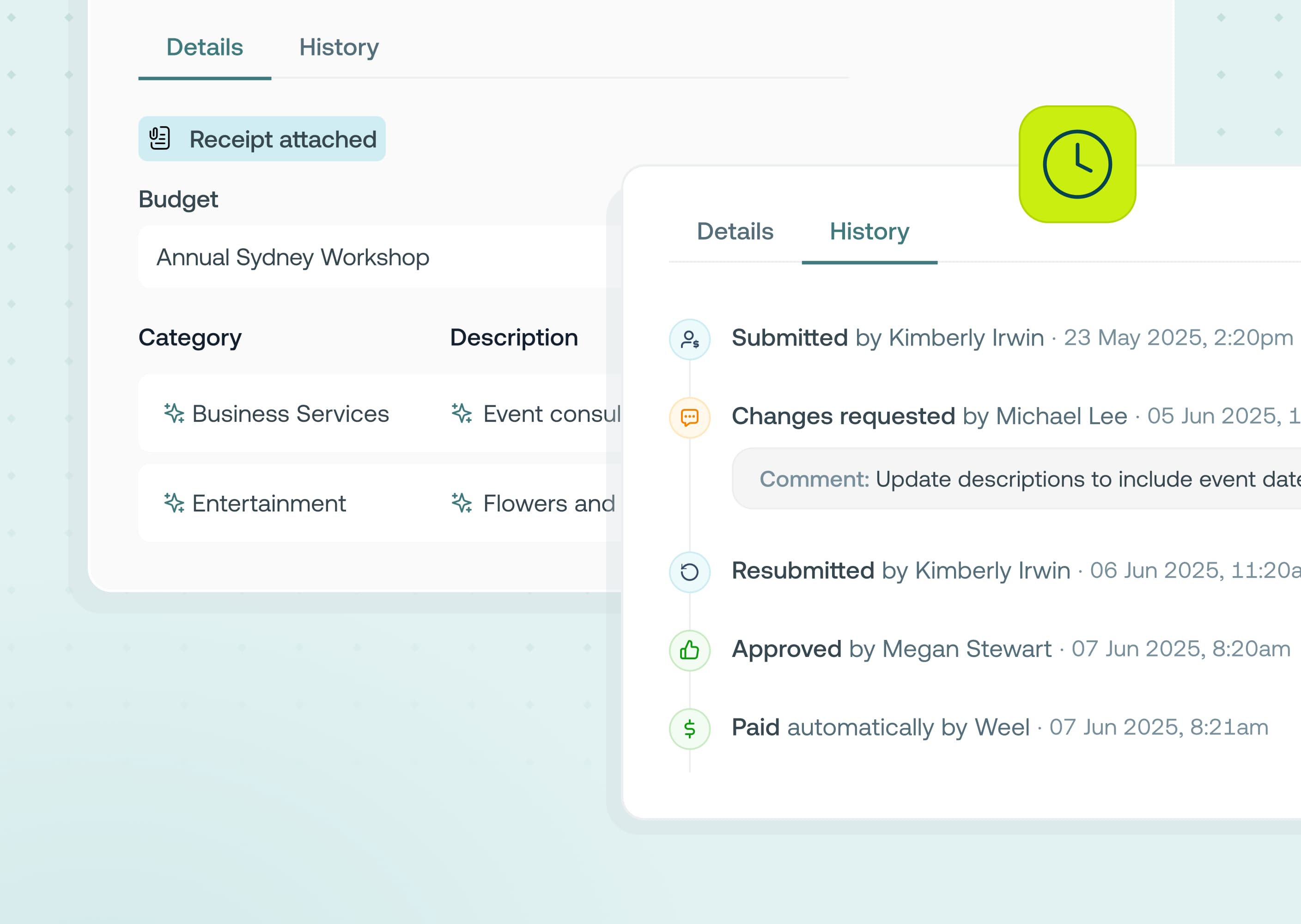
- Every override is on the record. Each override is logged with who made the decision, when, and any comment they added, right in the item's approval history.
How to get started
- Go to User Management, then Roles, and enable the Override and redirect all approvals permission on any relevant role types
- Open any stuck approval items from the web app
- Click manage approval
- Choose redirect to another approver, force approval, force decline or request changes (note: request changes isn't available for budget top-ups or purchase orders)
- Add an optional comment and confirm — the item updates immediately for everyone viewing it


.jpg)