What's new?
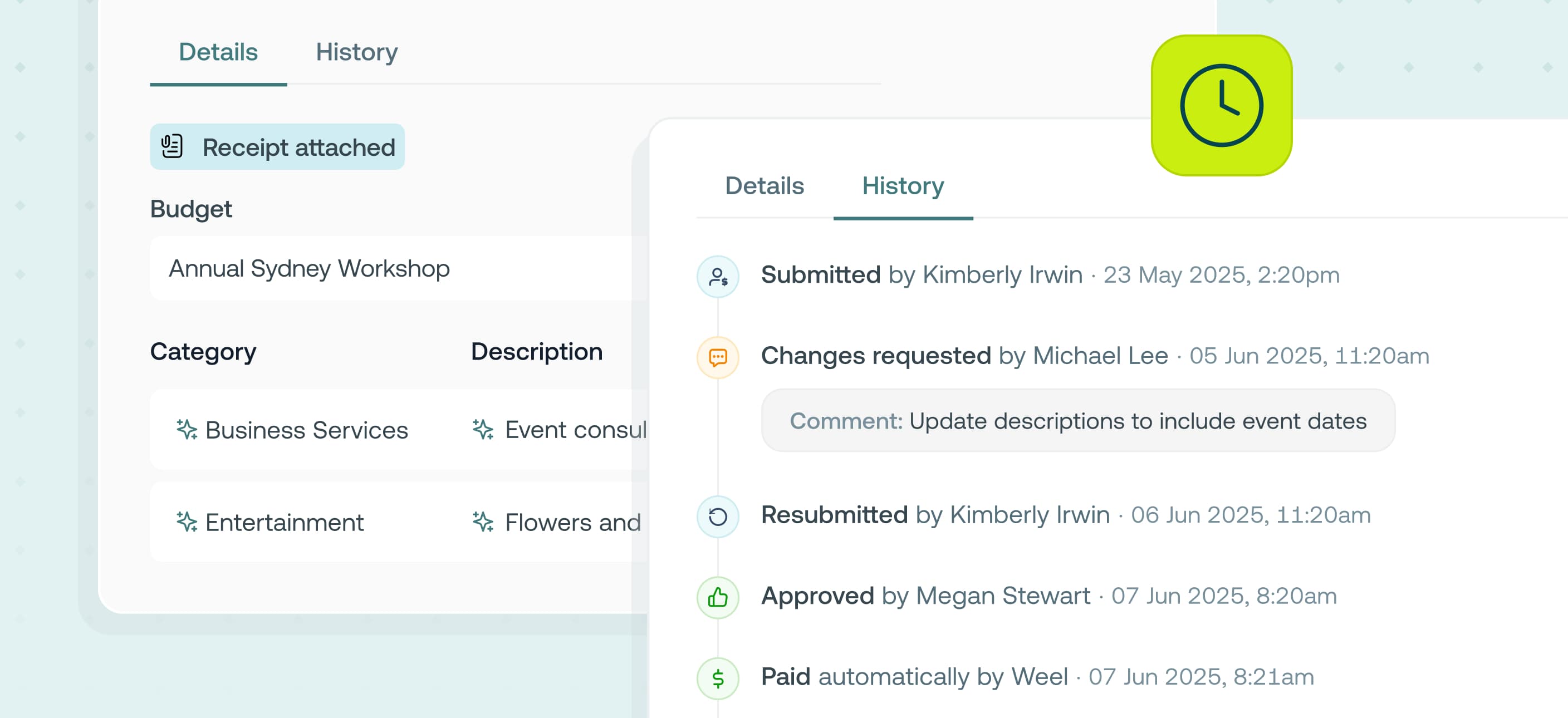
Now when you open any card expense, reimbursement or invoice from anywhere in the Weel web app you will find a new accounting-friendly view. Transaction and expense details are now clearly grouped and expenses can be broken into line items with a new horizontal table.
Alongside this, every transaction in Weel now comes with a complete approval history. Open any card expense, invoice, reimbursement, budget top-up or purchase order and you'll find a new History tab showing the full approval trail. Who submitted it, who approved or declined it, exactly when, and any comments left along the way.
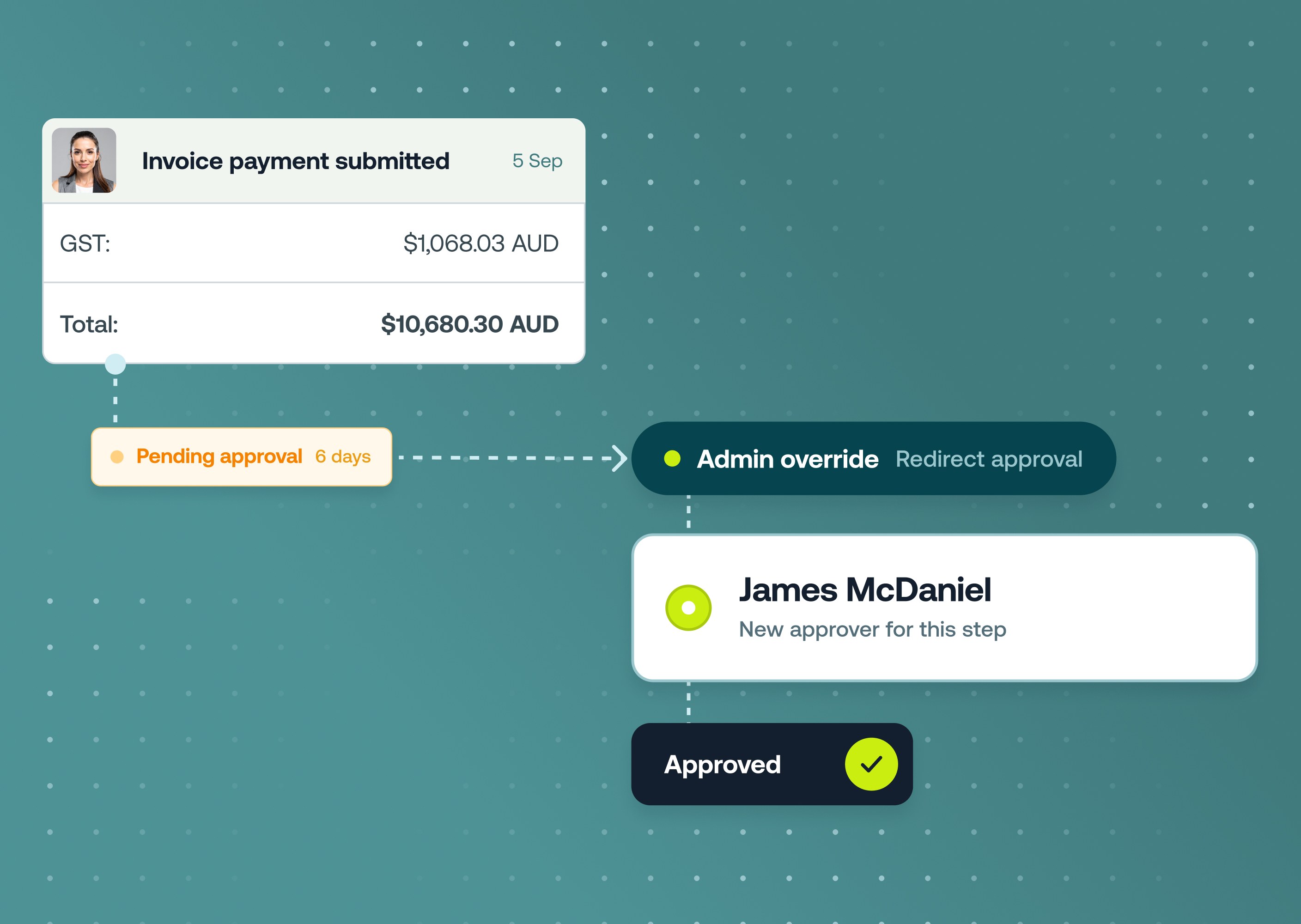
You can also see which approval rule applied to each transaction and whether the rule changed along the way so you always understand why something has been approved.
This is now available to all customers on our Basic, Premium, and Enterprise plans.
Who it's for
- Finance admins and managers who need to close month-ends, audits, and board reports on-time.
- Approvers and team members who want to see exactly where a items sit in an approval flow and why a decision was made
Why it matters
- Closing your books on-time and accurately can be a scramble at month-end. To get ahead of the work you need a consistent view that matches how you already work. To report on expenses accurately you need to be able to easily split card expenses, reimbursements and invoices into line items.
- When an auditor, board member, or regulator asks how a payment was approved, reconstructing the story from memory and email threads is slow and risky. The audit trail helps you:
- Answer approval questions instantly. The complete timeline lives on every transaction, with applicable approval rule detailed, ready when you need it.
- Stay audit-ready year-round. Every decision is recorded with a timestamp and can't be edited after the fact
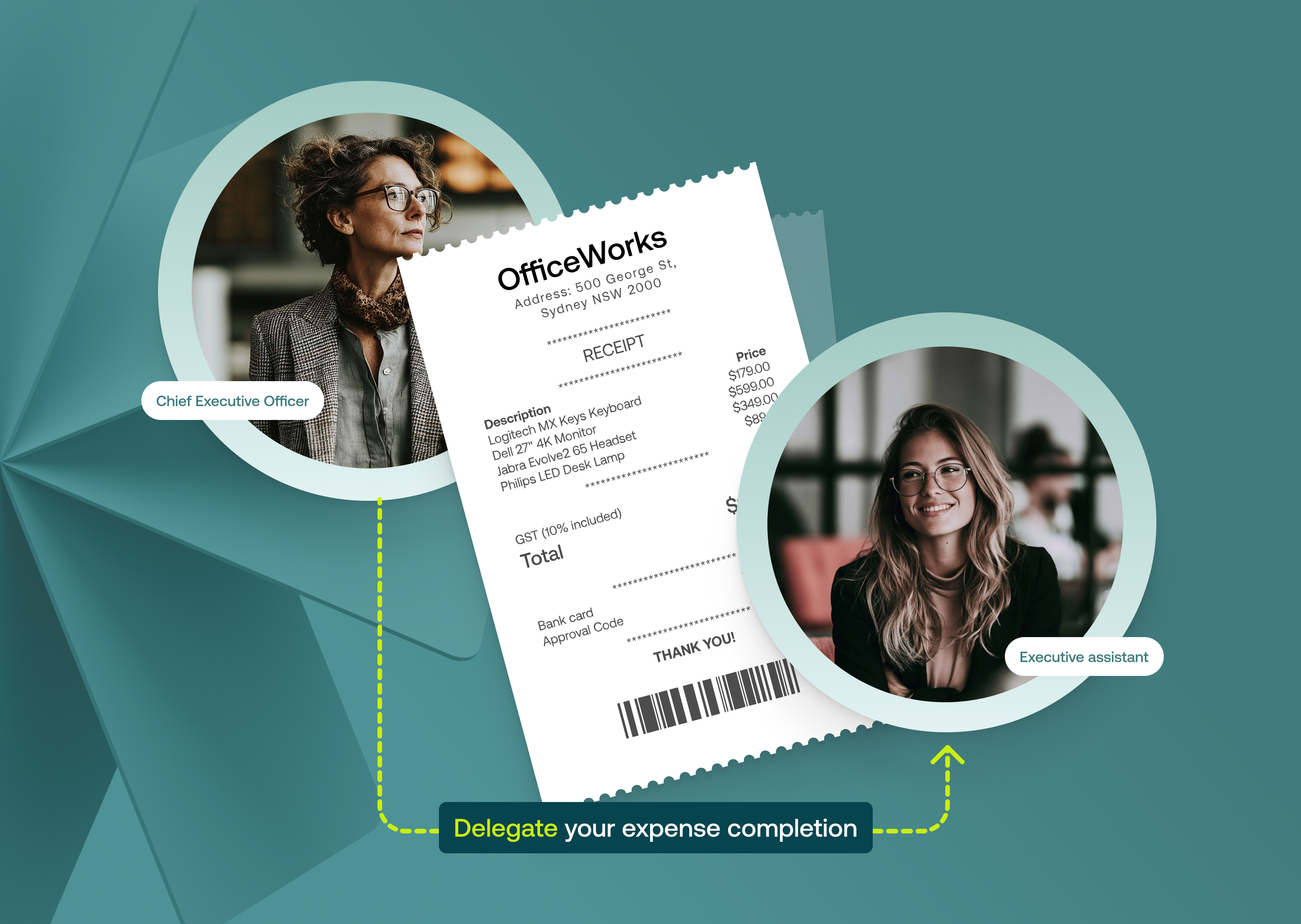
- See why, not just who. Decline reasons, change requests and delegations are captured alongside each decision
Key features
- Line item splitting for reimbursements. You can now record GST, accounting codes, tracking categories and descriptions for each line item.
- Accounting-friendly view. See card expenses, invoices and reimbursements in a cleaner, horizontal view.
- History tab on every transaction. Card expenses, invoices, reimbursements, budget top-ups, and purchase orders.
- Complete approval timeline, in real-time. Submitted by, approved or declined by, timestamps, and comments at every step.
- Multi-step approval rule visibility — see each step of complex approval rules, including delegated approvals, pending approvers and which rule applied to what transaction.
How to get started
There is no setup required:
- Open any transaction or top-up request from your Transactions, Accounts Payable, Reimbursements, Purchase Orders or Approval screens
- Switch between your current default view and the new accounting-friendly view.
- Click on the History tab to view the approval history for that transaction
- Anyone with permission to Create and edit approval rules can view which approval rule applied to the transaction and link back to that relevant rule