What's new?
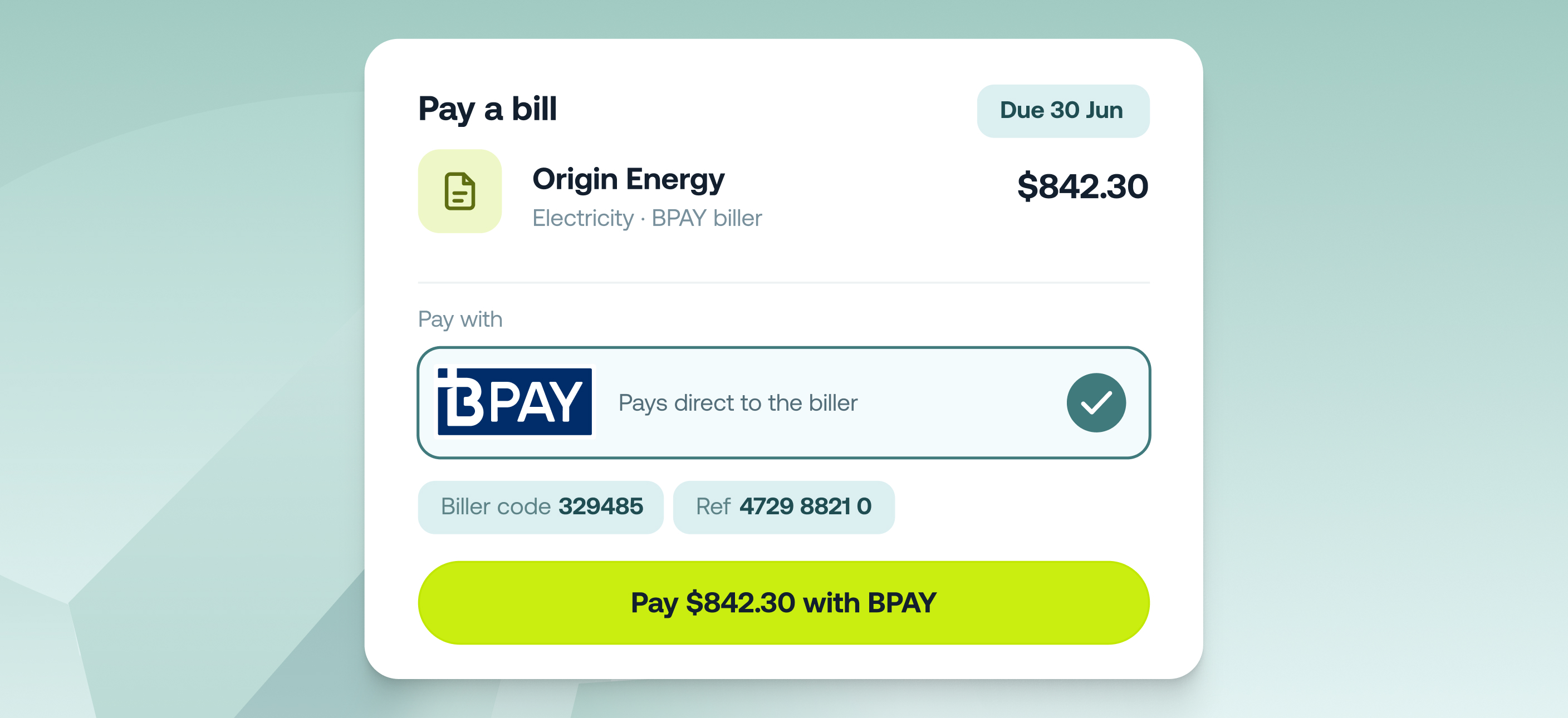
You can now pay supplier bills by BPAY directly from Accounts Payable - no need to switch to your bank for council, utility, telco, or ATO bills that only take BPAY.
Upload the invoice and Weel's AI reads all the details off it - biller code, reference number, as well as the amounts and dates. BPAY bills are coded, approved, and paid the same way as your bank-transfer bills, and the BPAY details are saved against the supplier so they're ready to go next time.
Key features
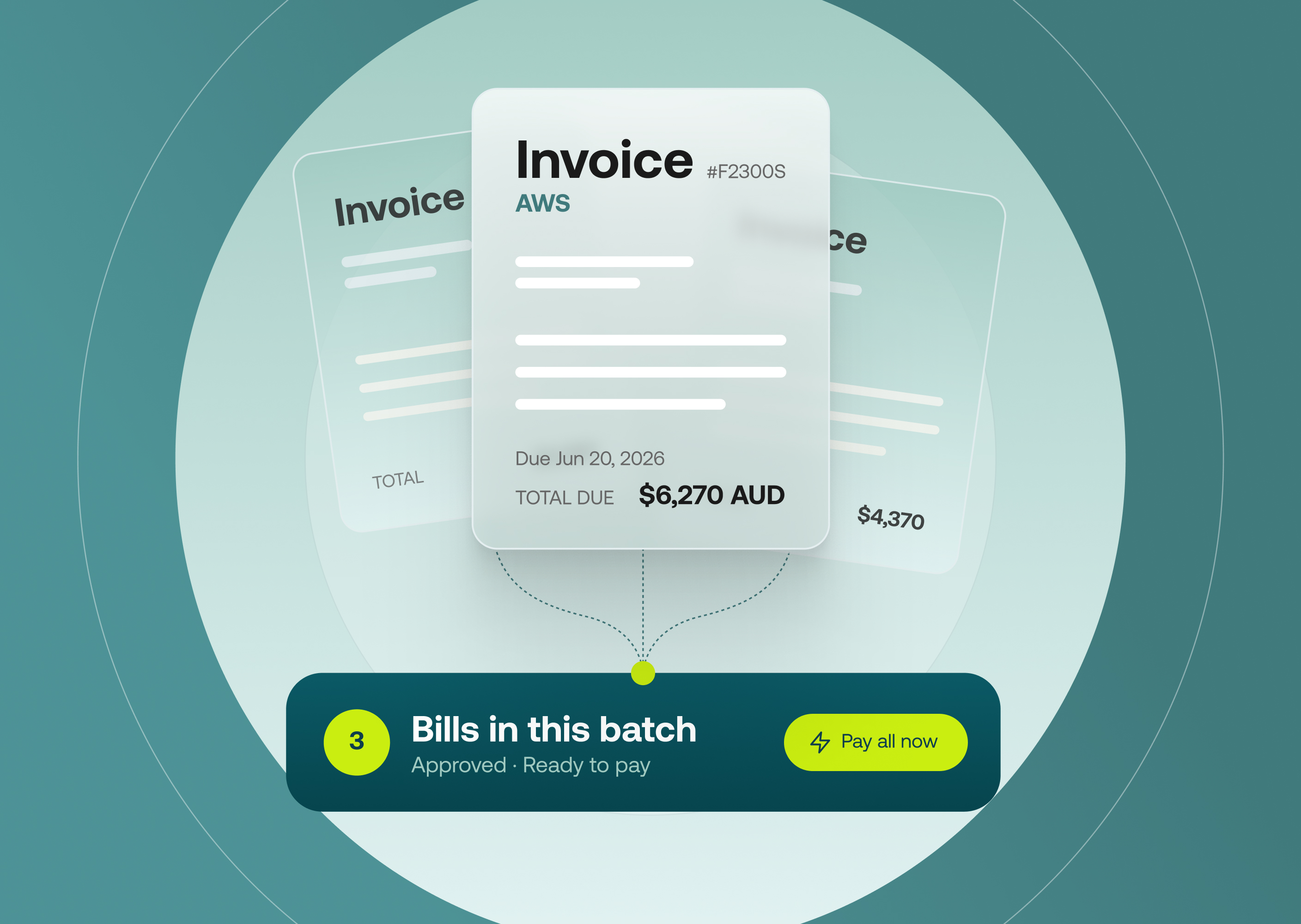
- One place for every invoice: In Accounts Payable, BPAY bills run through the same workflow as your bank-transfer bills - no parallel process in your bank.
- Biller details read from the invoice: Upload the bill and Weel's AI extracts the biller code and reference number along with the amounts and dates.
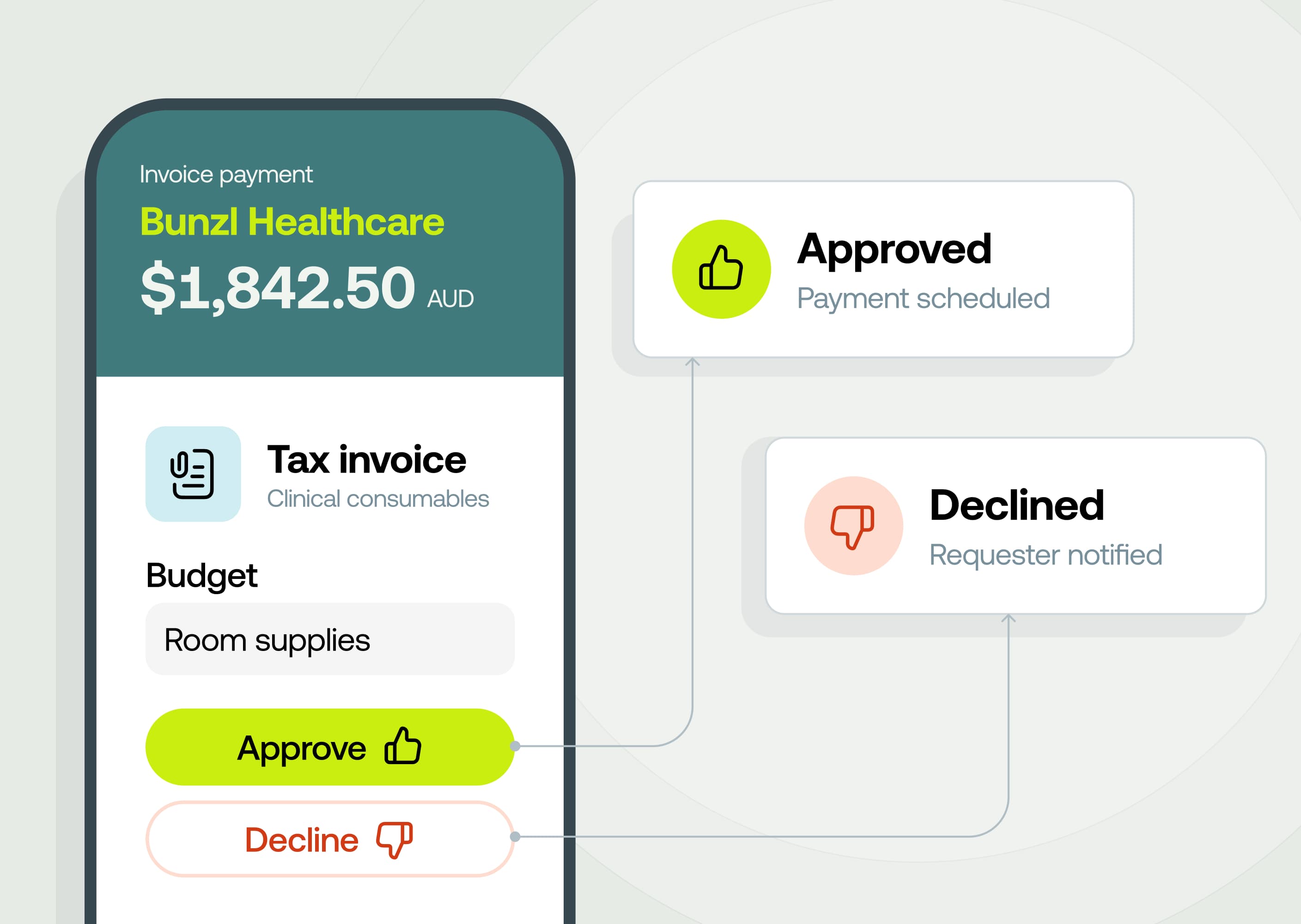
- Same approvals, same audit trail: BPAY bills follow your existing approval rules, and approvers see the biller code and reference before approving.
- Clean reconciliation. Payments export to Xero, MYOB and Business Central correctly, so you can reconcile without manual work.
How it works
- Upload the invoice. Weel extracts the details and matches the supplier, or creates a new one for you to confirm.
- Set the supplier's payment method to BPAY and check the biller code and reference number against the invoice.
- Submit the bill for approval. It follows your usual approval workflow.
- On the payment date, Weel pays the bill via BPAY and marks it Paid once it clears.