What's new?
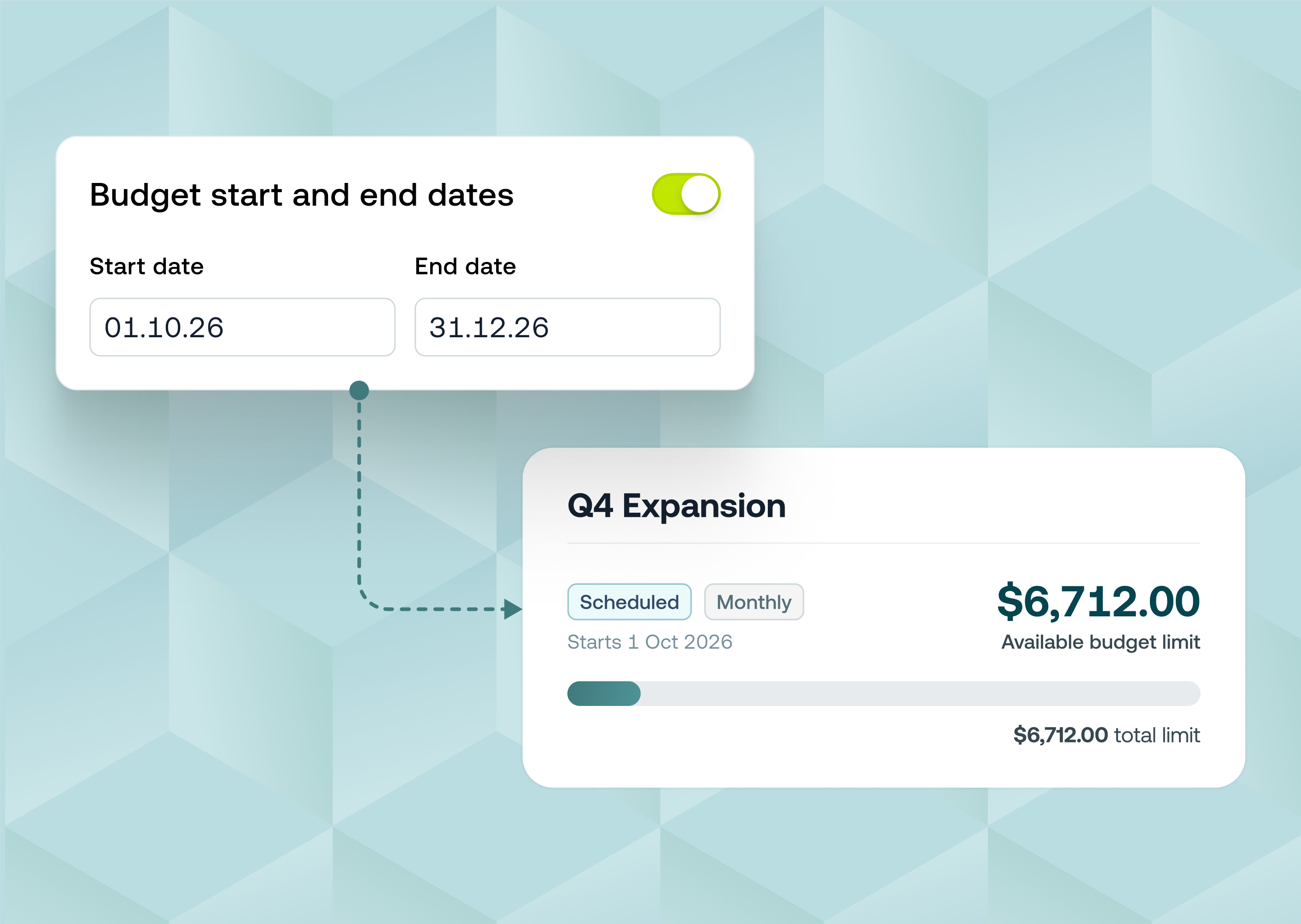
Budget members can now request a limit update straight from the Weel web app. Until now this was only possible in the mobile app. Budget owners can also request a change to the whole budget:
- One-off update. A top-up for the current budget period only.
- Permanent update. Raises the recurring limit for every period after this one, on budgets that reset.
Requests go to your approvers like any other approval. Each budget now has a Limit updates tab that shows every pending and past request: who asked, why, how much, and whether it was approved.
Now available on all plans.
Why it matters?
- No more chasing admins outside Weel . Budget limit requests no longer get lost in Slack messages, emails and hallway chats if you can't top-up from the mobile app. Ask in Weel and the request goes to the right approver.
- Controls stay the same. Every request follows your business's budget top-up approval rules, so nothing changes without sign-off.
- Everything in one place. The Limit updates tab shows each request's date, status, requester, reason and amount, so anyone can see why a budget changed.
- You'll know as soon as it's done. Members get an email and a push notification once their request is approved and the new limit is applied. Pending requests can be cancelled at any time if plans change.
How to get started
- Go to Budgets in the Weel web app and open a budget
- Click the edit (pencil) icon next to your available limit in the Budget members table, or Request limit update if you're a budget owner
- Enter the amount and a reason, and budget owners can choose One-off update or Permanent update
- Check the new limit and click Request limit increase
- Track your request on the Limit updates tab. You'll get an email and a push notification once it's approved