




AP automation software closes every invoice without a manual follow-up. For finance teams running month-end, that single outcome is the difference between a close that finishes on time and one that does not.
What is AP automation software?
AP automation software replaces manual accounts payable processing with a system that captures, matches, approves, pays, and syncs every invoice automatically. Instead of your team chasing approvals by email or re-keying data from PDFs, the platform handles the full cycle from invoice receipt to accounting reconciliation.
The category covers tools built to move a supplier invoice from arrival to payment to your accounting records, with rules and routing doing the work your team used to do by hand. The goal is not to process invoices faster. The goal is to ensure every invoice completes.
Why AP automation matters for Australia and New Zealand finance teams
Finance teams across Australia and New Zealand face the same end-of-month pressure: a stack of invoices at various stages of completion. Some approved. Some waiting on a manager. Some missing a coding field.
The real cost is not in the processing time. It is in the invoices that never complete. When an invoice sits in a manager's inbox unapproved, or a payment is processed but never coded correctly, that invoice stays an open loop. At month-end, open loops translate directly to delayed closes.
The metric that separates fast-closing teams from slow ones is not how quickly your AP processes invoices. It is your invoice completion rate: the percentage of payables that reach full payment without any manual intervention. Most AP automation software talks about processing speed. The teams that close consistently focus on completion.
The five stages of AP automation
A complete AP automation cycle runs through five stages:
- Capture. Invoices arrive by email, supplier portal, or upload. OCR or AI extracts the key fields: supplier name, amount, due date, line items.
- Match. The system checks the invoice against any existing purchase order or contract. A three-way match (invoice, PO, goods receipt) flags discrepancies before anyone needs to look.
- Approve. Invoices route to the right approver based on your rules: by amount, by department, by supplier category. Approvals happen in the platform, not over email.
- Pay. Approved invoices trigger payment through your connected bank or payment gateway. Payment terms and supplier preferences are applied automatically.
- Sync. The paid invoice posts to your accounting software with the correct codes, cost centres, and GST treatment. Your books update without a manual export.
When all five stages complete without manual intervention, every invoice closes. When any stage stalls, invoices pile up.
What incomplete AP looks like and what it costs
Incomplete accounts payable takes several forms. An invoice captured but never matched to a PO. An approval given verbally but never recorded in the system. A payment processed but posted to the wrong account.
Each of these is an open loop in your close. At month-end, open loops appear as:
- Unreconciled supplier accounts
- Missing accruals from invoices not captured in the right period
- Duplicate payments from invoices processed in two places
- Finance team time spent chasing the status of individual payables
The cost is not just hours. It is the certainty your close requires. A team that knows every invoice is complete closes with confidence. A team chasing incomplete payables at 11pm on the last day of the month does not.
What to look for in AP automation software
When evaluating AP automation software, focus on completion over speed.
End-to-end visibility. You need to see exactly where every invoice sits at any point in the cycle. Not a summary dashboard. A live status view for every payable.
Policy enforcement at approval. Approvals that happen outside your rules create exceptions at month-end. The platform enforces your policies automatically, not just when approvers remember to follow them.
Real-time accounting integration. The sync to Xero, MYOB, or NetSuite must be rule-based and continuous. Manual exports create gaps between what is paid and what is posted.
Automated matching. Two-way and three-way matching run without human involvement. Manual matching at scale becomes a bottleneck at month-end.
Audit trail. Every action in the cycle is logged. When a supplier disputes a payment, your team has a timestamped record of every step.
These features are necessary but not sufficient. The true test of any AP automation platform is what percentage of invoices complete without intervention. Ask vendors for completion rate data, not processing speed benchmarks.
How Australia and New Zealand finance teams use Weel for AP automation
Weel is built around one number: invoice completion rate. Over 90% of card expenses on Weel reach full manager approval, measured across 3.9 million transactions. Teams that activate approval workflows reach 95% expense completion, with nothing falling through.
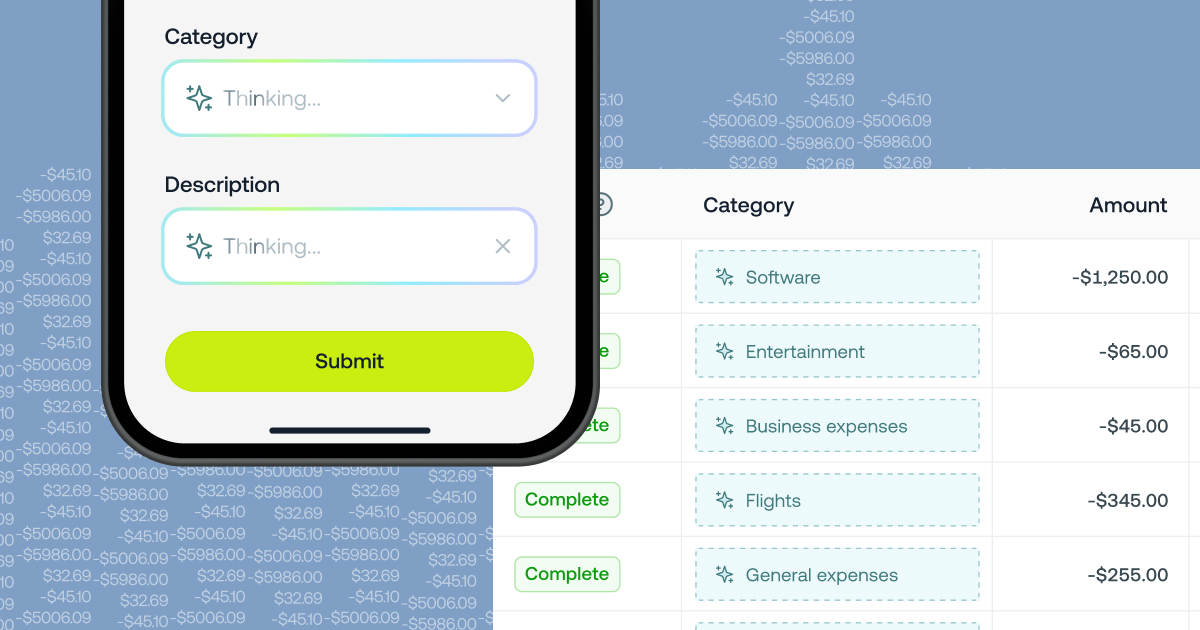
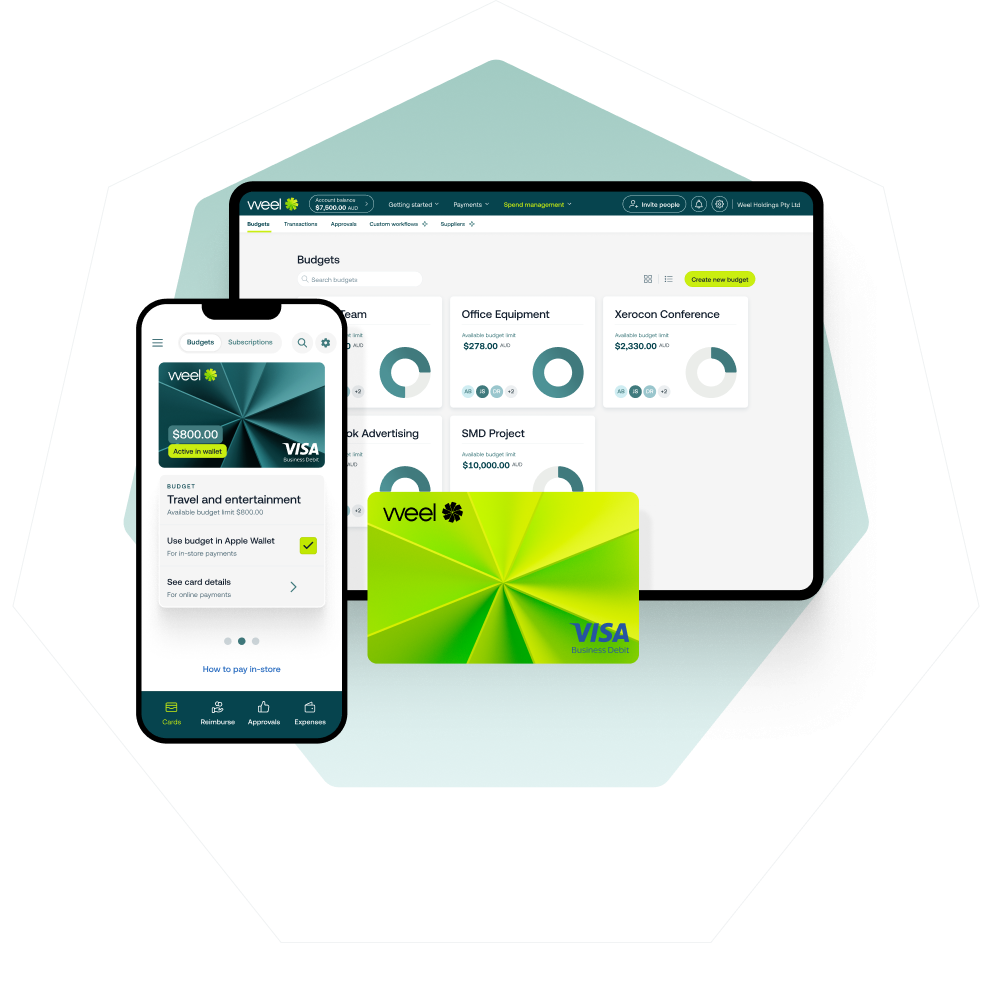
For finance teams across Australia and New Zealand, the month-end close is the moment that matters. Weel connects card spend, reimbursements, and AP in a single platform. Every transaction is automatically coded, approved, and synced to your accounting software. The median time from spend to accounting sync is 2.3 days.
Approval workflows in Weel route every invoice and expense to the right approver automatically, based on your rules. Approvals happen in-platform. Once approved, transactions sync directly to Xero, MYOB, or NetSuite with the correct codes applied.
The result is a close that does not wait for your team to chase anything. Every payable completes. Every sync happens. Month-end closes because everything is already done. "Every Expense Complete." That is the standard Weel holds itself to.