What's new?
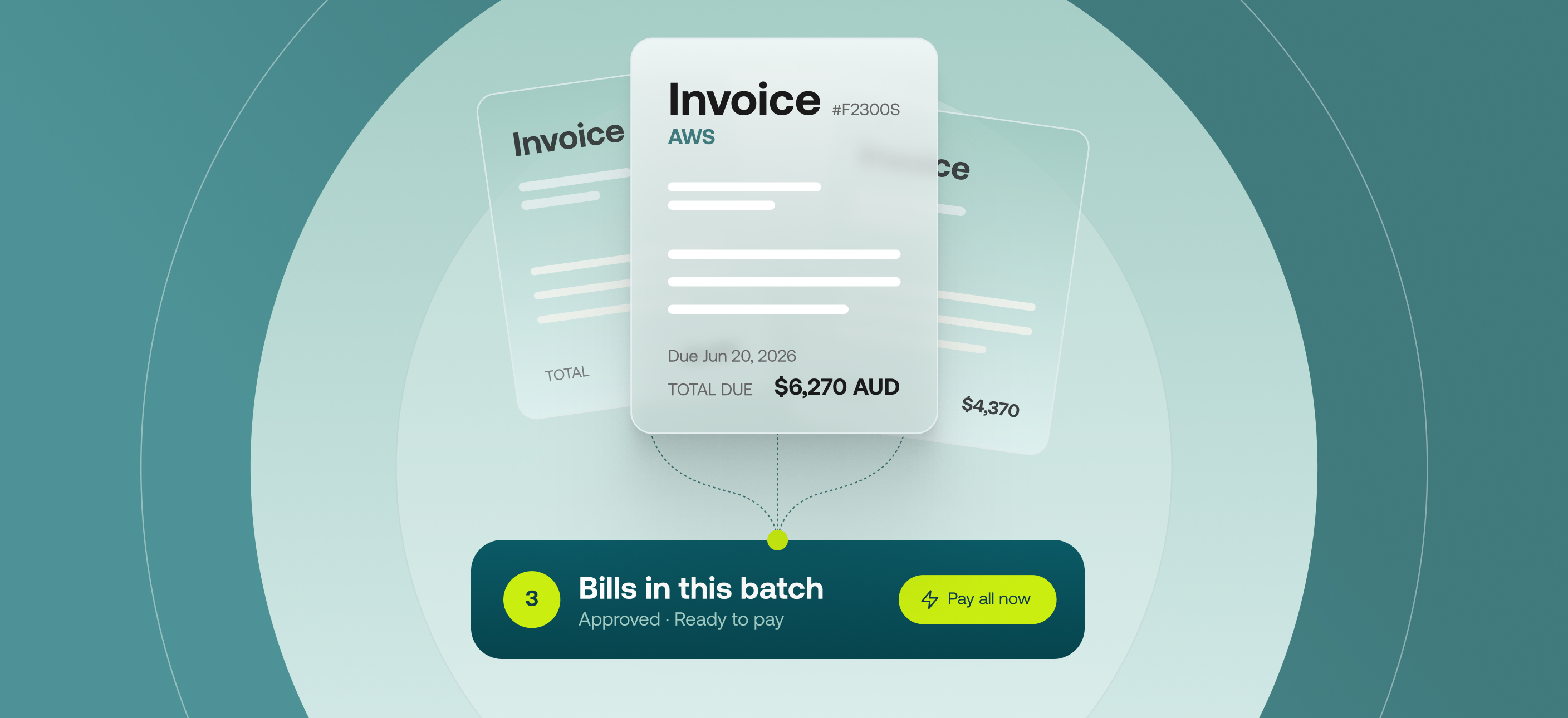
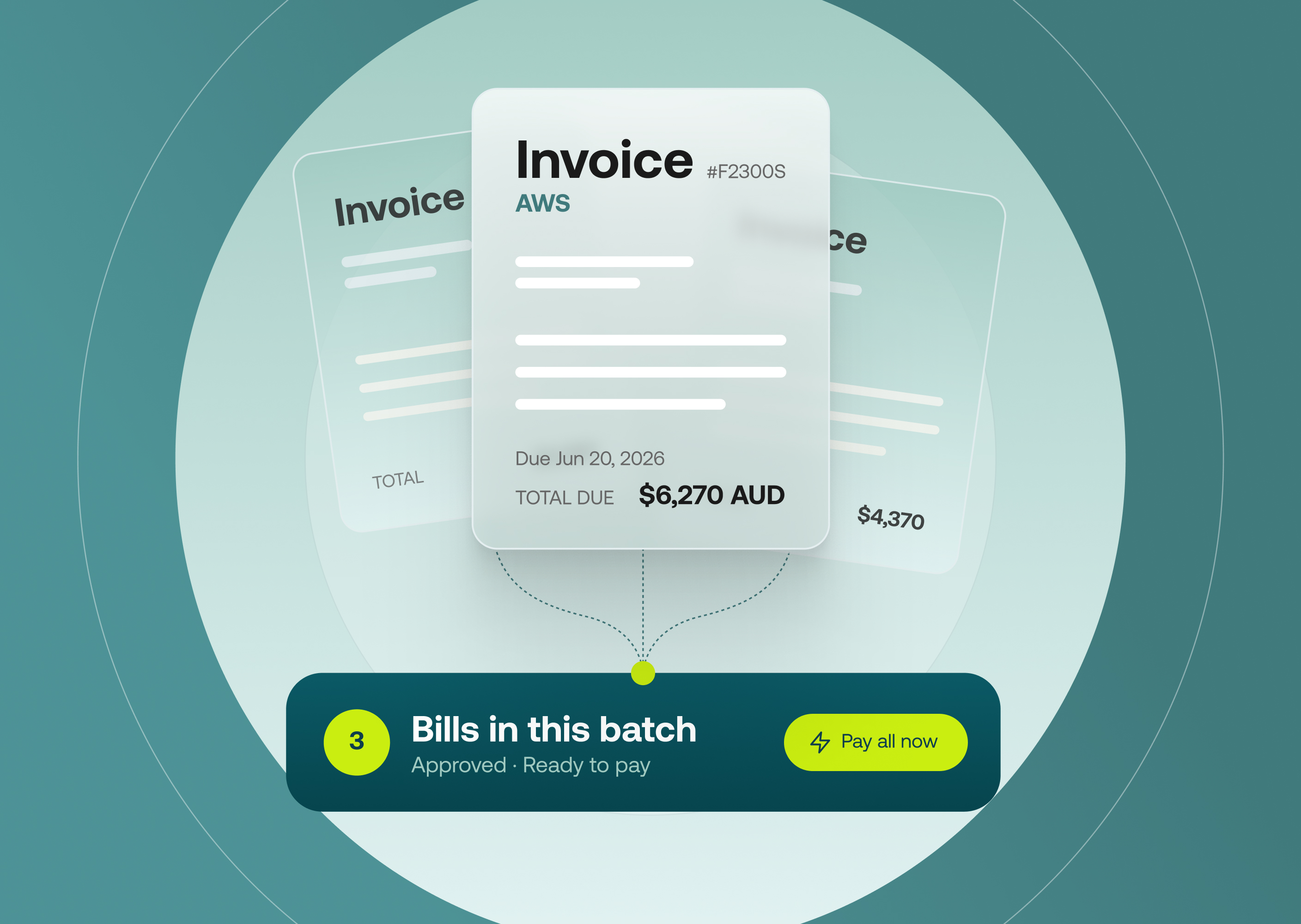
Decision-makers can now review and approve an entire payment run before any money leaves the account. Approved invoices are collected in the new Ready to pay tab, where you can group up to 100 invoices into a single payment run. Every invoice and amount is visible in one batch, alongside your available account balance, before the payment is authorised. Previously, every invoice needed a payment date when it was coded, and paid automatically on that date.
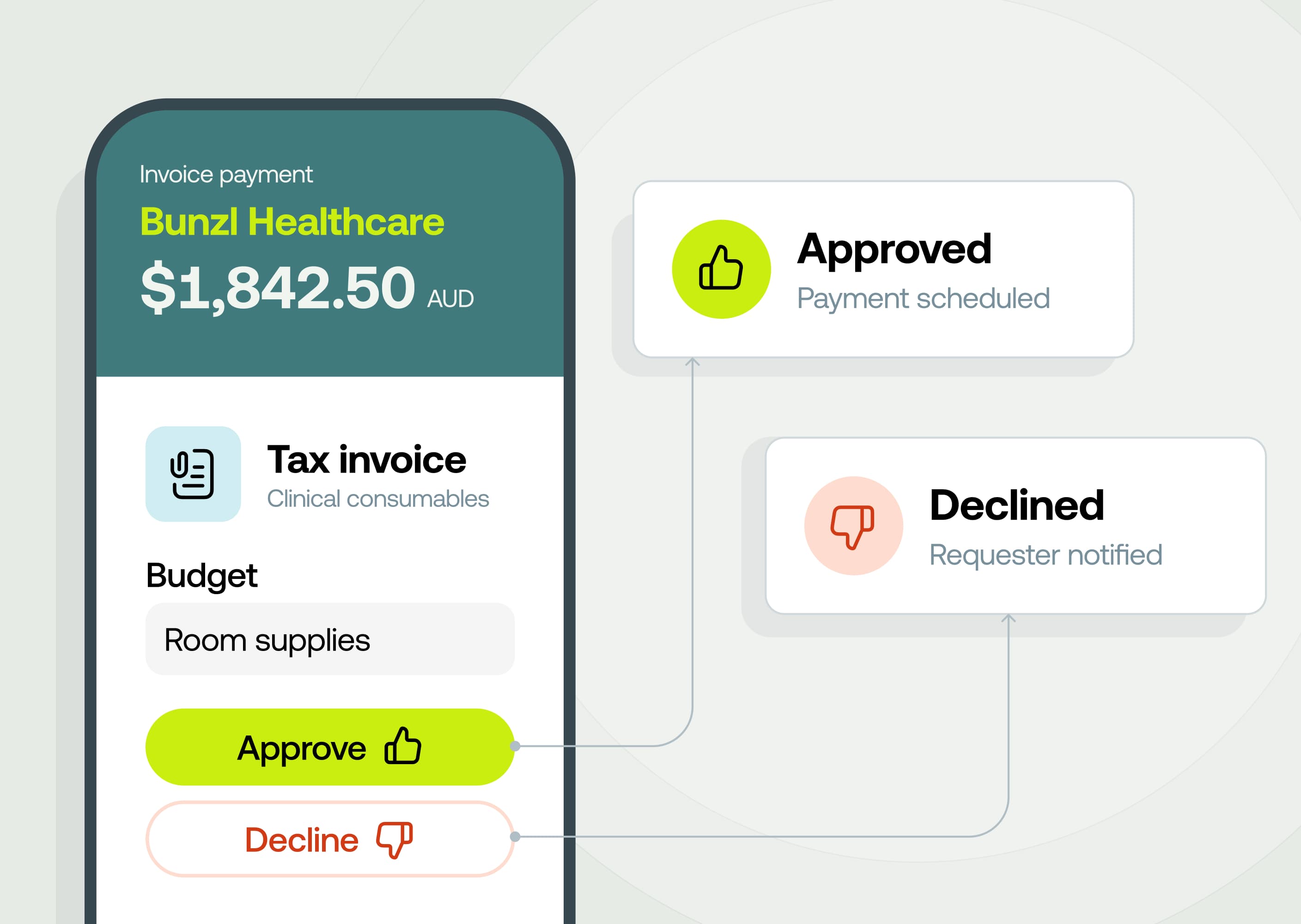
Your invoice approvals don't change. They still happen first, exactly as they do today. The batch payment sign-off is a separate authorisation on the payment itself.
Why it matters
- One decision, full context: Your approver signs off the whole run in a single action, seeing every invoice, supplier, amount and approver.
- Control before the money goes out: Nothing is paid until the run is approved, and the approver checks the total against your account balance first.
- Approvals that match your internal policy: Set a single approver or several, and choose whether all of them need to sign off or just one.
- No payment date needed up front: Leave an invoice unscheduled when you don't yet know when to pay it. It waits in Ready to pay until you're ready, in a run or on its own.
- Every run in one place: A new Batch Payments section in Accounts Payable shows all your runs and where each one is up to.
How it works
Before you create your first batch, set your approvers in Approval Rules, under Batch invoice payment rules.
Once you're ready to code your invoices:
- Choose No scheduled payment date when coding an invoice, and click Save
- The invoice follows your existing AP approval rule
- Once approved, invoices without a scheduled payment date appear in the Ready to pay tab
- When you're ready to pay, select the invoices and click Send batch for approval
- The batch goes to your approver/s with clear visibility on the invoices ready for payment and total amount
- Once approved, each invoice in the batch is paid separately, with individual statuses on each invoice for easy tracking