What's new?
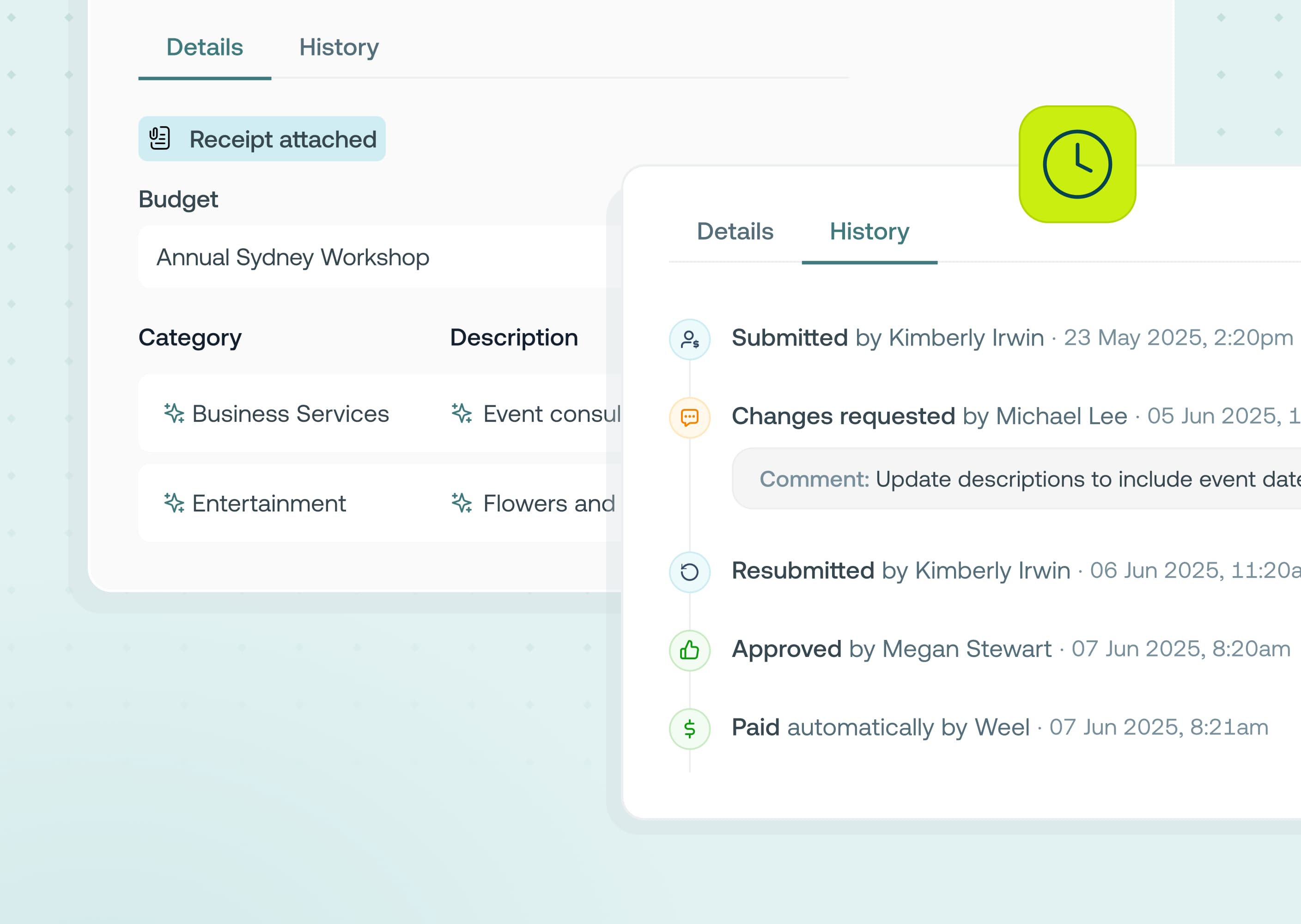
Executives and busy team members can now be assigned a trusted expense delegate (like an EA) to prepare and submit their card expenses on their behalf. Delegates get full visibility into the transactions they're supporting, can attach receipts (including by forwarding the receipt email), fill in categories and custom fields, and submit for approval - all without ever needing the executive's login. Every action stays clearly attributed: transaction history always shows exactly who submitted what, and on whose behalf.
Available now in our Premium and Enterprise plans.
Why it matters
- Nothing sits waiting on a busy inbox. Delegates can complete an expense the moment a receipt lands, instead of it stalling until the executive has time
- Works with card blocking. Executives cards get blocked if expenses are not submitted on-time by delegates.
- Full accountability, zero ambiguity. Every delegated transaction is logged as "Submitted by [delegate] on behalf of [executive]," so the audit trail stays clean
- Delegated work is easy to track. Incomplete expenses needing attention surface in the delegate's own dashboard, so nothing falls through the cracks
How to get started
- Go to Settings > User management
- Open the profile of the user you'd like to assign a delegate to
- Under Delegation settings, select one or more expense delegates
- The delegate will get an email confirming access — any incomplete expenses for that person will appear on their dashboard and transaction table right away
- The delegate can now view, complete, and submit expenses on their behalf directly from their own account