





Disclaimer: This article provides general information only and is not tax or financial advice. Tax obligations vary by business type and circumstance. We recommend consulting a registered tax agent or visiting ato.gov.au for guidance specific to your situation.
For an AP Manager or Finance Manager, the question isn't just "does this AP tool have good automation." It's whether card transactions (receipts, GL codes, approval trail) arrive in AP already reconciled, or whether someone spends hours each month matching card statements against invoice records by hand. That distinction separates AP software built for a card-and-invoice reality from AP software that only handles half the picture.
What is accounts payable automation?
Accounts payable automation is software that removes manual steps from the invoice-to-payment cycle: capturing bills, routing them for approval, coding them to the right GL account, and scheduling payment, without someone keying data at each stage. On its own, that's a well-covered topic (Weel has a separate guide on choosing AP automation software generally). This article looks at a narrower question: what happens when a business also runs a corporate card programme, and whether the AP software chosen actually accounts for that.
Most Australian and New Zealand businesses don't run AP in isolation. They run a card programme for team spend (subscriptions, travel, supplier purchases under a threshold) alongside an AP process for invoiced payables. If those two systems don't talk to each other, AP automation only automates part of the ledger.
How card transaction data should flow into AP
In a business running both a card programme and an AP process, spend happens in two places: invoices land in AP, and card swipes happen in real time across the team. The software question is whether card data flows into the same coding and reconciliation pipeline as invoice data, or whether it sits in a separate system that someone has to manually fold in at month-end.
Done properly, this flow should include:
- Automatic receipt capture at the point of spend. When a transaction happens on a corporate card, the receipt should attach to that transaction immediately, not get chased over email three weeks later.
- GL coding applied at the transaction, not at close. Card spend should carry a GL code and cost centre from the moment it's approved, so it arrives in AP already categorised rather than needing to be sorted during month-end close.
- A single approval trail across both spend types. Whether a dollar moved through an invoice or a card swipe, the approval history should sit in one place, visible to whoever is closing the books.
- Reconciliation that happens continuously, not in a batch. Card transactions should match against GL entries as they occur, rather than piling up for a manual reconciliation pass at month-end.
When any of these steps requires manual intervention (exporting a CSV from the card provider and importing it into the AP tool, or re-keying GL codes because the two systems use different charts of accounts), the automation stops being automation. It becomes two half-automated systems joined by a person.
Where separate card + AP tools break down
The most common AP automation software failure mode isn't a missing feature. It's an integration gap between two vendors that were never built to share data cleanly. This shows up in a few predictable ways:
Duplicate entry
A card transaction gets logged in the card platform, then re-entered (manually or via a clumsy CSV import) into the AP system for reconciliation. Every re-entry point is a place where GL codes drift, amounts get mistyped, or a transaction gets recorded twice.
Reconciliation lag
If card data only syncs to AP on a schedule (weekly, or worse, monthly), the finance team is reconciling last month's numbers instead of working close to real time. That delay compounds at close, when everyone is trying to finish the same task at once.
Split audit trails
When card approvals live in one system and invoice approvals live in another, an auditor has to check two places to understand who approved what and why. That's a GST-substantiation headache, not just an inconvenience: tax invoice retention and GST coding both get harder to verify when the record is split across tools.
Policy and coding mismatches
A card programme might enforce spend limits and category rules at the point of sale, but if that policy data doesn't carry through to AP, the AP team is left re-verifying that a transaction was within policy after the fact, using a different rulebook than the one the card system applied in the moment.
None of these are failures of AP automation as a concept. They're failures of pairing: an AP tool and a card programme never meant to operate as one system.
What to look for in software that handles both natively

When evaluating accounts payable software with a corporate card programme in the picture, the criteria shift from generic AP automation checklist items to questions specific to how the two data streams interact:
- Do cards and AP run on one platform with one accounting connection, or does card spend reach AP through a separate sync on a schedule? Ask for the actual sync cadence, not a marketing claim. A daily or weekly batch job is not the same as continuous sync.
- Are GL codes and cost centres shared across card and AP, or do they live in two separate charts of accounts? If the card programme and AP tool use different coding structures, someone is translating between them by hand.
- Does the approval workflow cover both card transactions and invoices in one place? One inbox, one approval history, one audit trail, not two.
- How does the system handle receipt matching? Automatic receipt capture and matching at the point of card spend removes the single biggest source of AP delay: waiting on documentation.
- What does reconciliation actually look like at month-end? If closing the books still requires someone to cross-check a card statement against AP entries line by line, the "automation" hasn't reached the part of the process that matters most.
- Can you set approval policies for cards and invoices the same way, or differently, depending on how the business works? Rigid, one-size-fits-all rules make one of the two worse. Look for spend controls at the card level (limits, category restrictions, policy rules) and approval rules you can share or set apart.
The honest test: ask a vendor what happens between a team member tapping a corporate card and that transaction reaching your accounting system, coded and reconciled. If the answer involves an export, an import, or a person, that's the gap.
Scaling from small business to higher AP volume
Accounts payable software for small business doesn't need the same transaction-volume tooling as a business processing thousands of invoices a month, but the one-platform principle holds at every size. A small business running a handful of corporate cards and a modest invoice volume still benefits from a single coding setup and one accounting connection; the difference is complexity, not whether the fundamentals matter.
For a smaller AP team, the risk of running separate card and AP tools is proportionally larger: there's no dedicated reconciliation resource to absorb the manual matching, so it either doesn't get done properly or it eats a disproportionate share of a stretched finance function's week. As AP volume grows (more invoices, more cardholders, more cost centres), the manual-matching cost of a stitched-together setup grows with it. Businesses that start with one system for both don't have to re-platform later to fix a reconciliation problem baked in from day one.
How Weel stands out
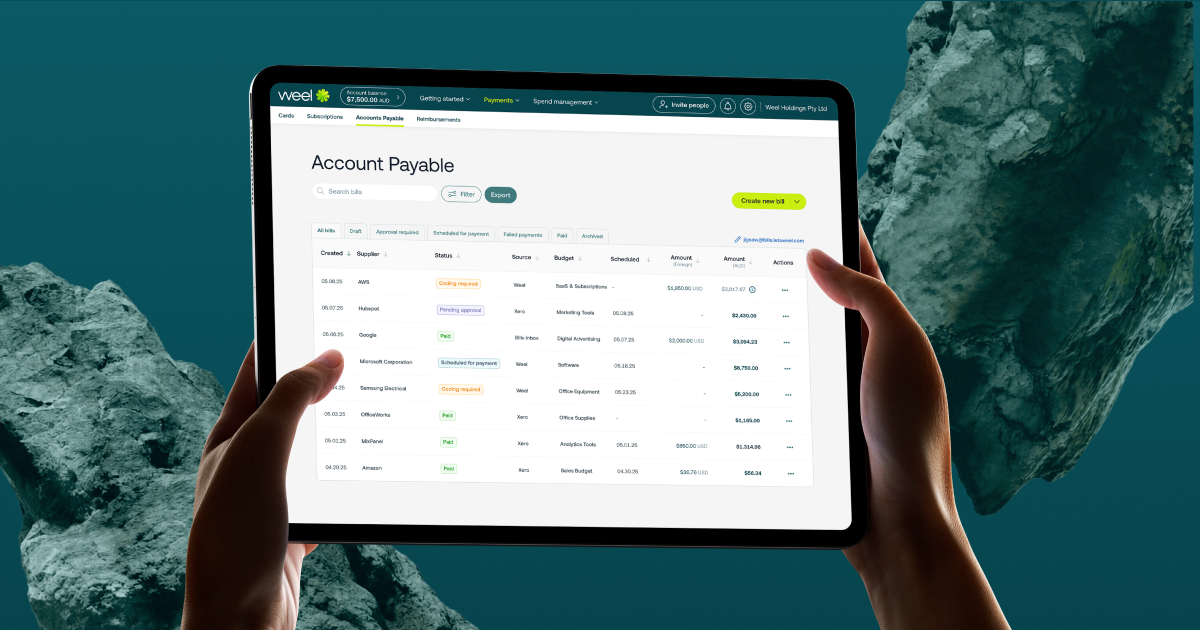
Weel captures every invoice with AI, extracting invoice details automatically, and routes them for approval without manual data entry. For BPAY bills (council, utility, telco and ATO invoices), biller codes and CRNs are read directly from the invoice and follow the same approval workflow as any other invoice. Approved invoices can be submitted in batches of up to 100 for a single payment run, and your team can approve up to 100 invoices at once to speed through approvals without chasing each one individually. Bills and payments sync both ways with Xero or MYOB AccountRight, in all plans, so your accounting system stays current.
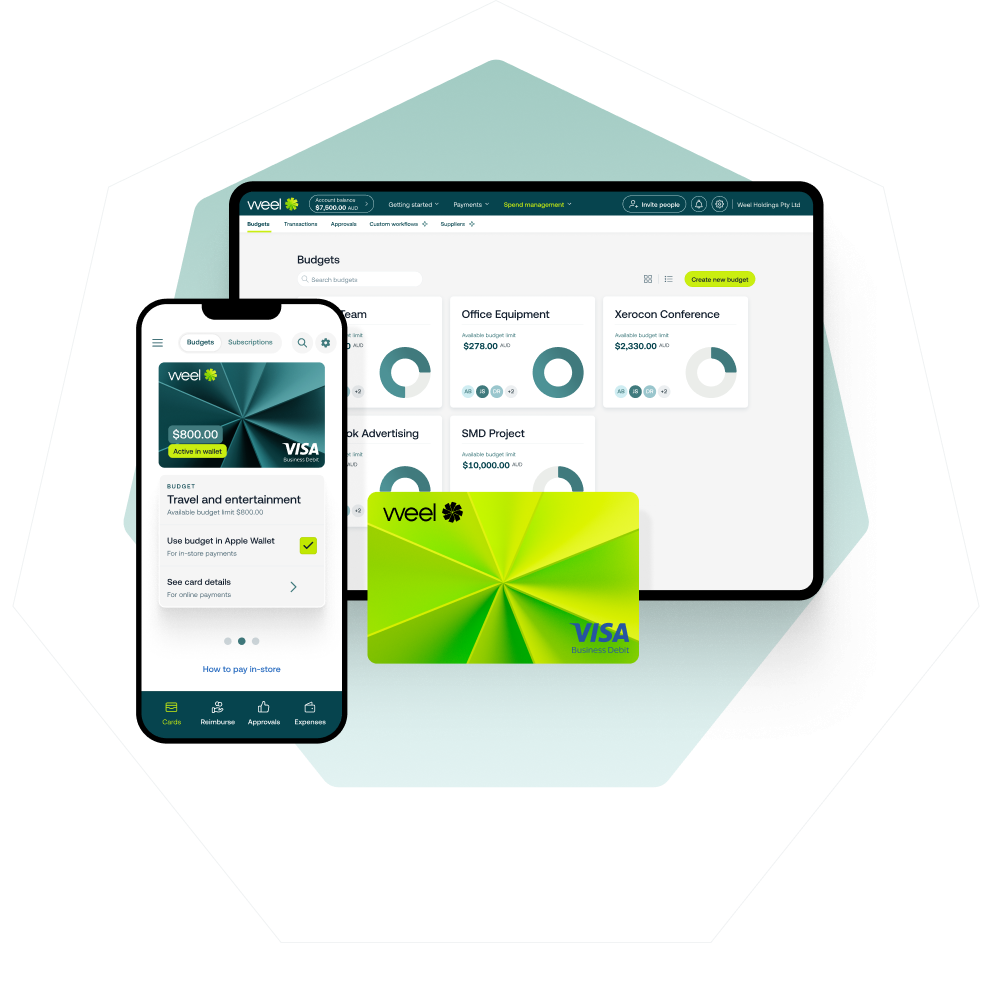
Weel's accounts payable automation and corporate cards run on the same platform, not two products with a data pipe between them, and both use one accounting connection. GL codes and the chart of accounts sit at the account level, and each budget decides which codes are available for transactions, so you can share the same codes across card spend and invoices or set them differently. Approval policies work the same way: use the same rules for cards and invoices, or set different rules for each. Over 4,000 finance teams in Australia and New Zealand use Weel.
Conclusion
The AP software that works best with a corporate card programme is the one that keeps card spend and invoice spend on one platform with one accounting connection, not two separate setups. One platform removes the duplicate entry, reconciliation lag, and split audit trails that come from stitching two vendors together. Whether a business is small and running its first card programme or processing a high volume of invoices across multiple cost centres, the evaluation question stays the same: do cards and invoices share one accounting connection, or does someone have to make two systems match by hand?