





Disclaimer: This article provides general information only and is not tax or financial advice. Tax obligations vary by business type and circumstance. We recommend consulting a registered tax agent or visiting ato.gov.au for guidance specific to your situation.
What is invoice management software?
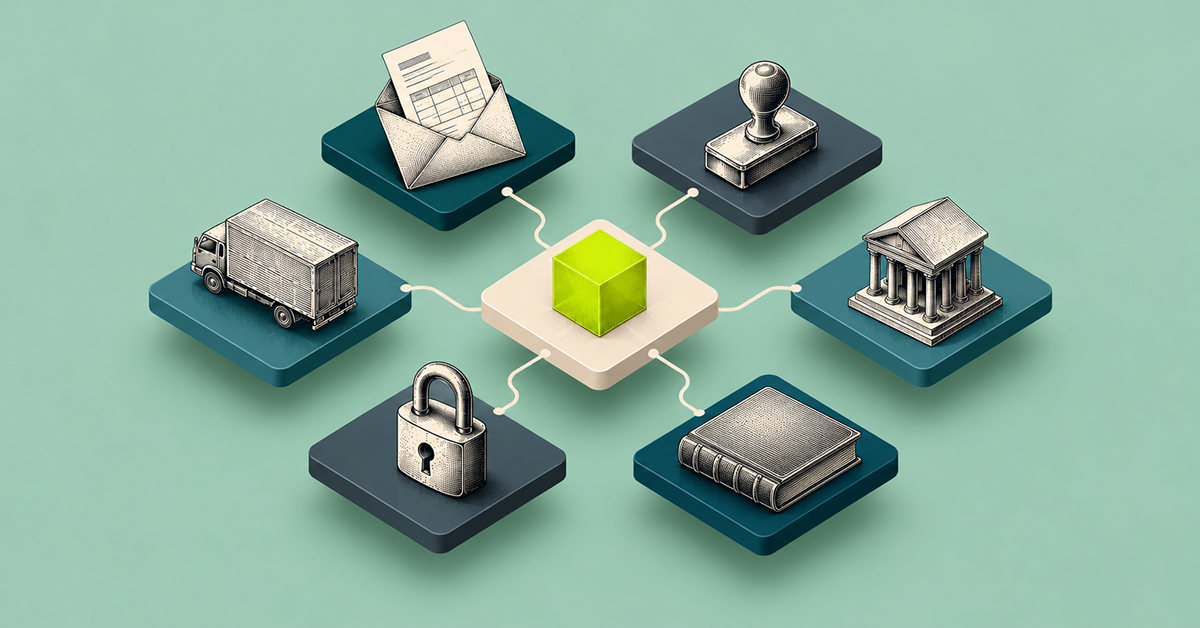
Invoice management software captures a bill from a supplier, gets it coded to the right account, routed for approval and paid, then reconciled against the books. For most Australian finance teams, that means moving an invoice through four stages. Capture is the bill arriving, by email, upload or eInvoice. Coding is GL codes and cost centres getting attached. Approval is the right person signing off, based on amount and department. Payment is funds moving by bank transfer, BPAY or batch run.
Done well, every one of those stages happens without someone chasing a PDF through email or re-typing numbers into a spreadsheet. Done badly, invoice management is just a digital filing cabinet: bills get stored, but the actual work, coding, approving, paying, still happens by hand.
This is different from basic online invoicing or accounting invoicing tools built mainly for sending invoices out to customers. Invoice management software, sometimes searched as online invoice software, is about processing the bills coming in from suppliers, not issuing them to customers, and that distinction shapes almost everything else in this guide.
The difference matters for two reasons specific to Australia. First, GST needs to be correctly captured and coded at the invoice level, not fixed up later at BAS time. Second, eInvoicing (the exchange of invoices between suppliers' and buyers' software over the Peppol network, as explained in the ATO's small business eInvoicing guide) means some suppliers send structured, machine-readable invoices rather than PDFs. It is voluntary for most businesses, but it is worth knowing how any invoice software handles those invoices.
Why invoice management is harder than it looks for Australian SMBs
Most invoice backlogs are not a volume problem. They are a coordination problem. A bill lands in a shared inbox, gets forwarded to whoever is free, sits until someone remembers to code it, then waits again for approval. None of that shows up as "slow invoicing software". It shows up as a finance team perpetually one week behind on the books.
Take a business going from one supplier relationship to a dozen over a year of growth. Each new supplier adds another set of invoices arriving through another channel, email, a supplier portal, eventually eInvoicing. Each new department head added as an approver adds another handoff. None of these changes looks dramatic on its own. Together, they turn a manageable inbox into a permanent backlog.
Xero and MYOB both handle the accounting side of an invoice once it is coded and approved. Neither is built to manage the queue of invoices sitting between "received" and "ready to pay". That gap, between the accounting system of record and the actual invoice workflow, is what invoice management software is meant to close.
For growing businesses, the gap widens rather than narrows. More suppliers means more invoices arriving through more channels. More approvers means more handoffs. Without a system that tracks where every invoice sits and pushes it to the next step automatically, the backlog compounds every month instead of staying flat.
How invoice management software actually works
1. Capture
Invoices arrive from wherever suppliers send them: email attachment, upload, or, for suppliers who use it, structured eInvoices sent between suppliers' and buyers' software over the Peppol eInvoicing network. Capture is complete when the invoice, and every line item on it, exists in the system without anyone re-keying it by hand. In Weel, each business assigns itself a dedicated email address and forwards invoices to it, and AI extracts the details from every invoice.
2. Coding
Every invoice needs a GL code and, in most Australian businesses, a cost centre or department tag. GST coding is applied at this stage too, rather than corrected during BAS preparation. This is the step most manual processes get wrong first, because it depends on one person knowing the chart of accounts from memory, and that person is not always available when the invoice arrives.
3. Approval
The invoice routes to the right approver based on amount, supplier or department, with a clear audit trail of who signed off and when. Multi-level approval matters here for the same reason it matters on card spend: one person should never be able to code, approve and pay the same invoice unchecked. Separation of duties is a control, not a bottleneck, when it is enforced automatically rather than chased manually. In Weel, invoice approval routes by amount, department, supplier category, GL code, cost centre, budget, role or named approver, and bulk approvals clear up to 100 invoices at once.
4. Payment and reconciliation
Approved invoices get paid, by bank transfer, BPAY or in a batch run alongside other bills, and the payment is recorded against the invoice and synced back to the accounting system. This is where invoice management genuinely earns the name. The invoice is not just stored. It is closed.
Common mistakes with invoice management
The most common mistake is treating invoice management as a storage problem rather than a workflow problem. A searchable archive of PDFs looks tidy, but it does not code, approve or pay anything on its own.
The second is choosing a tool built for one part of the process, invoicing generation for freelancers and sole traders, say, and expecting it to handle AP, including GST coding, for a growing business. The two problems look similar from the outside and are almost nothing alike underneath.
The third is running invoice management and card spend as two completely separate systems, which means the finance team runs reconciliation twice for the same period: once for cards, once for bills.
The fourth is setting approval rules once and never revisiting them. A threshold that made sense at five suppliers rarely still fits at fifty, and stale approval rules are how duplicate or overbilled invoices slip through unnoticed.
Best practices for invoice management in Australia
Match invoice management to the accounting system of record, Xero or MYOB, rather than running a parallel ledger that needs its own reconciliation. Set approval thresholds by amount and department before volume grows, not after the backlog has already started. Capture GST correctly at coding stage, not at BAS time, so nothing needs correcting under deadline pressure.
Keep an eye on eInvoicing too. It is voluntary for most businesses today, so check whether your suppliers use it before it becomes part of your buying criteria. And keep an audit trail on every invoice, not just the ones that get flagged, since the invoices nobody questions are exactly the ones worth being able to check later.
Where invoice management software actually differs
Search for invoice software, billing software or online invoicing and most results fall into one of three groups. The first is invoice generation software built for freelancers and sole traders: fast to send an invoice out, not built to manage AP, including GST coding, for invoices coming in. The second is large enterprise AP platforms, built for US accounting stacks and multi-way purchase order matching most Australian SMBs do not run. The third is invoice management built into a broader spend platform, where bills sit alongside corporate cards and budgets rather than in a separate system.
The right category depends on what problem is actually being solved. A sole trader sending five invoices a month, and searching for invoicing for small business tools, needs the first. A business processing hundreds of supplier bills against complex procurement contracts needs the second. A growing Australian business trying to close the loop between what the company spends on cards and what it owes suppliers needs the third.
When evaluating any option, the same handful of questions cut through most of the marketing. Does it capture GST correctly at the coding stage, or leave that to a bookkeeper later. Does it sync into Xero or MYOB without double handling, or create a parallel record that needs its own reconciliation. And does it sit next to the rest of company spend, cards and budgets included, or live as its own island. A tool that answers "no" to most of these is optimised for a different business than the one asking.
How Australian finance teams use Weel for invoice management
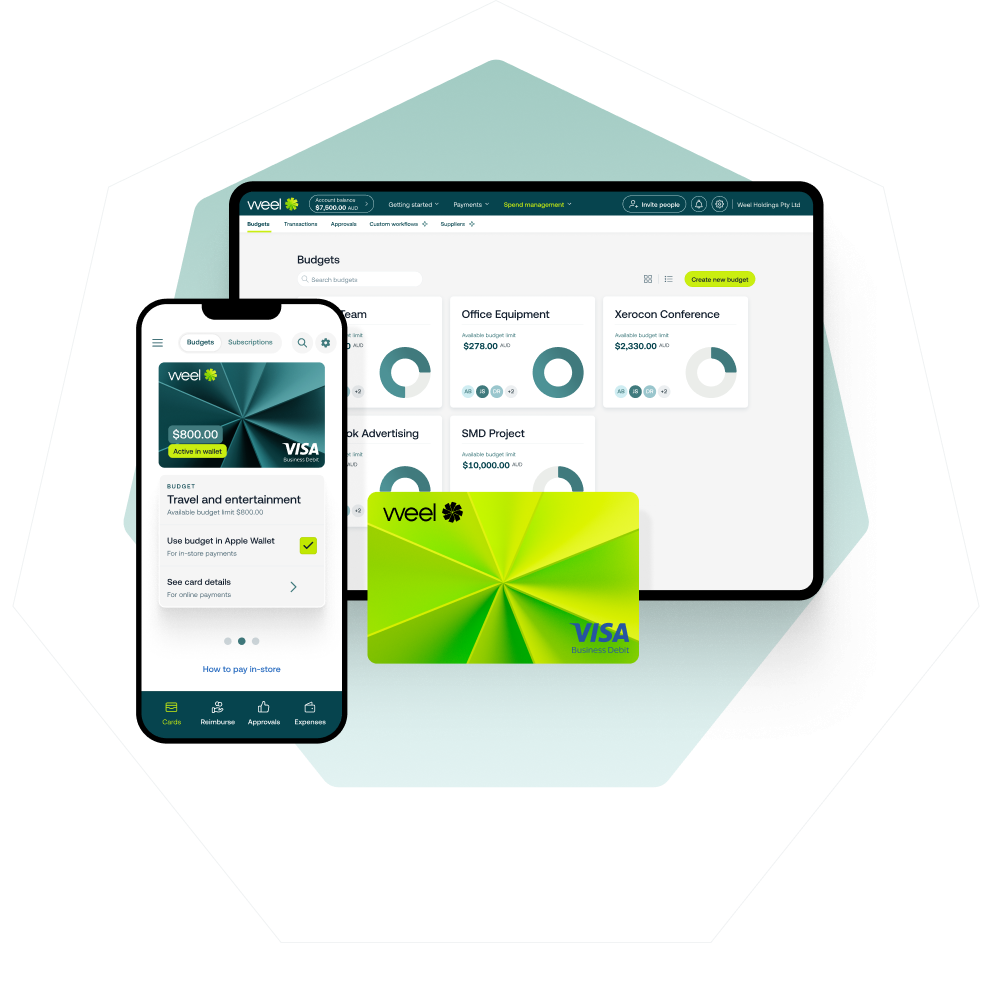
Weel's accounts payable automation captures bills, codes them to the right GL accounts and cost centres, routes them for approval and pays them, by bank transfer or BPAY. It sits alongside the corporate cards and budgets the rest of the business already runs on. Invoices are not a separate system bolted onto spend management. They sit in the same place.
Once an invoice is coded and approved, it is ready to pay and ready to reconcile, not sitting in a queue waiting for someone to remember it.
Weel pays BPAY bills (councils, utilities, telcos, the ATO) straight from the platform. The biller code and CRN are read from the invoice, and the payment goes through the same approval workflow as every other invoice. For bill runs, batch payments submit approved invoices as one payment run of up to 100 invoices. They appear in a "Ready to pay" tab, with an optional payment date, and each batch gets its own sign-off, separate from invoice approval. Every batch and its status stays visible, and payments still execute individually. Batch payments are included in all plans.
The rest of the invoice cycle sits in the same place. Bulk approvals clear up to 100 invoices at once, supplier credit notes are recorded and applied in Weel, and the supplier view shows every invoice, purchase order and credit for a supplier, plus historical spend.
Every invoice keeps a full audit trail, who coded it, who approved it and when it was paid, so the history is there for a board pack or a review of the books. Weel also checks for duplicate invoices and changed bank details before payment. None of this depends on running invoice management as a separate exercise from the rest of company spend. A finance team gets one place to see what has been spent on cards, what is owed to suppliers and what has already cleared, synced straight into Xero or MYOB AccountRight. Weel syncs bills and payments both ways with Xero and MYOB AccountRight in all plans, and Business Central syncs bills and suppliers on the Enterprise plan.
Closing the loop on invoices
Invoice management software is not really about invoices. It is about whether bills close the same way card spend does: coded, approved, paid and reconciled, without anyone chasing a PDF through email. Australian finance teams do not need a bigger filing cabinet for supplier bills. They need invoices to sit inside the same system as the rest of company spend. Book a free demo of Weel's accounts payable automation.