





Disclaimer: This article provides general information only and is not tax or financial advice. Tax obligations vary by business type and circumstance. We recommend consulting a registered tax agent or visiting ato.gov.au for guidance specific to your situation.
Every unpaid invoice sitting in an inbox is a decision someone hasn't made yet. Invoice approval software fixes that by giving every invoice a clear path to a decision, and a record of who made it. For accounts payable teams chasing sign-off by email and spreadsheet, that's the difference between a process that runs itself and one that runs on reminders.
This guide covers what invoice approval software actually does and how to build an invoice approval workflow that doesn't stall at the first manager who's travelling. It also covers what invoice approval automation changes once it's switched on.
What is invoice approval software?
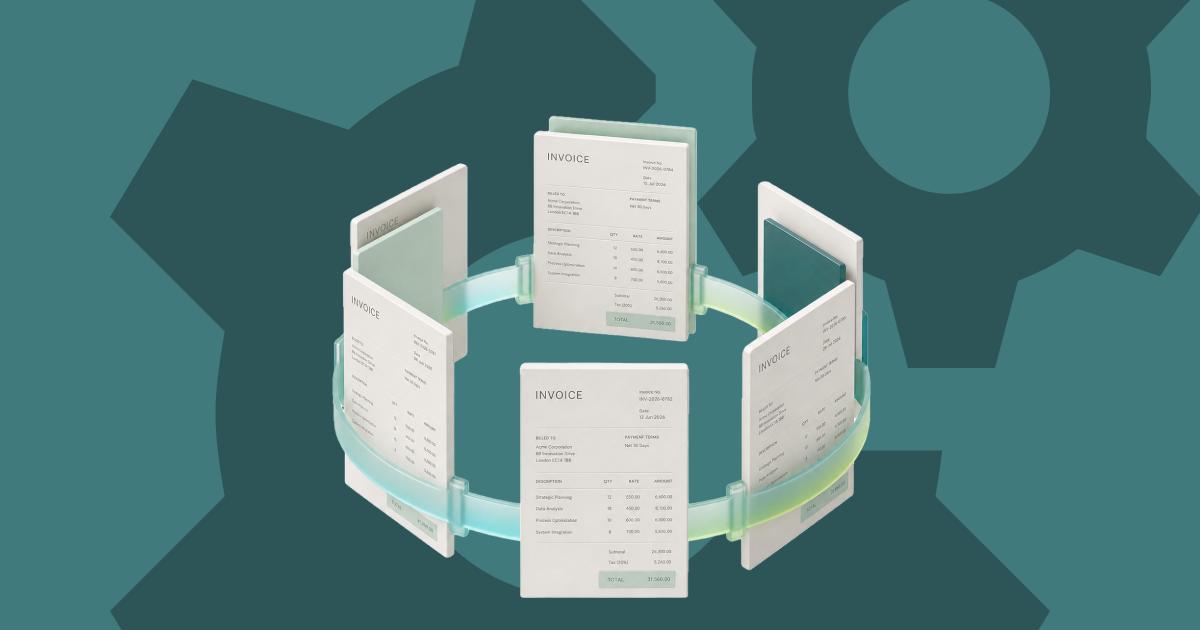
Invoice approval software is a system that routes each invoice to the right approver automatically, based on rules you set: amount, cost centre, vendor, or department. Instead of a bill sitting in an inbox until someone remembers it, the invoice moves through a defined invoice approval workflow with visibility at every step.
Most invoice approval systems also match invoices against purchase orders, flag anything outside policy, and keep a full audit trail. That matters in Australia and New Zealand as much as anywhere else. The ATO requires businesses to keep most of their business records for five years, and those records need to include the relevant GST information for each transaction. A system that stores every invoice alongside its approval history keeps those records in one place, rather than leaving a scramble at tax time.
You'll see this category described a few different ways: invoice approval workflow software, an invoice management system, or simply an invoice approval system. Some teams search for accounts payable approval software or AP approval software specifically. That's the same category applied to vendor bills, rather than the general document approval software or purchasing approval software used for internal requisitions. Whatever the label, the job is the same: automated invoice processing that gets an invoice to a decision without a person having to chase it there.
Why invoice approval bottlenecks happen
Bottlenecks rarely come from one broken step. They build up from small gaps that compound:
Each gap adds a day or two. Stack four of them together and a five-minute decision turns into a two-week wait. That's the kind of delay that damages supplier relationships and makes month-end close unpredictable for the Finance Manager trying to close the books on time.
How to build an invoice approval workflow that doesn't stall

Step 1: Map who approves what, by amount and category
Start with your actual spend, not an org chart guess. Set clear thresholds (for example, a Team Lead approves under $500, a Finance Manager approves the rest). Assign approvers by cost centre or vendor category, not by whoever happens to be free.
Step 2: Build in automatic escalation
Every rule needs a fallback. If an approver hasn't acted within a set window, the invoice should route to a backup approver automatically, not wait for someone to notice. This single change removes most of the bottlenecks caused by leave, travel, or a full inbox.
Step 3: Match invoices to purchase orders automatically
Where a purchase order exists, the invoice approval software should match it against price, quantity, and vendor before it ever reaches a human. That leaves approvers making real decisions on genuine exceptions, not re-checking arithmetic on invoices that already match.
Step 4: Connect approval straight through to payment
An approved invoice should trigger payment, not a second manual entry into your accounting system. Every extra handoff between approval and payment is another point where an invoice can sit and wait.
Weel's batch payments take that connection one step further. Approved invoices collect in a "Ready to pay" tab, up to 100 invoices per payment run, with one round of sign-off for the run before any money leaves the account. Suppliers that only take BPAY, such as councils, utilities, telcos, and the ATO, are paid straight from Accounts Payable too, with the biller code and CRN read from the invoice and no separate trip to the bank. Bulk approvals clear up to 100 invoices in one action, so a stack waiting on sign-off doesn't mean a stack of separate decisions.
Step 5: Report on approval speed, not just approval status
Track how long invoices actually take to move from received to approved, by approver and by amount. That's what turns an invoice approval process from a black box into something you can actually manage and improve.
Common mistakes that keep bottlenecks alive
What to look for in the best invoice approval software
Not every invoice approval system solves the same problem, and not all approval workflow software is built for invoices specifically. When you're comparing options, look for:
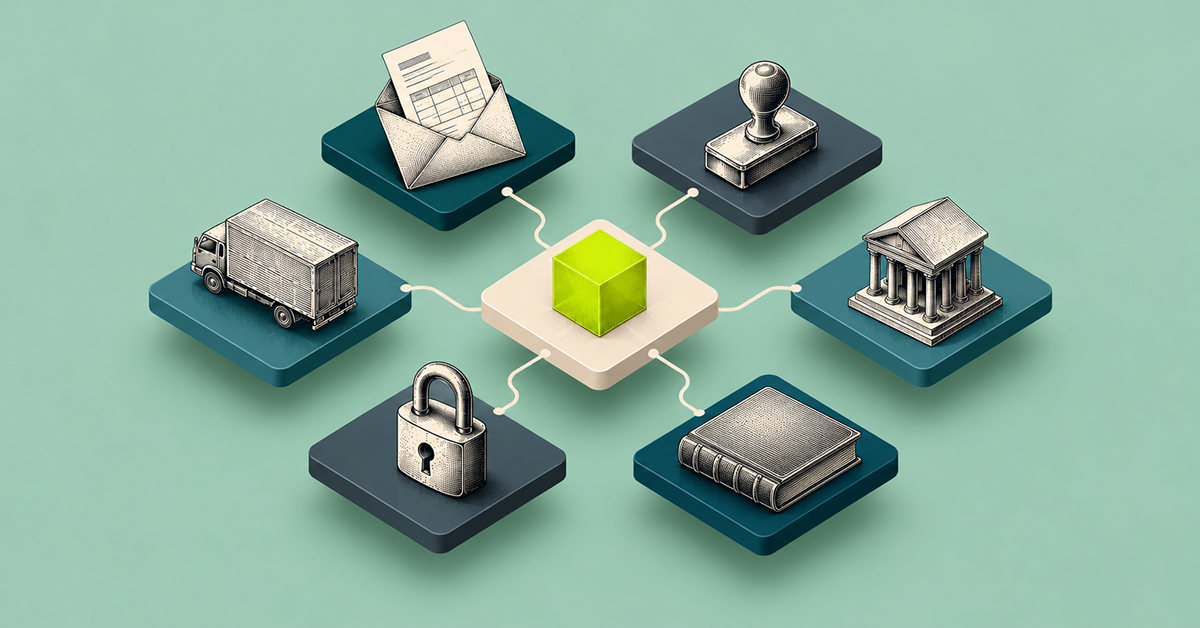
Electronic invoice approval software that covers all six removes the manual handoffs that cause delay in the first place. Software that only digitises the paper trail without automating the routing just moves the bottleneck online.
Invoice approval automation: what actually changes
Automation doesn't remove the approver from the process. It removes everything around the approver that used to slow the decision down. That's finding the right person, chasing a response, matching the invoice to a purchase order, and re-entering the result into another system.
With invoice approval automation in place, an approver opens one notification, sees the invoice with the PO match already done, and makes one decision. That's the entire interaction. The invoice moves to payment the moment they approve it, with no second step for anyone.
How Australian and New Zealand finance teams use Weel for invoice approval
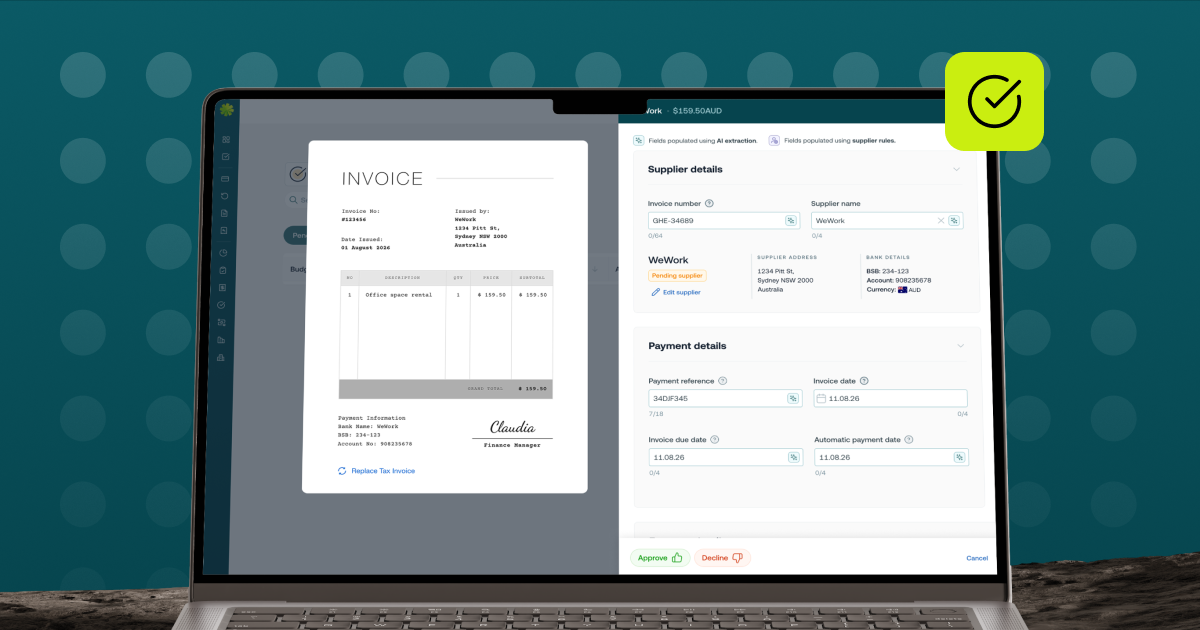
Weel's accounts payable builds approval into the same flow as capture and payment. Approval rules route each invoice by amount, department, supplier category, GL code, cost centre, budget, role or named approver, and every decision is recorded in the audit trail. Approvers clear a stack of invoices at once with bulk approvals (up to 100). That is the outcome an invoice approval workflow should be judged on: not how many steps it has, but how many invoices actually clear them.
For the Accounts Payable Manager, that means an end to chasing approvers by email. For the Finance Manager or Controller, it means a close that isn't held up by invoices still waiting on sign-off from three weeks ago. Weel connects invoice approval and accounts payable directly to approvals and policies, so approval rules route every invoice automatically, with no manual routing in between. Approval routing runs by amount, department, supplier category, GL code, cost centre, budget, role, or named approver.
That connection reaches all the way to payment day too. Weel's batch payments group approved invoices into a single payment run (up to 100 invoices) instead of paying them one by one, and BPAY bills for suppliers such as councils, utilities, telcos, and the ATO go through the same approval workflow as every other invoice, without anyone leaving the platform to log into a bank. For finance teams juggling a mix of bank-transfer and BPAY-only suppliers, that closes the last gap: every approved invoice reaches payment the same way, once it clears sign-off, regardless of how the supplier gets paid.
Removing the bottleneck for good
Invoice approval bottlenecks aren't a people problem, they're a routing problem. Fix how invoices find the right approver, build in escalation so nothing waits on one person, and connect approval straight through to payment, and the bottleneck disappears on its own. See Weel's approvals in action and find out what your invoice approval process looks like when every invoice actually gets to done.