What's new?
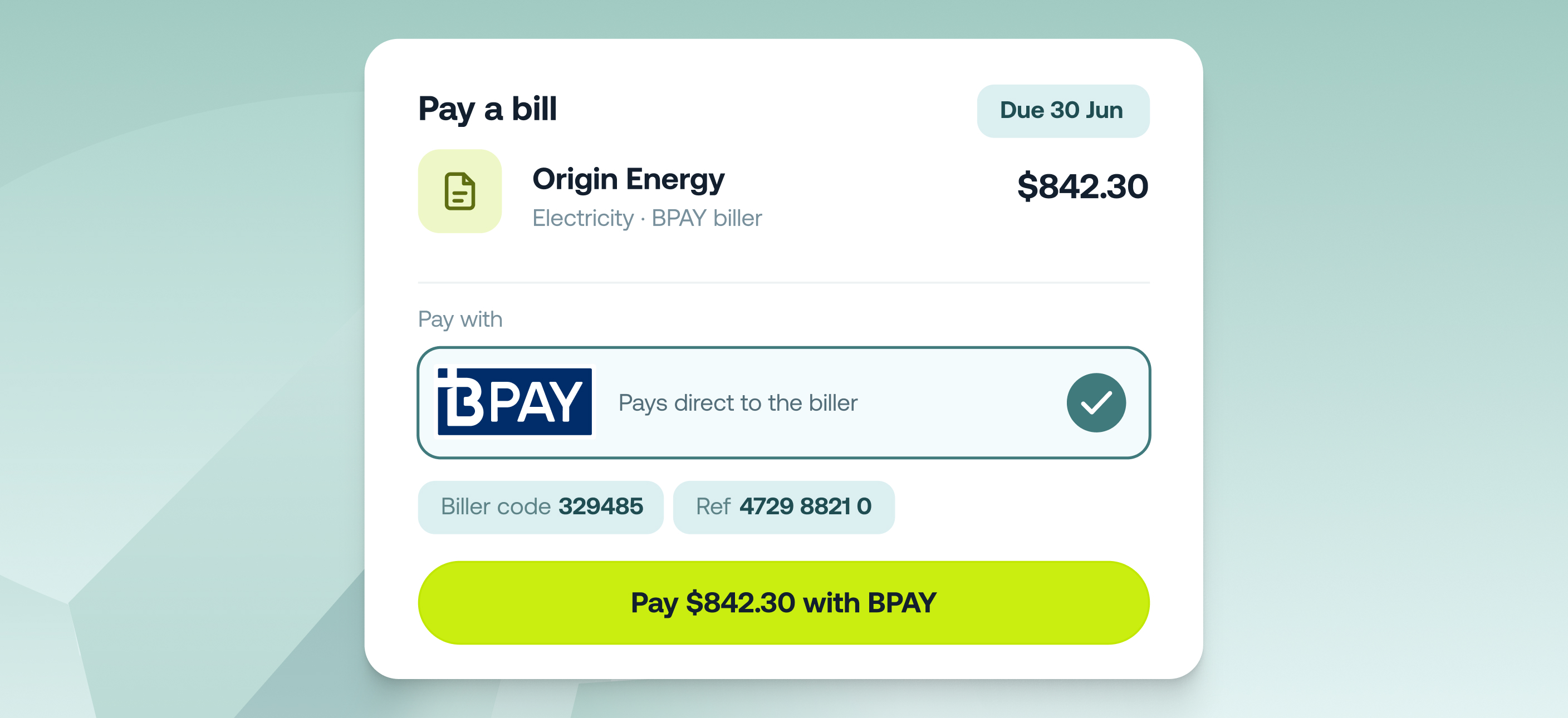
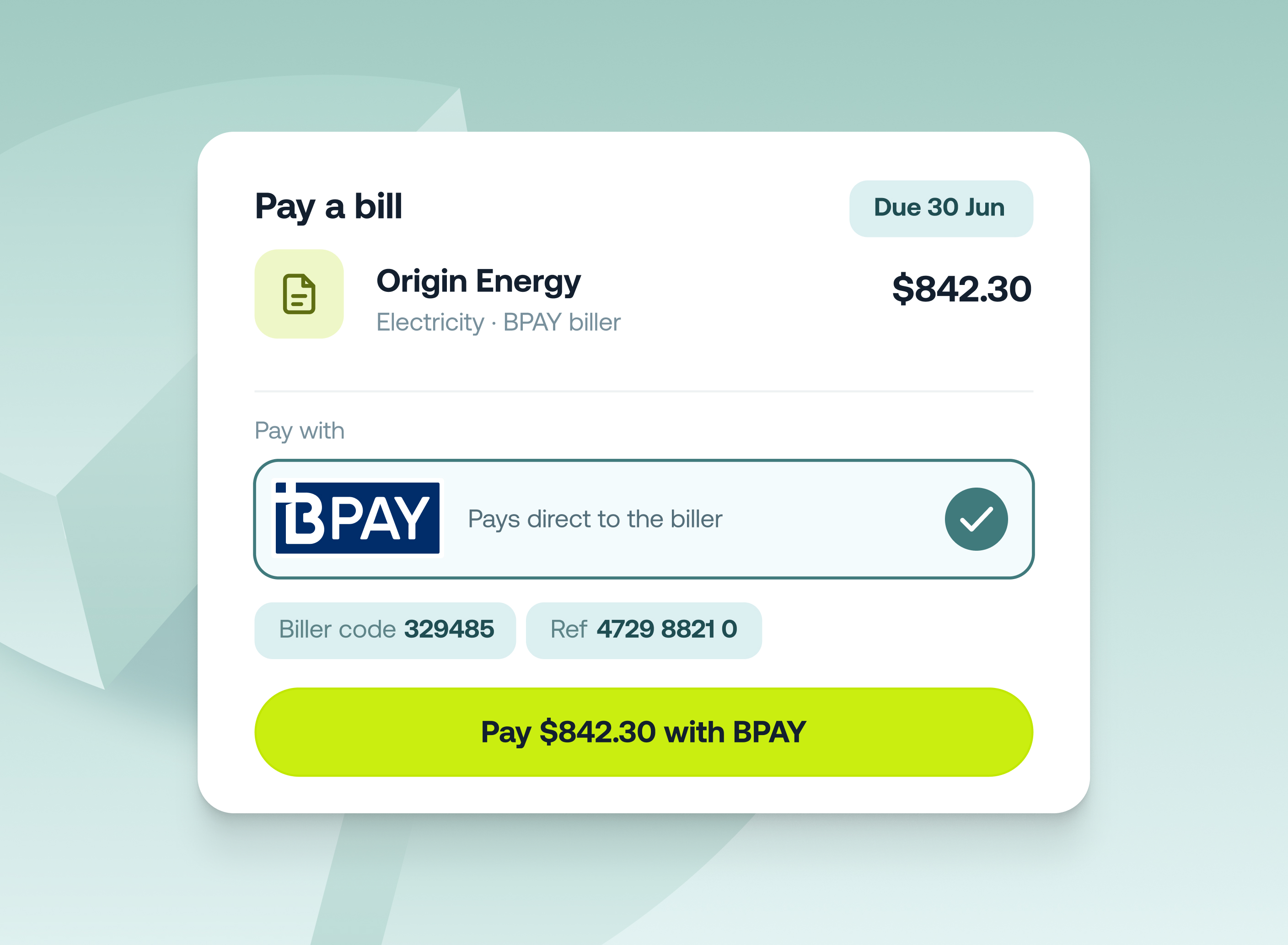
You can now pay supplier bills by BPAY directly from Accounts Payable - no need to switch to your bank for council, utility, telco, or ATO bills that only take BPAY.
Upload the invoice and Weel's AI reads all the details off it - biller code, reference number, as well as the amounts and dates. BPAY bills are coded, approved, and paid the same way as your bank-transfer bills, and the BPAY details are saved against the supplier so they're ready to go next time.
Key features
- One place for every invoice: In Accounts Payable, BPAY bills run through the same workflow as your bank-transfer bills - no parallel process in your bank.
- Biller details read from the invoice: Upload the bill and Weel's AI extracts the biller code and reference number along with the amounts and dates.
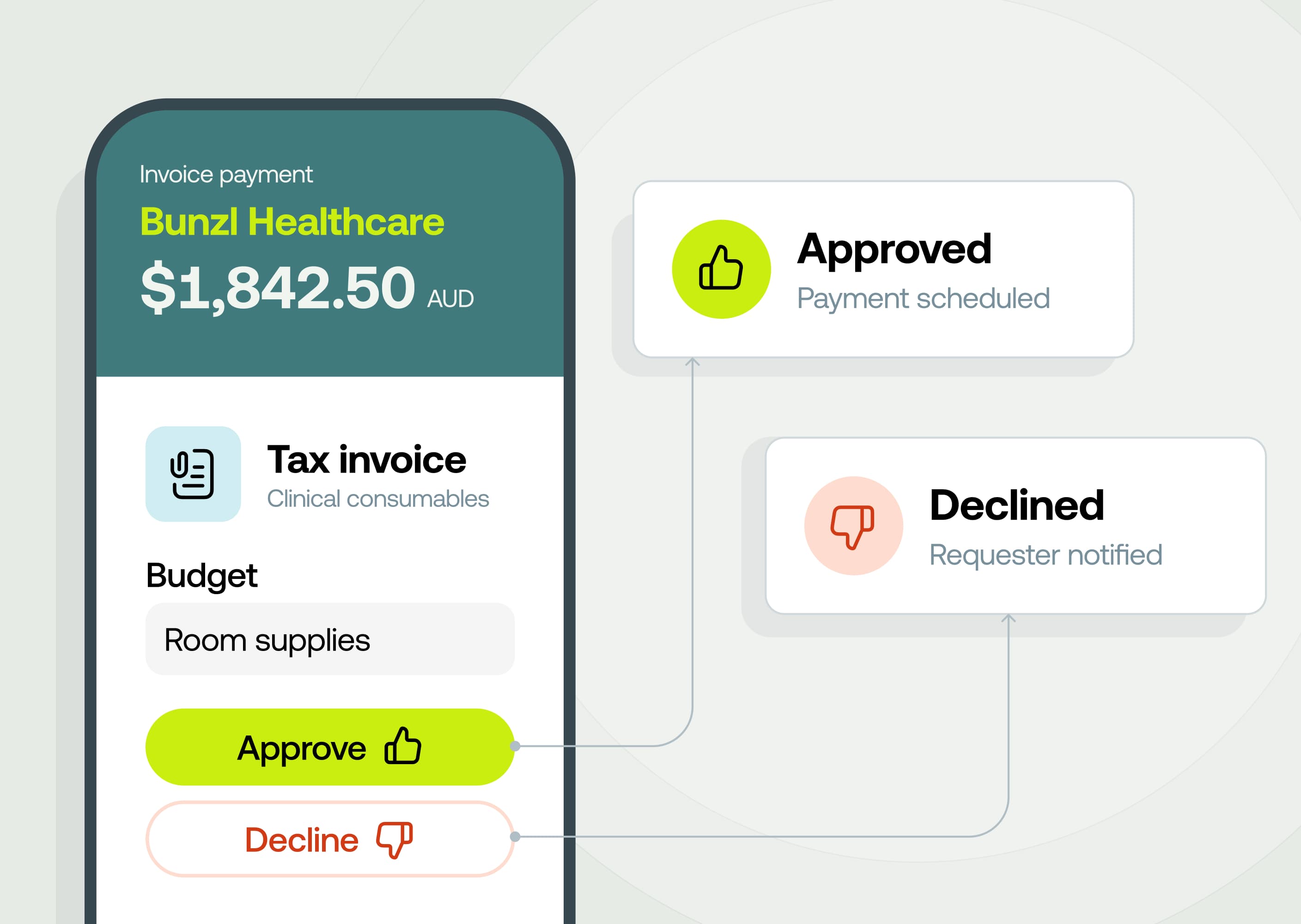
- Same approvals, same audit trail: BPAY bills follow your existing approval rules, and approvers see the biller code and reference before approving.
- Clean reconciliation. Payments export to Xero, MYOB and Business Central correctly, so you can reconcile without manual work.
How it works
- Upload the invoice. Weel extracts the details and matches the supplier, or creates a new one for you to confirm.
- Set the supplier's payment method to BPAY and check the biller code and reference number against the invoice.
- Submit the bill for approval. It follows your usual approval workflow.
- On the payment date, Weel pays the bill via BPAY and marks it Paid once it clears.
How to get started
BPAY is currently in beta. To request access early, contact help@letsweel.com otherwise it will be rolled out across accounts in July 2026.