

.jpeg)



Disclaimer: This article provides general information only and is not tax or financial advice. Tax obligations vary by business type and circumstance. We recommend consulting a registered tax agent or visiting ato.gov.au for guidance specific to your situation.
But traditional AP is often riddled with manual data entry, late payments, duplicate payments, and strained vendor relationships. Enter accounts payable automation: the new standard for efficient accounts, better financial health, and more empowered finance teams.
In this guide, we’ll break down the entire accounts payable process - challenges, best practices, common pitfalls, and most importantly, how automation (with platforms like Weel) puts you back in control.
What is the accounts payable process?
Accounts payable (AP) refers to the money your business owes to suppliers for goods and services received on credit. AP sits on your balance sheet as a current liability - short-term debts you need to settle.
The core goal of the accounts payable process is managing those obligations efficiently - making sure you pay vendors on time, avoid late payment penalties, maintain accurate financial records, and support your company’s cash flow requirements.
In the broader procure-to-pay (P2P) cycle, AP kicks in right after purchasing (procurement) and continues through to payment process and record keeping.
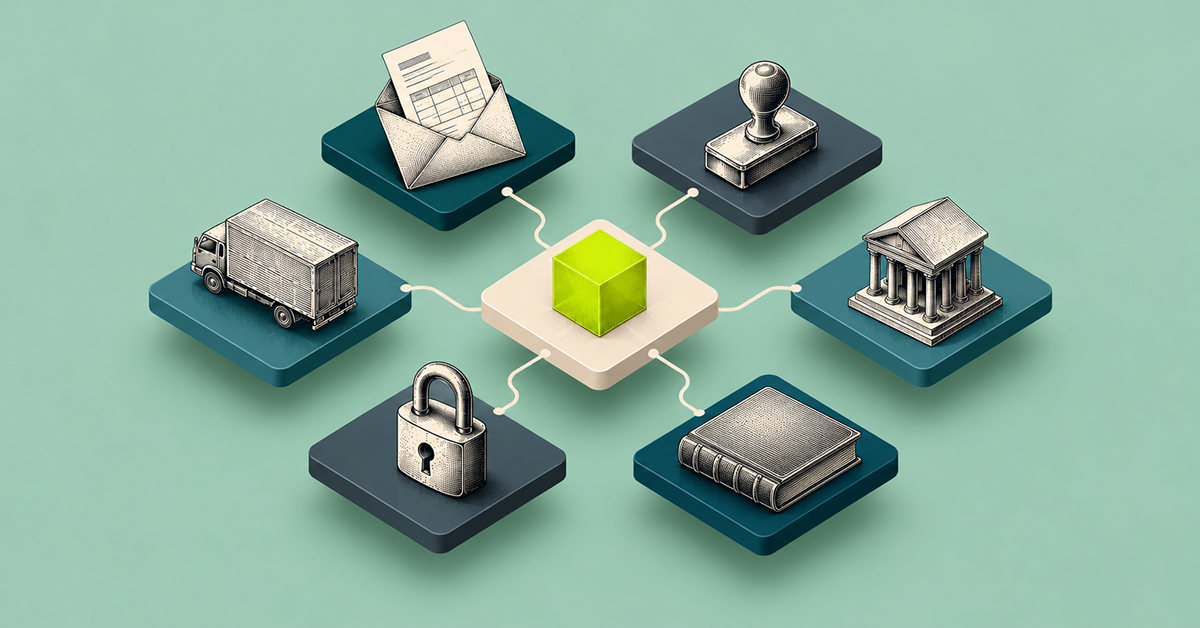
Typical accounts payable process flow chart
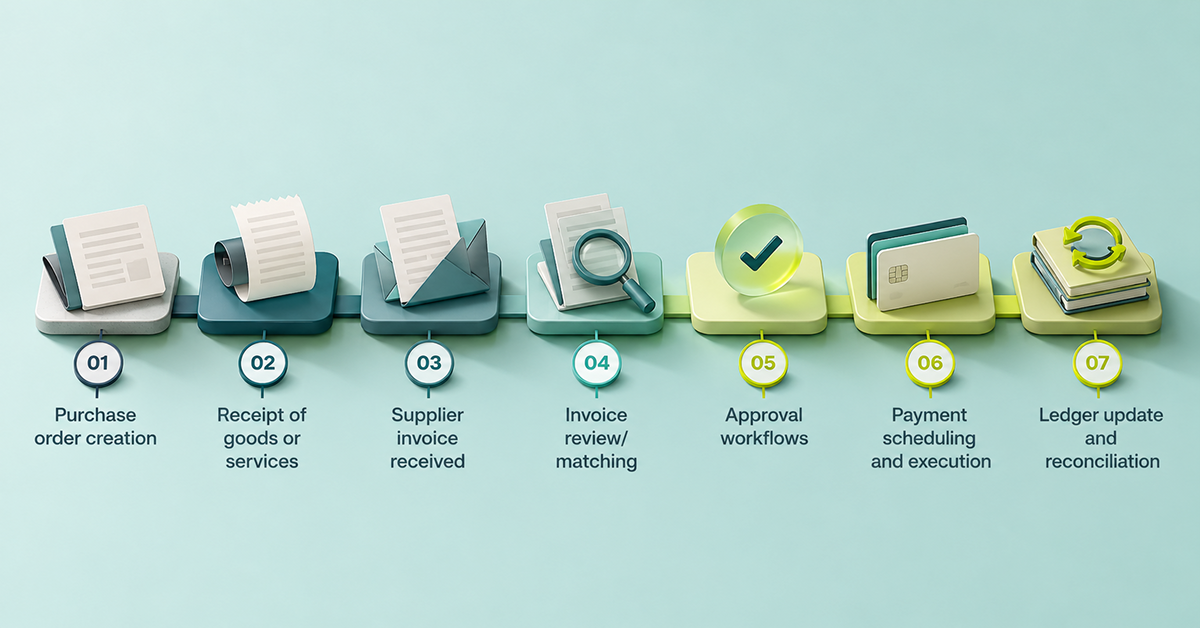
- Purchase order creation
- Receipt of goods or services
- Supplier invoice (vendor invoice) received
- Invoice review/matching (often a three-way match)
- Approval workflows
- Payment scheduling and execution (via EFT, credit card, etc.)
- Ledger update and reconciliation
Each step carries risks - from human error to unauthorized payments - but also opportunities for process improvement and cost reduction.
The full-cycle accounts payable workflow
The full-cycle accounts payable process goes beyond just paying a bill. Let’s break down each step:
1. purchase order (PO) creation
A business unit identifies a need (say, raw materials), creates a PO, and sends it to a supplier. This sets the contractual terms, including payment terms and billing addresses.
2. goods or services receipt
When goods/services arrive, the receiving team checks for accuracy - a core part of the matching process. This is where “receipt to payment” begins.
3. supplier invoice received
Vendors send a paper invoice, digital invoice, or even via an electronic data interchange (EDI). The invoice includes details like amounts, due date, and applicable payment discounts.
4. three-way match
Before approving an invoice for payment, the AP team checks three documents:
- Purchase order
- Goods receipt note
- Supplier invoice
The goal? Confirm the PO matches delivered goods/services and the invoice, reducing entry errors and payment fraud.
5. approval workflows
Invoices go to designated budget owners or department heads for sign-off. Segregation of duties is key here - so no one person controls the whole accounts payable payment process.
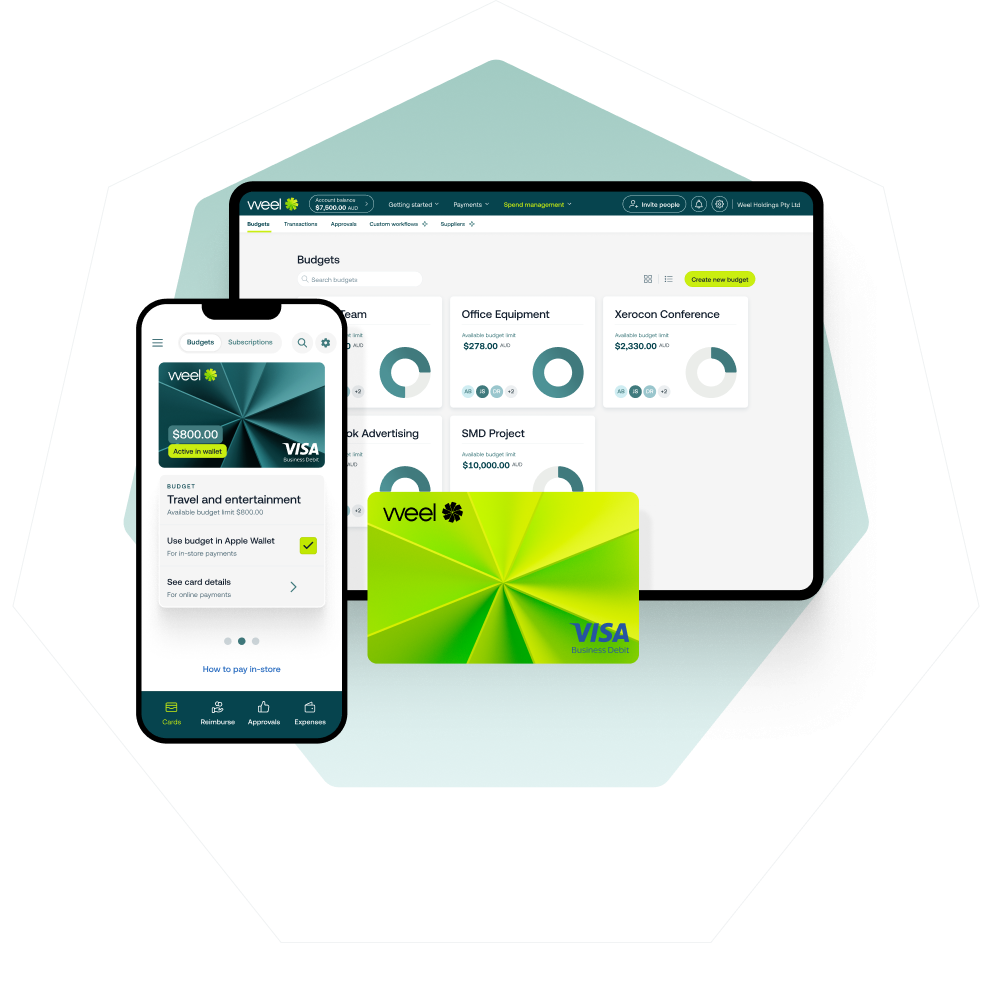
When volume builds up, Weel approves invoices in bulk: select up to 100 invoices and approve them at once. Bulk approvals are in all plans.
6. payment scheduling
Once approved, invoices are added to the payment schedule (aligning with your payment terms - e.g., Net 30/45). Smart AP teams use digital dashboards to track all outstanding debts and future payment obligations.
7. payment execution
Payment is issued - often by batch payments, BPAY, Automated Clearing House (ACH), credit card, or even (rarely, now) paper checks. Remittance advice is sent to the supplier.
In Weel, batch payments let you submit up to 100 approved invoices as one payment run. The batch appears in the Ready to pay tab, with an optional payment date, and gets its own sign-off, separate from invoice approval. Weel also pays BPAY bills (councils, utilities, telcos, the ATO) straight from the platform: the biller code and CRN are read from the invoice, and the bill follows the same approval workflow as every other invoice.
8. ledger update & reconciliation
Entries are posted in the accounting software. Regular reconciliation with bank statements and the accounting ledger prevents outstanding liability buildup and ensures accurate financial records.
Supplier records matter here too. Weel’s supplier view shows all invoices, purchase orders and credits for a supplier, plus historical spend, and supplier credit notes are recorded and applied in Weel, so what you owe each supplier stays accurate.
Tip: What is a 3-way match and why does it matter?
A three-way match compares the PO, goods receipt, and supplier invoice before payment. This dramatically lowers duplicate invoice risk, prevents unauthorized payments, and keeps your AP team audit-ready.
How does a payment run work in accounts payable?
A payment run is the point where a business pays a group of approved supplier invoices together, instead of one at a time. In Weel, batch payments handle the run. Submit up to 100 approved invoices as a batch and they appear in the Ready to pay tab. Set a payment date or leave it open. Each batch gets its own sign-off, separate from invoice approval, and you can view every batch and its status. Payments still execute individually. Batch payments are in all plans.
Common challenges in the AP process

Traditional, manual accounts payable process and procedures leave your business exposed to major operational risks:
- Manual entry delays: Keying invoices by hand slows down invoice processing, especially as your vendor count grows.
- Lack of approval visibility: Invoices get lost in email inboxes, causing payment delay and missed supplier discounts.
- Late or missed payments: Without clear workflows, payment deadlines slip, resulting in late payment charges - or, worse, strained vendor relationships.
- Duplicate payments or fraud: Lack of systematic checks means you might pay the same bill twice or fall victim to fake invoices.
- Fragmented data: Paper invoices, spreadsheets, and disconnected systems hinder effective cash flow management and create bottlenecks in process improvement.
- Costly errors: Manual errors stack up fast, with one 2020 survey of more than 250 CFOs, commissioned by an AP software vendor showing that 72% of finance teams spend up to 10 people-hours per week, or 520 hours per year on AP-related tasks that could be automated.
Why modern finance teams are embracing automation
A manual AP process isn’t just time-consuming. It slows your growth, blinds you to risks, and drains your cash reserves. That’s why finance leaders are adopting accounts payable process automation to:
- Eliminate manual data entry and human intervention
- Standardise approval processes and provide built-in audit trails
- Accelerate processing times for invoices and payments
- Minimise costly errors and late payment penalties
- Give full real-time visibility on all current liabilities
Weel: your secret weapon for modern AP
With Weel, you get:
- AI-powered invoice capture: Optical Character Recognition (OCR) extracts and auto-populates invoice data, reducing manual work.
- Supplier import: Import your suppliers in one click, and see all invoices, purchase orders and credits for each supplier.
- Custom approval workflows: Ensure every payment gets the right eyes, with role-based access for the payable team.
- Batch payments: Submit up to 100 approved invoices as one payment run, with its own sign-off, and avoid manual payment runs.
- Two-way Xero integration: Real-time sync of bills and payments, cutting out re-entry.
- Remittance automation: Suppliers are kept in the loop, supporting positive relationships with vendors.
How to improve your accounts payable process
Ready to level up your AP management? Start here:
- Digitise your intake: Transition from paper invoices to electronic invoices and smart scanning.
- Standardise approval workflows: Use platforms like Weel to configure multi-step checks and payment authorisation rules.
- Real-time visibility: Dashboards track invoice receipt, approval, and payment status - keeping the payable function transparent.
- Schedule payments: Set up future payment schedules to make the most of early-payment discounts and avoid late payment fees.
- Align AP with procurement: Make sure every AP entry can be traced back to its originating PO - supporting audit trail and reducing unauthorized payments.
- Reconcile regularly: Routine reconciliations protect against double payments and missing liabilities.
- Automate reconciliation: Integrated with accounting software, your payable balance always aligns with your ledger and bank statements.
Ready to cut admin, control costs, and automate your AP process? See how Weel’s accounts payable automation makes it simple.
Strengthening supplier relationships through efficient AP
On-time, reliable payments aren’t just a compliance obligation - they’re a strategic advantage.
- Build trust: Vendors receive funds on time, boosting your standing as a preferred partner.
- Negotiate better terms: Consistent payment terms and transparent workflows give you room to negotiate discounts or favourable terms.
- Avoid penalties: Late payment penalties and double payments disappear with automated processes.
- Communicate clearly: Remittance advice and status dashboards improve communication and reduce friction.
Strong vendor relationships mean better prices, priority access to materials on credit, and stronger support - critical for long-term business health.
How Weel makes AP automation simple
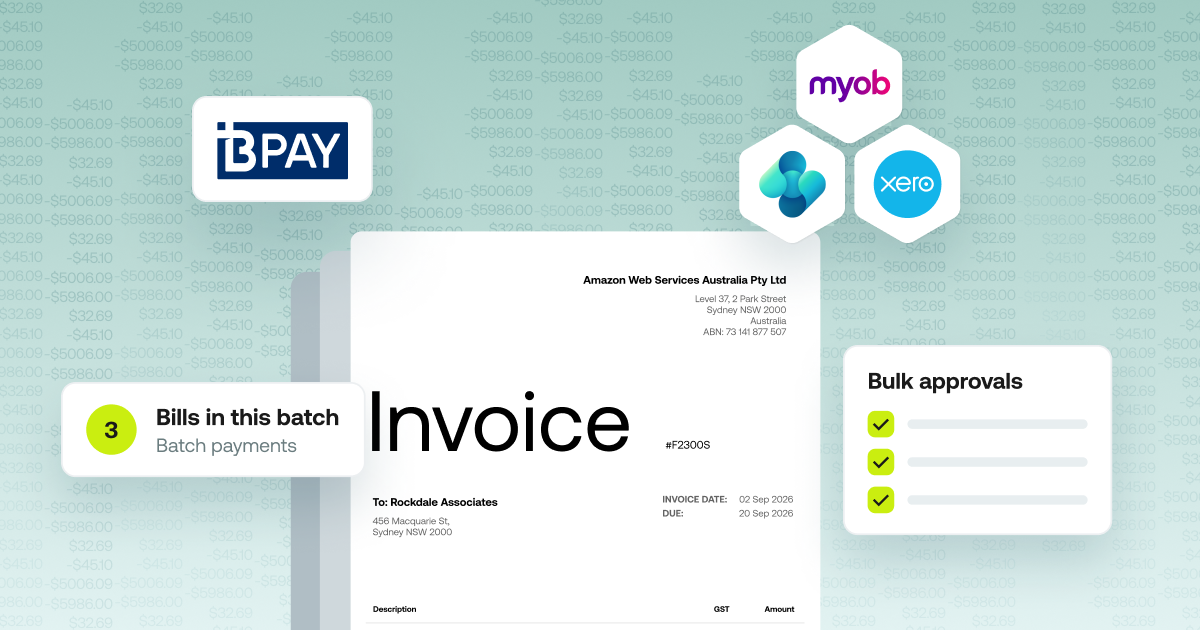
4,000+ finance teams in Australia and New Zealand use Weel. When it comes to payable management, Weel delivers:
- Batch payments: Submit up to 100 approved invoices as one payment run. Batches appear in the Ready to pay tab, with an optional payment date and their own sign-off.
- BPAY: Pay BPAY bills (councils, utilities, telcos, the ATO) straight from Weel, with the biller code and CRN read from the invoice.
- Real-time integration: Every bill created or updated in Weel is instantly mirrored in Xero.
- Automated approvals: Approvers receive instant notifications - no more chasing signatures - and each step is tracked digitally. Bulk approvals cover up to 100 invoices at once.
- Full mobile and desktop workflow: Keep approvals and payment processing moving, even on the go.
- Visibility & Control: Budgets, role-based permissions, and duplicate invoice and changed bank details checks before payment.
Conclusion
A strong, effective accounts payable process and procedures framework drives more than admin savings - it powers better cash flows, healthier supplier relationships, and smarter financial decisions.
With automation like Weel, you go from manual drudgery and costly errors to a clear, hands-off experience. No complexity, just complete control.
Ready to simplify your AP process? Take the product tour or book a demo with our team today!