





Disclaimer: This article provides general information only and is not tax or financial advice. Tax obligations vary by business type and circumstance. We recommend consulting a registered tax agent or visiting ato.gov.au for guidance specific to your situation.
Weel AP is included in every Weel plan, and 4,000+ finance teams in Australia and New Zealand use Weel. This article walks through each stage of the loop, written for finance ops, CFOs and bookkeepers.
What Complete AP means
Complete AP means the whole loop runs in Weel: capture, approve, pay, sync. An invoice arrives, Weel reads it, the right people approve it, you pay it, and the invoice and payment land in your accounting platform. Nothing moves to a spreadsheet, an inbox thread or a separate payments portal along the way.
Three value props run through every section below:
- Less manual work. Weel extracts the details, routes the approval and posts the result to your accounting platform, so your team stops retyping and chasing.
- One platform for everything. Invoices, approvals, payments, suppliers and credits live in the same place as the rest of your spend.
- Reduced risk. Every invoice carries an audit trail, and Weel checks for duplicates and changed bank details before payment.
For the fundamentals behind the process, accounts payable process and procedures covers each stage in detail. The sections below show how Weel runs them.
Capture every invoice without retyping
Capture is where manual work usually starts, so Weel takes it over first.
- AI extraction. Weel's AI extracts the details from every invoice, so your team reviews rather than types.
- Supplier import. Weel imports your suppliers in one click, so they are ready before the first invoice arrives.
- A dedicated email address. Each business assigns itself a dedicated email address. Forward invoices to it and they land in Weel ready for review.
The result is one intake point for every invoice. For a wider view of how intake fits with the rest of the process, see invoice management software in Australia.
Approve with routing rules and an audit trail
Once an invoice is captured, Weel routes it to the right person. You set the rules; Weel applies them to every invoice. Routing works by amount, department, supplier category, GL code, cost centre, budget, role or named approver. One rule sends anything over a set amount to a finance lead; another sends invoices coded to a cost centre to the person who owns that budget.
When invoices pile up at month end, bulk approvals clear the queue: approve up to 100 invoices at once. Bulk approvals are included in every plan.
Every invoice carries an audit trail, so you see what happened to it and who approved it. That is reduced risk in practice: the evidence sits in the same place as the invoice. If approvals are where your process slows down, how invoice approval software removes bottlenecks goes deeper on the problem.
Pay by BPAY, batch payment or bank transfer
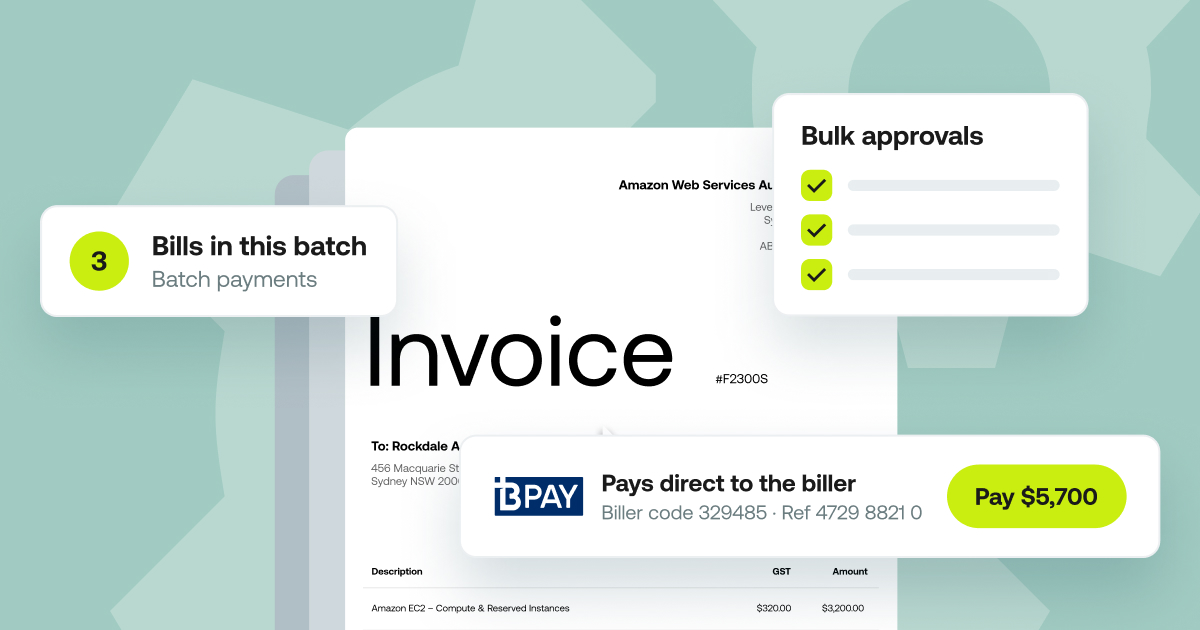
Approved invoices move straight to payment, in the same platform and under the same approval workflow.
BPAY
Weel pays BPAY bills, including councils, utilities, telcos and the ATO, straight from the platform. It reads the biller code and CRN from the invoice, so nobody keys them in by hand.
Batch payments
Submit approved invoices as a batch for one payment run, with up to 100 invoices per run. Batches appear in a "Ready to pay" tab. Set a payment date or leave it open, and view every batch and its status. A batch gets its own sign-off, separate from invoice approval, so approving an invoice and releasing a payment run are two distinct steps. Payments still execute individually. Batch payments are included in every plan.
Domestic and international
Weel pays suppliers by domestic and international bank transfer. International transfers carry a flat 0.95% FX fee. For the wider picture on paying overseas suppliers safely, read international accounts payable.
Checks before money moves
Weel runs a duplicate invoice check and a changed bank details check before payment, so a repeat invoice or a swapped account number is flagged before it becomes a loss.
Credit notes and the supplier view
Complete AP covers what happens around the invoice too.
Credit notes
Record and apply supplier credit notes in Weel.
The supplier view
Open any supplier and see all of their invoices, purchase orders and credits, plus historical spend. When a supplier calls about a payment, the full history is on one screen. For more on managing suppliers well, see supplier management software: what to look for.
Syncs with Xero and MYOB AccountRight
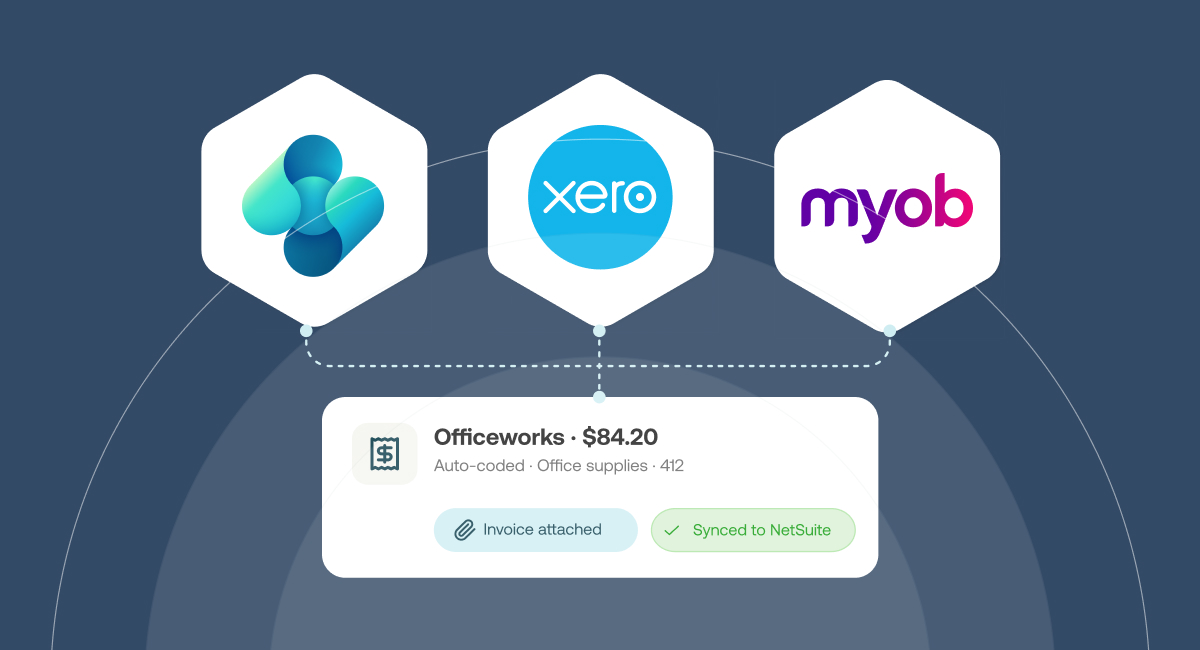
The loop closes when approved and paid invoices reach your books.
- Xero. Weel runs a two-way AP sync of bills and payments with Xero.
- MYOB AccountRight. Weel runs a two-way AP sync of bills and payments with MYOB AccountRight, in all plans.
- Business Central. Weel syncs bills and suppliers with Business Central on the Enterprise plan.
Coding happens in Weel and the result reaches your accounting platform, which makes month-end reconciliation a check rather than a rebuild. Payment reconciliation explains how to run it.
Who Complete AP is for
Finance teams
Finance ops get one queue for every invoice. CFOs get routing rules, a separate sign-off on payment runs and an audit trail on every invoice, so control is visible in one place.
Bookkeepers and accountants
Bookkeepers code, review and approve client invoices in Weel without holding or seeing the business's bank account login. The client keeps control of the bank; the bookkeeper keeps the workflow moving.
Get set up with Complete AP in five steps
- Connect your accounting platform. Link Xero or MYOB AccountRight (or Business Central on Enterprise).
- Import your suppliers. One click brings them in.
- Set your approval workflow. Choose the routing rules that match how your business signs off spend.
- Choose how you pay. BPAY, batch payments, or domestic and international transfers.
- Pay your first invoice. Forward it to your dedicated email address, approve it and pay.
AP is included in every Weel plan. See the whole loop on your own invoices.