





Disclaimer: This article provides general information only and is not tax or financial advice. Tax obligations vary by business type and circumstance. We recommend consulting a registered tax agent or visiting ato.gov.au for guidance specific to your situation.
What is payment reconciliation?
To reconcile, in plain accounting terms, means checking that two records agree: your internal ledger on one side, an external source of truth on the other. That's what account reconciliation and reconciliation in accounting more generally come down to, reconcile accounts against the bank, confirm they match. Payment reconciliation applies the same check across every payment method a business uses, not just one.
That includes corporate card transactions, employee expense claims and reimbursements, invoice payments to suppliers through accounts payable, and direct bank transfers. Each of these creates its own trail: a card statement line, a reimbursement record, a paid invoice, a bank debit. Payment reconciliation is the process of lining every one of those trails up against the bank feed and the general ledger. It confirms the amount and the date match, checks the coding (GST included), and flags anything that doesn't.
Done properly, the books are accurate, not just complete-looking. Done badly, or done manually, it's the reason month-end runs long.
How does payment reconciliation differ from expense reconciliation?
Expense reconciliation and card reconciliation are both part of payment reconciliation, but neither covers the whole picture on its own.
Expense reconciliation deals specifically with what a team member submits: a receipt, a coded expense claim, an approval, a reimbursement. Credit card reconciliation deals specifically with matching card statements against transaction records. Payment reconciliation sits above both.
It covers card spend and expense claims, the same ground those two narrower processes cover. It also covers invoice payments made through accounts payable. And it covers payments that move straight from the business bank account, neither of which shows up in an expense claim at all.
The distinction matters because a business that only reconciles expenses or only reconciles cards still has blind spots everywhere else money moves. For the expense-specific version of this process, see Expense reconciliation: what it is and how it works. For the card-specific version, see Credit card reconciliation: a step-by-step guide for Australian finance teams.
What payment reconciliation covers
A finance team reconciling payments properly is working across at least four sources at once.
Corporate card transactions
Every card swipe needs to be matched to a receipt, coded to the right account and GST category, approved by a manager, and confirmed against the card statement. This is the fastest-moving payment type and the one most likely to pile up if it's not automatic.
Expense claims and reimbursements
Out-of-pocket spend that a team member pays for personally and claims back sits alongside card spend. It follows a different path: submission, approval, payment, then reconciliation against the bank transfer that pays it out.
Invoices and accounts payable
Supplier invoices get matched against purchase orders, approved for payment, and paid. Then they're reconciled against the bank debit and the accounts payable ledger, the reconciliation of bills that most finance teams associate with an AP close.
This is usually where automated invoice processing does the heavy lifting, matching invoice data to payment records without anyone re-keying figures. It's a big enough job on its own that we've covered it in detail in Invoice management software in Australia. Here, it's one payment type among several that all need to land in the same reconciled view.
Whether invoices are paid one by one, in batches of up to 100 or via BPAY, the supplier view shows all invoices, purchase orders and credits for that supplier alongside historical spend. Payments sync to Xero or MYOB AccountRight through the two-way bill and payment sync. For more on this process, see accounts payable automation.
Bank transfers and direct payments
Some payments move straight from the business bank account: supplier payments outside the AP flow, payroll-adjacent transfers, one-off payments. These still need to be matched against the ledger like everything else.
Why payment reconciliation breaks down
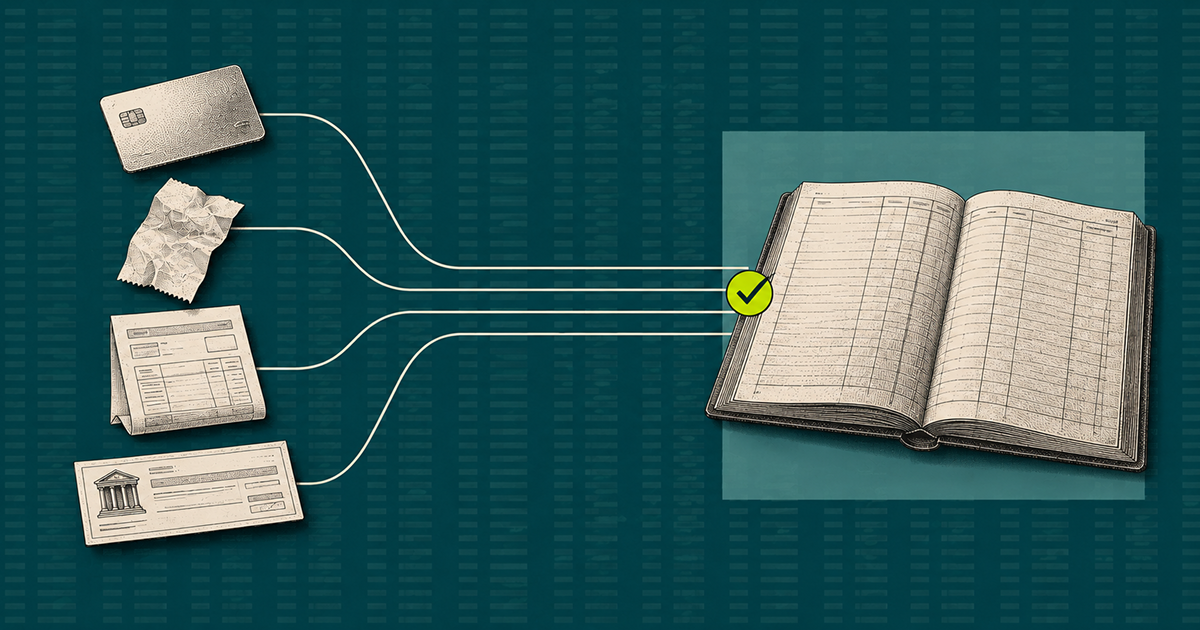
Most finance teams don't lose reconciliation to one big failure. They lose it to fragmentation: four payment types, four systems, four sets of records that never talk to each other.
A few patterns show up again and again:
- Different tools for different payment types: Cards live in one platform, invoices in another, reimbursements get tracked in a spreadsheet. Nothing reconciles against a single source of truth, so someone has to reconcile the reconciliations.
- Manual matching: Line-by-line checking against a bank statement is slow and error-prone, and it's usually left until month-end, when the backlog is largest.
- Delayed sync to accounting software: If card and invoice data doesn't land in Xero, MYOB or NetSuite until days after the spend happens, the ledger is working from stale information.
- GST and coding errors: A transaction reconciled against the wrong GST category still balances on paper, but it's wrong. This is the kind of error that surfaces at BAS time, not before.
- No audit trail: Then reconciliation happens across spreadsheets and email approvals, reconstructing what happened, and why, takes far longer than it should if the ATO or an auditor comes asking.
What is reconciliation software?
Reconciliation software is a system that automatically matches transaction records, cards, invoices, bank transfers, against bank feeds and the general ledger, instead of a person checking each line by hand. Rather than exporting statements and cross-referencing them manually, the software ingests the bank feed directly and matches it to coded, approved transactions in real time. Xero's own guidance on bank reconciliation covers the same basic idea from the accounting software side. What's in the books has to match what's really in the bank.
What to look for in reconciliation software
Not all reconciliation software covers all payment types, and that's the first thing to check.
- Multi-method coverage: It should reconcile cards, expenses, invoices and bank transfers in one place, not just one payment type with the others bolted on.
- Direct accounting integration: Native sync with Xero, MYOB or NetSuite matters more than a generic export function. To-the-minute reconciliation depends on the data arriving as spend happens, not at month-end.
- Automatic GST coding: The software should apply and check GST categories as part of the match, not leave it for someone to fix later.
- Approval workflows built in: Reconciliation is only as reliable as the approvals behind it. Software that routes and enforces approval, rather than just recording who signed off, closes more of the loop.
- An audit trail by default: Every match, every approval and every exception should be logged automatically, so the record is already there if it's ever needed.
How can businesses automate payment reconciliation?
Automated payment reconciliation means the matching happens as spend occurs, not in a batch at the end of the month. The aim is to reconcile payments, every card transaction, invoice and transfer, continuously, so no one has to reconcile payment records by hand at close. Three things make that possible.
First, every payment type feeds into one system. Card transactions, expense claims, invoice payments and bank transfers all reconcile against the same bank feed and the same ledger, instead of four separate processes producing four separate answers.
Second, matching and coding happen automatically. Transactions are coded to the right account and GST category as they occur. Approvals are routed and enforced without a manager needing to be chased. The match against the bank feed happens continuously, not in a monthly sweep.
Third, the accounting sync is real time. Reconciled data lands in Xero, MYOB or NetSuite as it's confirmed, so the ledger reflects reality on any given day, not just on the day someone finally closes the books.
How Australian and New Zealand finance teams use Weel for payment reconciliation
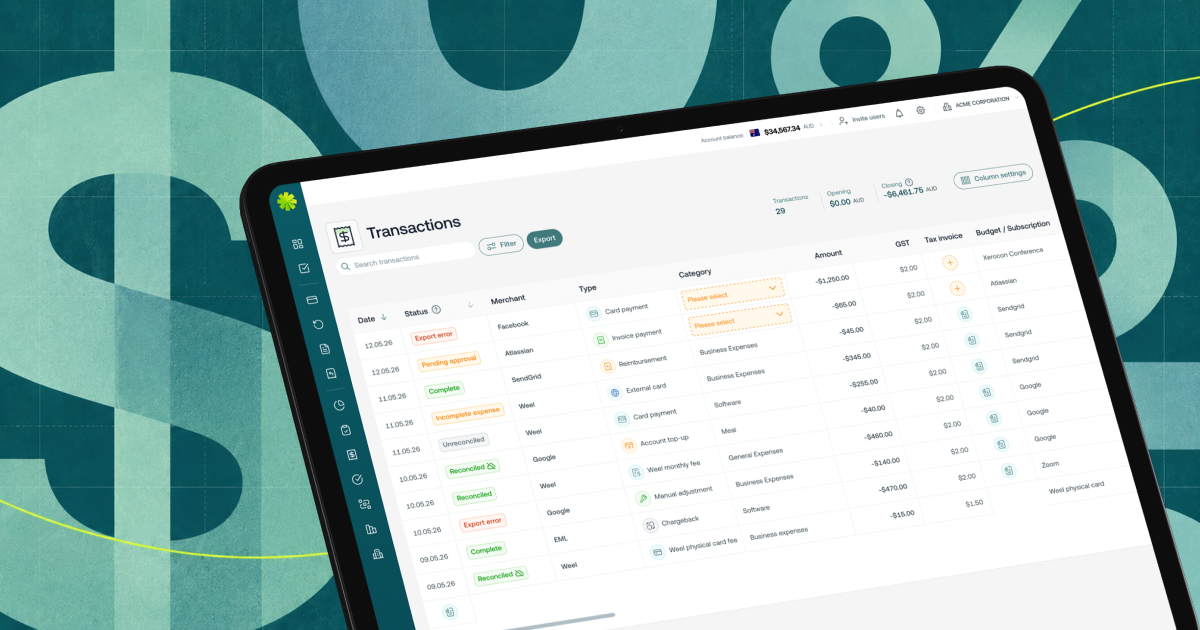
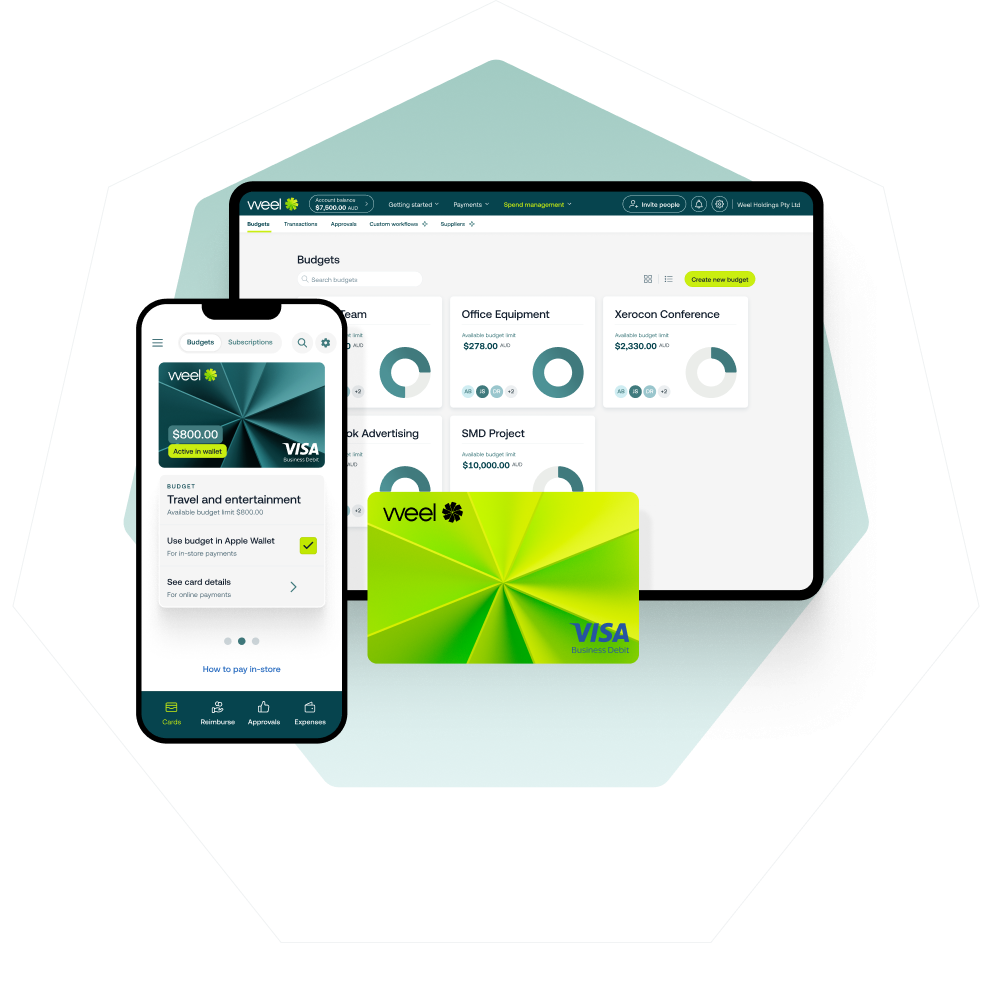
Weel brings cards, expenses and accounts payable into one system, so finance teams aren't stitching separate processes together to get one answer. Transactions are coded and approved in Weel, then synced to Xero or MYOB.
A card purchase is captured and categorised the moment it's made, with the receipt attached automatically and the approval routed to the right person without anyone needing to chase it. Invoices are captured with AI, coded, routed for approval, paid and synced to Xero or MYOB AccountRight through the two-way bill and payment sync. Businesses across Australia and New Zealand run their expense management, corporate cards and accounts payable through Weel: one platform, not four.
The bottom line
Payment reconciliation only works when every payment type feeds the same match against the same bank feed and the same ledger. Treat cards, expenses, invoices and bank transfers as four separate jobs and month-end will always be a scramble to find where the gaps are. Treat them as one continuous process and the books are accurate before anyone has to ask.
Ready to see it in practice? Book a demo or take the product tour to see cards, expenses and invoices in one place.