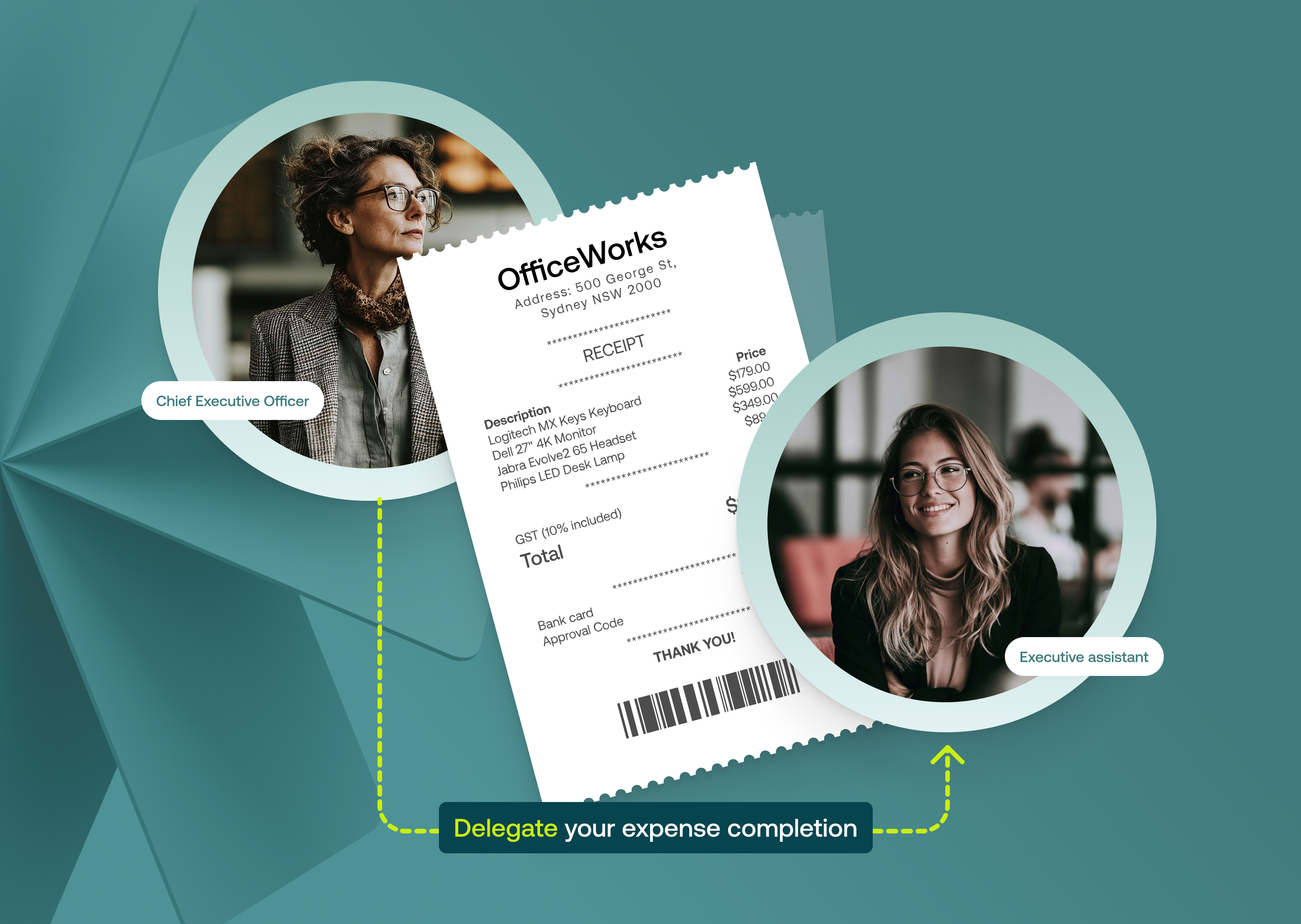
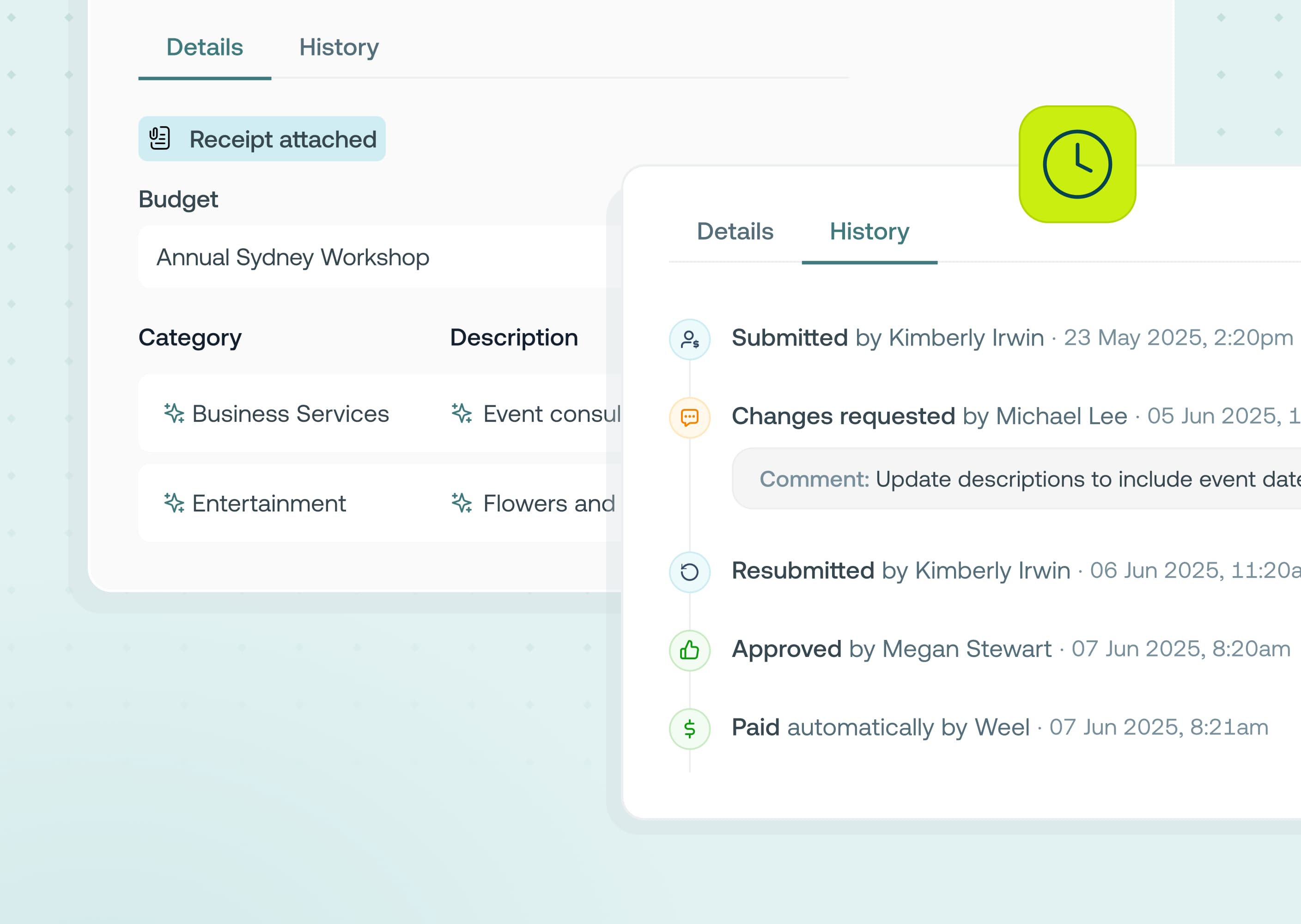
You can now set a minimum amount for budget card, subscription card and reimbursement transactions where a receipt is mandatory for submission. Transactions below this threshold are automatically marked as “no tax invoice", while purchases at or above your threshold require an receipt to submit the expense.
This is available to all customers on the Premium and Enterprise plans.
Chasing receipts for small purchases is time-consuming and often unnecessary for many businesses. This update helps you:
Finance leaders and managers who don’t require invoices for low-value card and reimbursement purchases and are wanting to speed up expense submissions without lowering standards for higher-value spend.
1. Go to Settings → Expense Fields → Tax Invoices
2. For each transaction type, set Tax Invoice requirement to Mandatory
3. Set the threshold amount you want (in your account currency)
4. Save your changes: going forward any card transaction or reimbursement will require receipts as per the new threshold setting.



©2017 - 2026 Weel Holdings Pty Ltd
All rights reserved