





Disclaimer: This article provides general information only and is not tax or financial advice. Tax obligations vary by business type and circumstance. We recommend consulting a registered tax agent or visiting ato.gov.au for guidance specific to your situation.
More than 4,000 finance teams in Australia and New Zealand use Weel to automate bill payments without losing control of who approves what. Weel handles the full path for supplier invoices. It captures the invoice, routes it for approval, and pays it, all in one place, with no ABA files and no chasing approvals over email. This guide covers how that works, which invoices to automate, and how to set it up in five steps.
What it means to automate bill payments
Automating bill payments means setting your rules once and letting the software follow them on every invoice. The invoice arrives, the details are read, the right people approve it, and the payment goes out on the date you choose. Your accounting platform stays in sync the whole way.
Done well, it replaces the re-keying, the email forwarding and the "who has signed this off?" messages. Done badly, it hides mistakes. That is why the checks matter as much as the speed, and why this guide spends time on both.
The challenge of paying your suppliers
Good supplier relationships depend on agreeing sensible terms, processing invoices quickly and paying on time and in full. The accounts payable process makes that harder than it looks, because errors and delays can creep in at several points.
- Data entry is time-consuming. Your finance team types invoice details into the accounting system by hand, which takes time away from higher-value work.
- Workflows are specific to each business. Every company approves and pays differently, and one-size-fits-all tools force workarounds that invite errors.
- Only the finance team can pay. A budget owner who raised the purchase still waits on someone else to process the invoice, which adds a step.
- Cashflow is hard to read. Knowing which suppliers need paying, and when, takes manual effort, so payments land late or too early.
How Weel automates bill payments, from invoice to payment
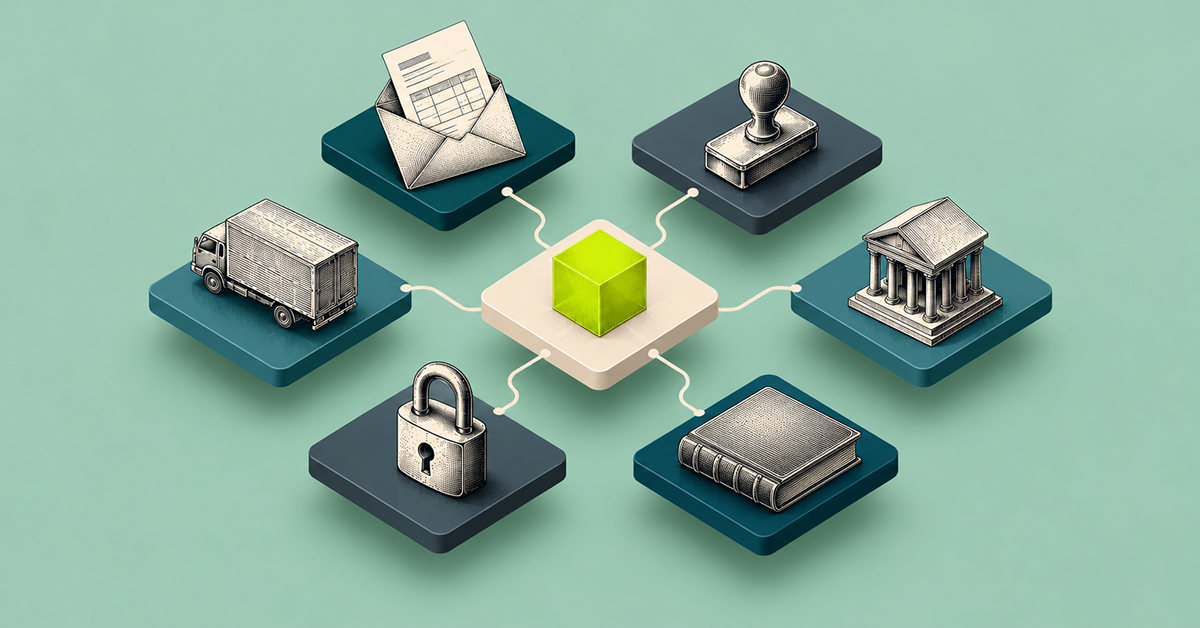
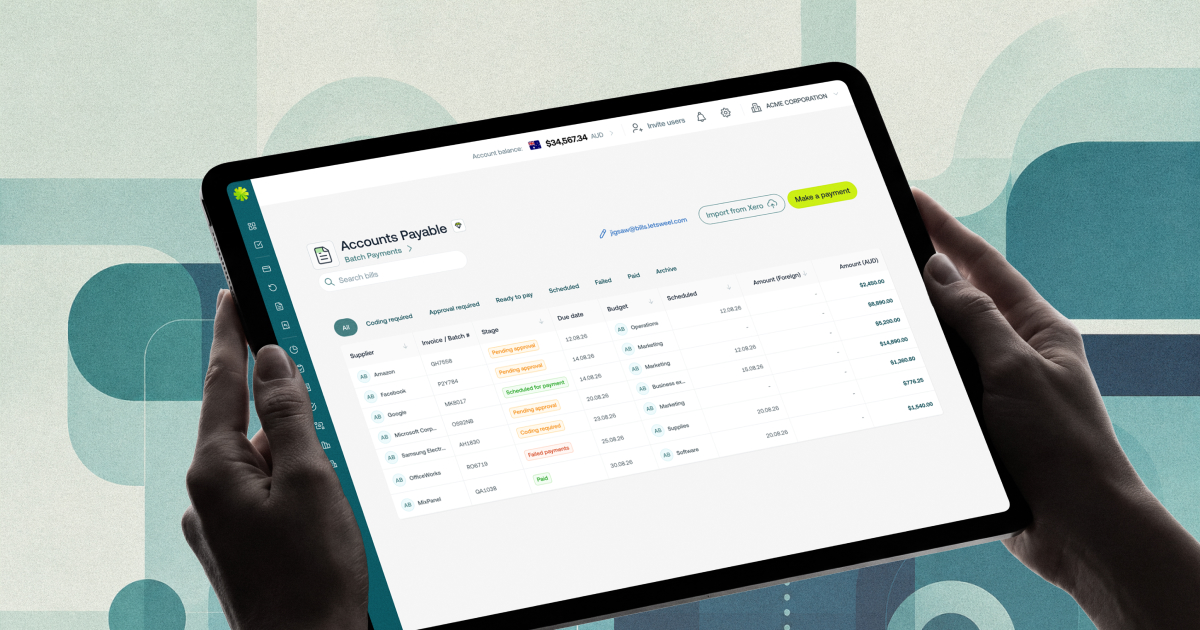
Weel Accounts Payable is built around one idea: capture, approve and pay, all in Weel. Here is what happens at each stage.
Capture invoices without typing
Each business gets a dedicated email address and forwards supplier invoices to it. AI extracts the details from every invoice, so your team does not key in suppliers, amounts or due dates. Supplier import takes one click, so your existing suppliers are in Weel from day one. For each supplier, the supplier view shows every invoice, purchase order and credit, plus historical spend.
Approve with your own rules
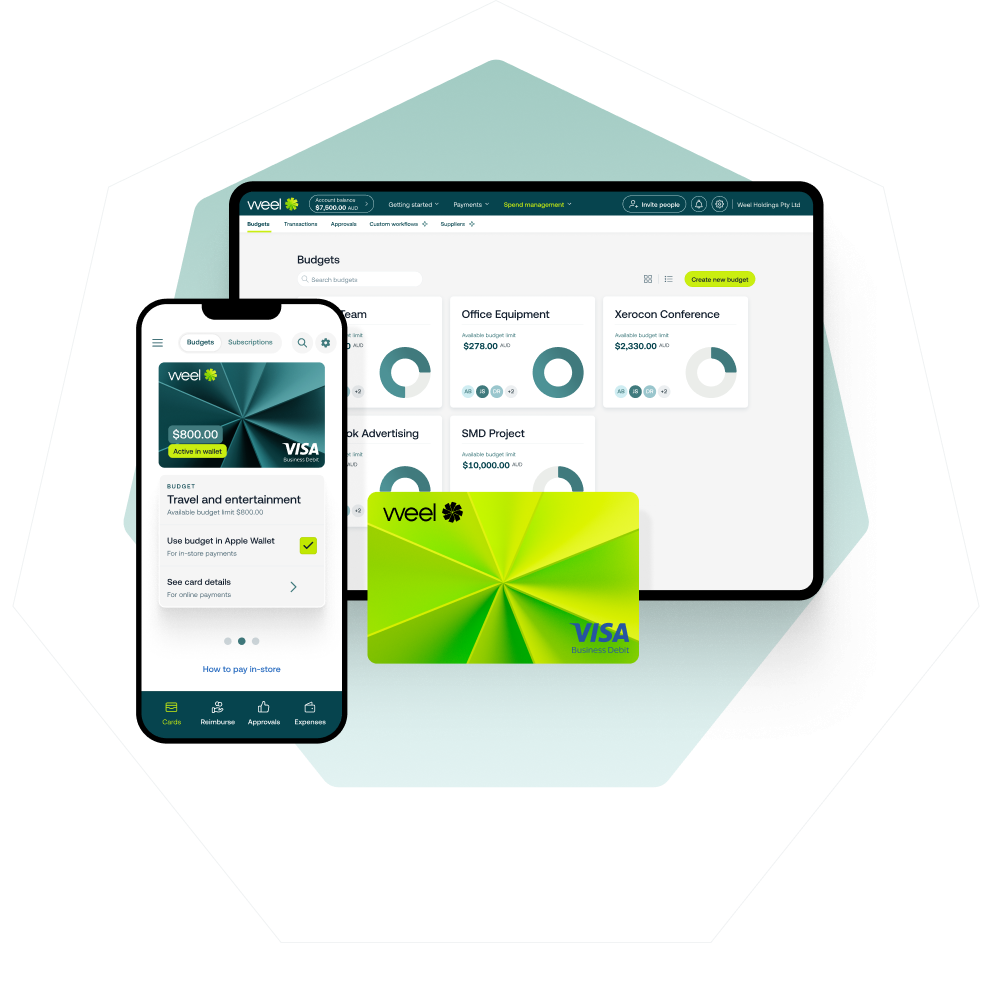
Weel routes each invoice by amount, department, supplier category, GL code, cost centre, budget, role or named approver. Your rules decide who sees what, so the person who owns the budget approves it. When a queue builds up, bulk approvals clear up to 100 invoices at once. Bookkeepers and accountants code, review and approve client invoices in Weel without holding or seeing the business's bank account login.
Before any payment goes out, Weel runs a duplicate invoice check and a changed bank details check. These two checks catch the errors that cost the most to unwind.
Pay in the way each invoice needs
- BPAY. Weel pays BPAY bills for councils, utilities, telcos and the ATO straight from Weel. The biller code and CRN are read from the invoice, and the invoice follows the same approval workflow as every other.
- Batch payments. Submit approved invoices as a batch for one payment run, up to 100 invoices per run. They appear in the Ready to pay tab, where you set a payment date or leave it open. You see every batch and its status. The batch has its own sign-off, separate from invoice approval, and payments still execute individually.
- Bank transfers. Pay domestic and international transfers from Weel. International transfers carry a flat 0.95% FX fee.
Supplier credit notes are recorded and applied in Weel, so what you owe matches what you pay.
Stay in sync with your accounting platform
Weel connects to Xero and MYOB AccountRight with a two-way AP sync of bills and payments. What you approve and pay in Weel shows in your ledger without a second round of entry. Both syncs are in every plan.
Which invoices to automate, and which to keep reviewing

Not every invoice suits the same treatment.
- Automate the predictable ones. Regular invoices that barely change each month, such as rent, utilities or a recurring supplier, suit a fixed approval rule and a scheduled payment date.
- Use BPAY for council, utility, telco and ATO bills. The biller code and CRN come from the invoice, so there is nothing to retype.
- Keep a human look on the rest. Subscriptions and free trials deserve a regular review. "Set and forget" is how a cancelled tool keeps billing you for months.
How to set it up
- Connect your accounting platform. Link Xero or MYOB AccountRight so bills and payments sync in both directions.
- Import your suppliers. Bring your supplier list in with one click.
- Set your approval workflow. Choose your routing by amount, department, supplier category, GL code, cost centre, budget, role or named approver.
- Choose how you pay. Pick BPAY, bank transfer or batch payments for each type of invoice.
- Pay your first invoice. Forward it to your dedicated email address, approve it and pay.
Keep control after you automate
Automation shortens the work; it does not replace judgement. Three habits keep it honest:
- Spot check regularly. Pick a handful of paid invoices each month and trace them from capture to payment.
- Audit at least once a year. Review your approval rules, your approvers and your supplier list against how the business runs today.
- Review the tools you use. Check that your setup still fits your needs as the business grows.
With the work running quietly in the background, Weel becomes an extra member of your accounts payable team, with a clear view of what is owed. To see how it sits alongside the rest of the process, read more about Weel accounts payable automation.
Curious to see how Weel can fit within your finance function? Book a demo today.