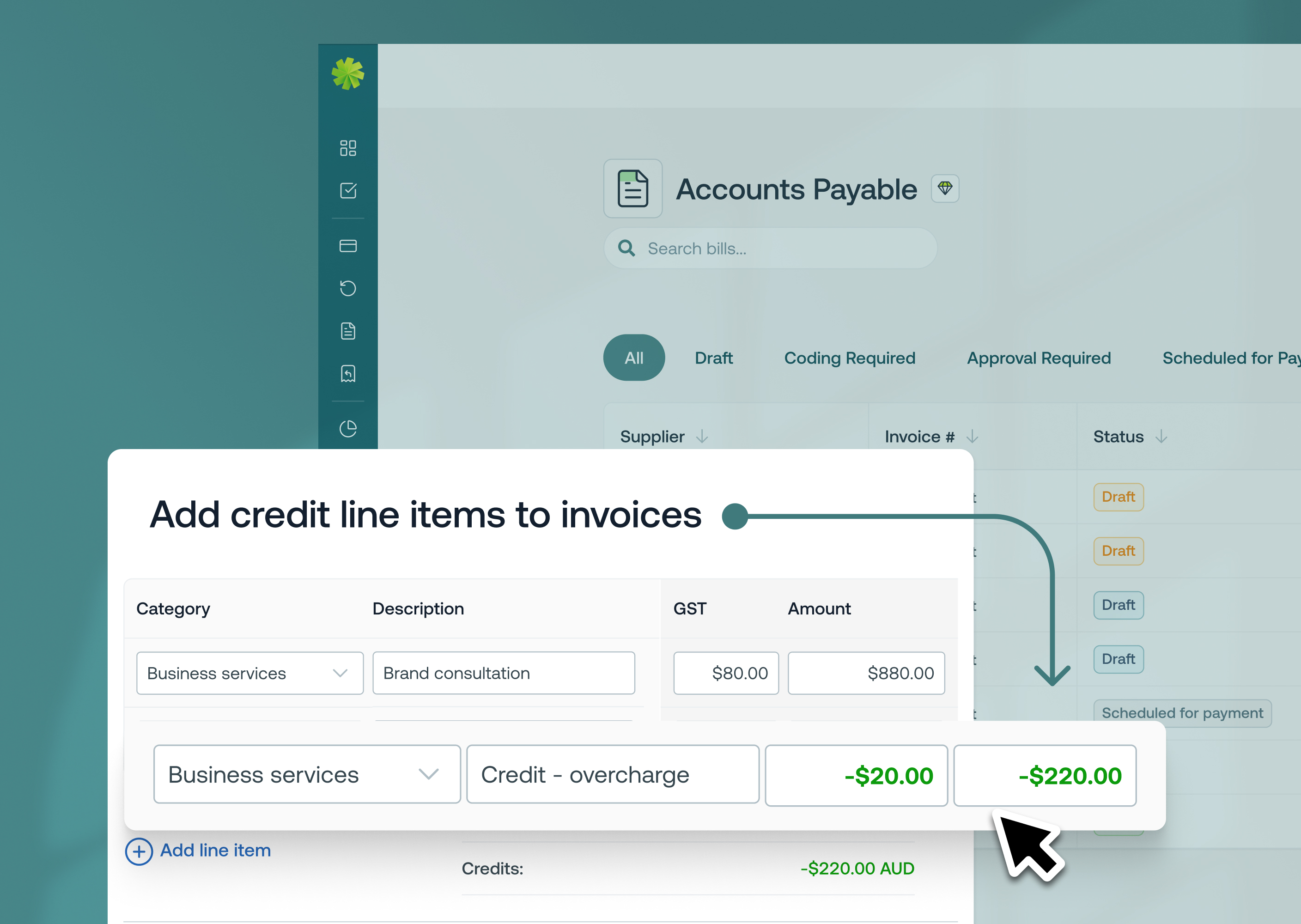
We’ve just released an update that gives you more control over how GST is applied to your invoices in Weel.
Learn more

We’ve made complex approval processes easier to manage and re-prioritise. You can now re-order steps in an approval policy and add helpful descriptions to each step.
Learn more

Managing your invoices and payments just got a whole lot easier. We’re introducing major upgrades to Accounts Payable (formerly Bills) to enhance speed, accuracy, and automation at every step of your workflow.
Learn more
We’ve launched the highly requested “Rollover Unused Budget Funds” feature - also called cumulative or accumulating budgets - enabling you to automatically carry over any unused portion of your budget into the next cycle for maximum flexibility and efficiency.
Learn more
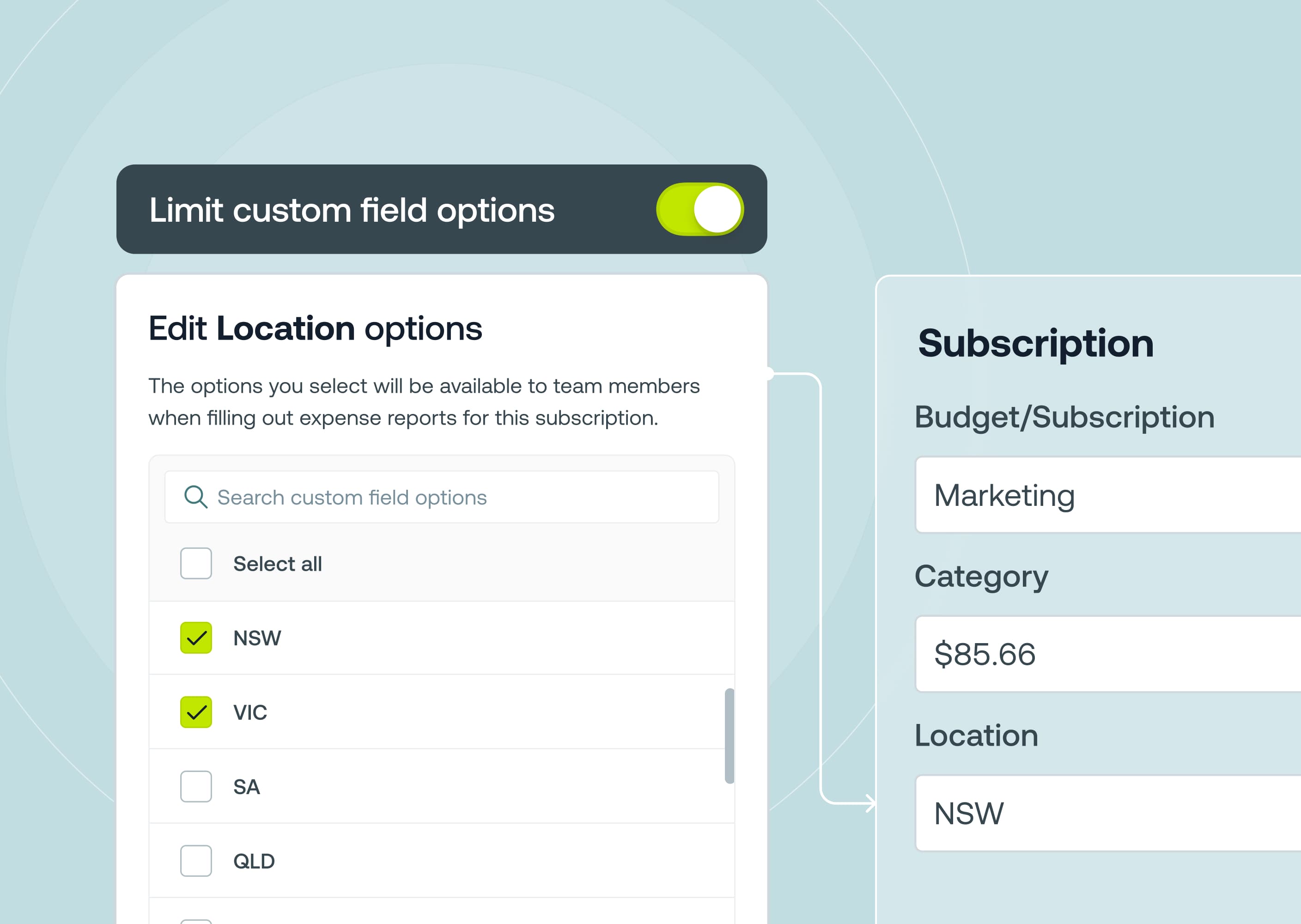
You can now configure a Custom Field to automatically apply to all current and future budgets and subscriptions, eliminating extra steps and reducing the risk of missing crucial data in your workflows.
Learn more
With Subscription Notes, you can now add free text notes to each subscription in Weel, giving you one convenient place to store important information (like renewal dates or seat counts) right where you manage your payments.
Learn more
View exactly who an approval item is currently waiting on, helping you speed up approvals and prevent unnecessary delays.
Learn more
Build your approval policy directly into Weel so that any card payment, bill, reimbursement or top-up is routed for approval to the right people, at the right time. With Weel’s approval policy builder you can say goodbye to long email chains, extra approval software, and reviewing expense report print-outs.
Learn more